

Fog Effect is the built-in effect that can be used with BasicEffect.Implementing
this interface I will show you how to do it.
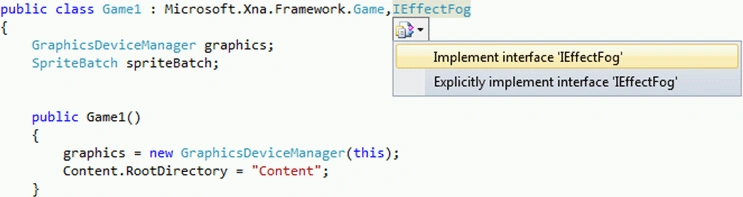
You can implement it writing IEffectFog near Game.And this implementation will
add some functions.
#region
IEffectFog Members
public
Vector3 FogColor
{
get
{
throw
new NotImplementedException();
}
set
{
throw
new NotImplementedException();
}
}
public bool
FogEnabled
{
get
{
throw
new NotImplementedException();
}
set
{
throw
new NotImplementedException();
}
}
public float
FogEnd
{
get
{
throw
new NotImplementedException();
}
set
{
throw
new NotImplementedException();
}
}
public float
FogStart
{
get
{
throw
new NotImplementedException();
}
set
{
throw
new NotImplementedException();
}
}
#endregion
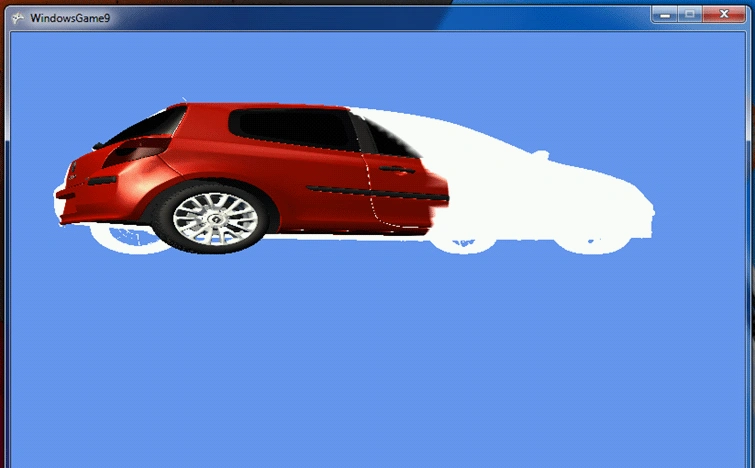
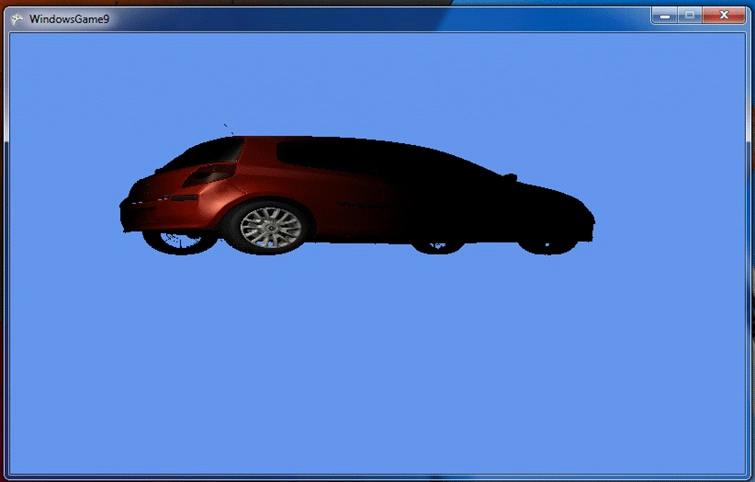
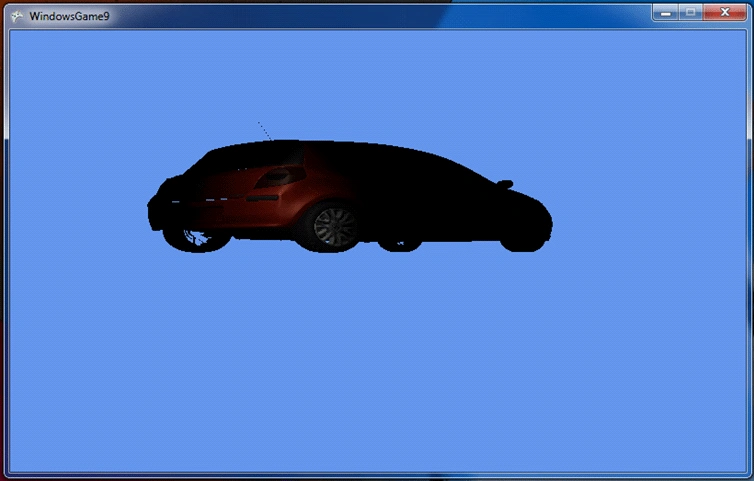
We have used Fog Effect in our previously article. Let's go over from it!
Here's our full code:
using
System;
using
System.Collections.Generic;
using
System.Linq;
using
Microsoft.Xna.Framework;
using
Microsoft.Xna.Framework.Audio;
using
Microsoft.Xna.Framework.Content;
using
Microsoft.Xna.Framework.GamerServices;
using
Microsoft.Xna.Framework.Graphics;
using
Microsoft.Xna.Framework.Input;
using
Microsoft.Xna.Framework.Media;
using
System.IO;
using
System.Diagnostics;
namespace
WindowsGame9
{
public
class Game1 :
Microsoft.Xna.Framework.Game,IEffectFog
{
GraphicsDeviceManager graphics;
SpriteBatch spriteBatch;
float aspectRatio;
Vector3 modelPosition2 =
new Vector3(200.0f,
0.0f, 100.0f);
Vector3 cameraPosition2 =
new Vector3(0.0f,
0.0f, 100.0f);
public Game1()
{
graphics = new
GraphicsDeviceManager(this);
Content.RootDirectory = "Content";
}
protected override
void Initialize()
{
base.Initialize();
}
protected override
void LoadContent()
{
spriteBatch = new
SpriteBatch(GraphicsDevice);
aspectRatio = graphics.GraphicsDevice.Viewport.Width /
graphics.GraphicsDevice.Viewport.Height;
}
protected
override void UnloadContent()
{
}
Join the conversation! Your thoughts help the community grow.