

What is ngFor?
ngFor is a directive that is used for iteration on the collection of data. ngFor has inbuilt variables which help to detect Index, First, Last anFirst, Even items at runtime.
ngFor is used with any HTML element but mostly we use it in those elements which help to display the data repetitively.
ngFor Syntax 1
The following syntax is very simple and similar to ForEach loop in C# and VB.NET.
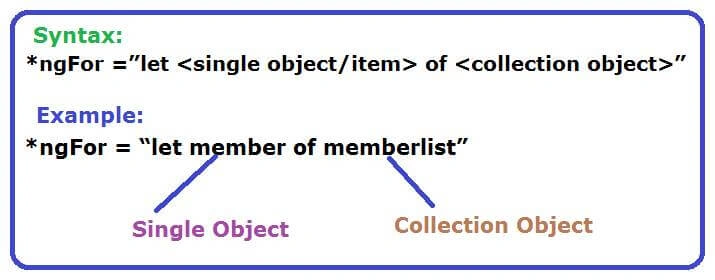
*ngFor =”let <single object/item> of <collection object>”
Example
*ngFor = “let member of memberlist”
ngFor Syntax 2
The following syntax is very simple and is also, similar to ForEach loop in C# and VB.NET.
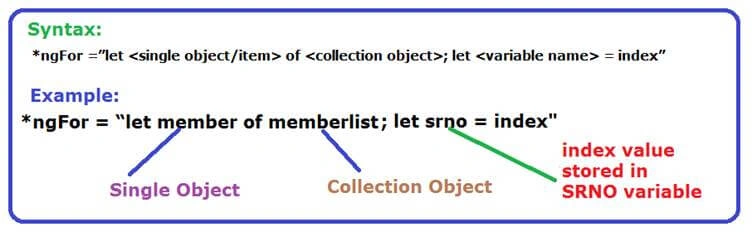
*ngFor =”let <single object/item> of <collection object>; let <variable name> = index”
Example
*ngFor = “let member of memberlist; let srno = index”
Step by step event binding in Angular using Visual Studio Code.
Step by step Implementation Syntax Format 1
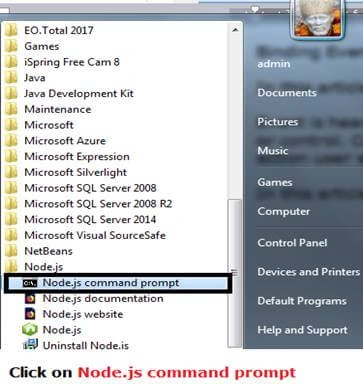
- Click on Node.js command prompt to proceed.
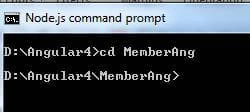
- Create a project folder named ”MemberAng” in the command prompt.
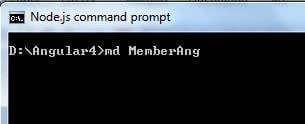
Now, change the directory to newly created directory/folder called “MemberAng”.
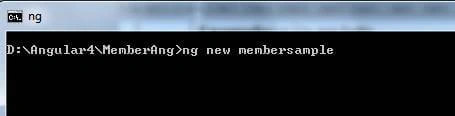
Now, we pass command to create an Angular project called “membersample”.
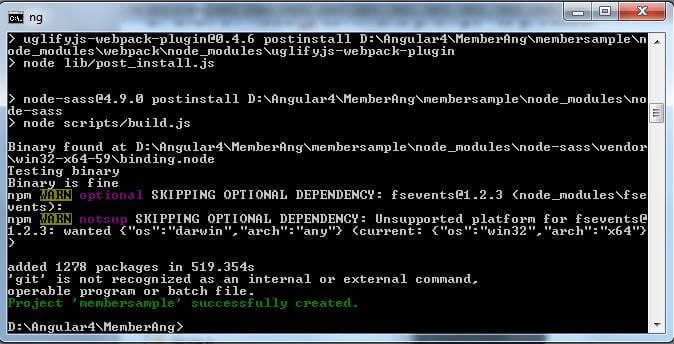
After pressing the Enter key on command, the below given output screen will display.
In the above screenshot, you can see the message in the green colour [ Project “membersample” successfully created].
- Now, switch to Visual Studio Code and open the following folder.

D:\Angular4\MemberAng\MemberSample
Open this folder in Visual Studio.

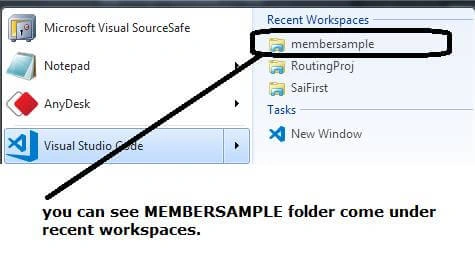
- After opening the folder in Visual Studio Code, next, you can directly this folder from the recently opened folder list.
- By default, our project will look like this in visual studio code as per the screenshot.
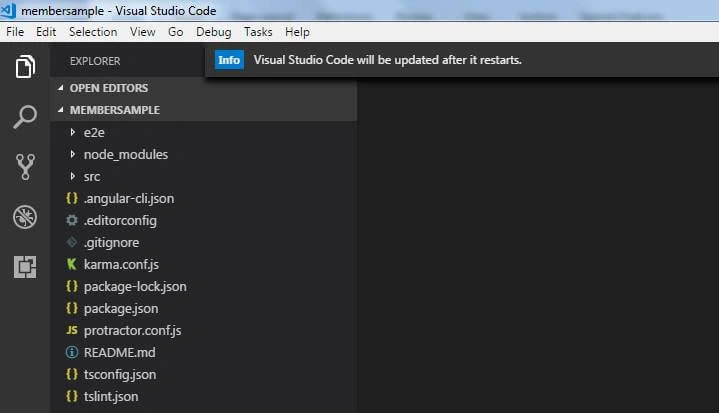
No file opened by default.
- Now, again switch to command prompt.
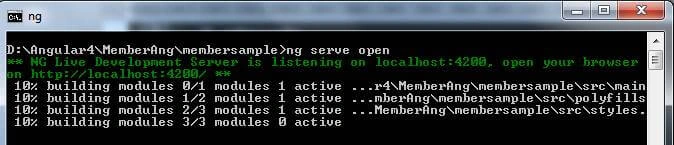
In command prompt, we pass the command to OPEN (EXECUTE) our project with following CLI command.
ng serve open [PRESS ENTER]
As you pressed enter key in console window, it generates the following screen and hint to see your project on browser.
In browser, just type - localhost:4200

- Open you browser (My browser is Mozilla Developer Edition) type: localhost:4200 in addressbar.
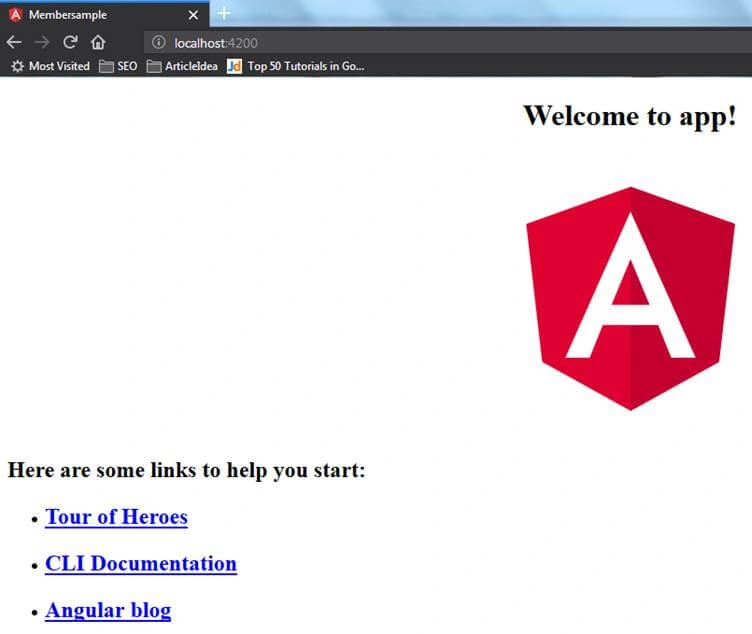
Till the above steps, you have created only empty Angular project. Now, let us start to implement ngFor in this project.
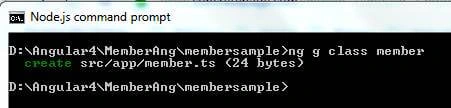
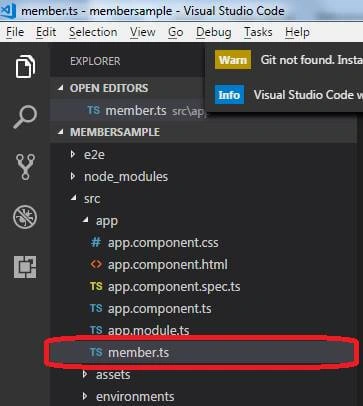
- First, create a class called “member”.
To create a class
Syntax
ng g class <class name>Example
ng g class memberYou can see newly created member.ts class in
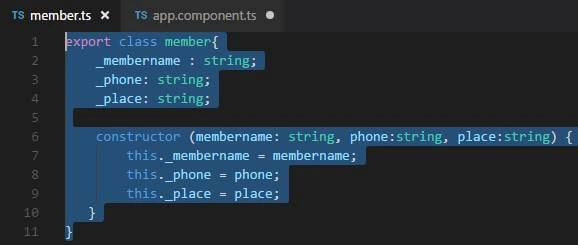
Double click on member.ts class and insert following into class file.
- export class member {
- _membername: string;
- _phone: string;
- _place: string;
- constructor(membername: string, phone: string, place: string) {
- this._membername = membername;
- this._phone = phone;
- this._place = place;
- }
- }
- Now switch to component.ts file and create array of class member with hard coded data.
First write import statement to get reference of MEMBER class.
- import {member} from './member';
Second Hard coded array data,
- memberlist = [
- new member('Sai', '98231231', 'Shirdi-Ahmednagar'),
- new member('Sairam', '654654564', 'Malad-Mumbai'),
- new member('Ashish', '987987987', 'Jodhpur-Rajasthan'),
- new member('Suhana', '125986987', 'Phalodi-Jodhpur'),
- new member('Nirupama', '987987987', 'Mumbai)];
- Now switch to component.html file
Remove all default html code of file.
- <ul>
- <li *ngFor="let member of memberlist"> {{member._membername}} -- {{member._phone}} -- {{member._place}} </li>
- </ul>
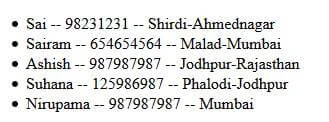
- Now check your browser for output.
Output
Step by step Implementation Syntax Format 2
- To achieve output as per uses of Syntax Format 2 we have to do only changes in html code.
switch to app.component.html file
Remove all default html code of file.
- <ul>
- <li *ngFor="let member of memberlist;let srno = index"> {{srno}} {{member._membername}} -- {{member._phone}} -- {{member._place}} </li>
- </ul>
- Check your browser for output
OUTPUT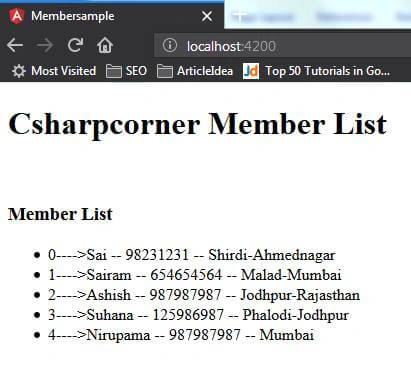
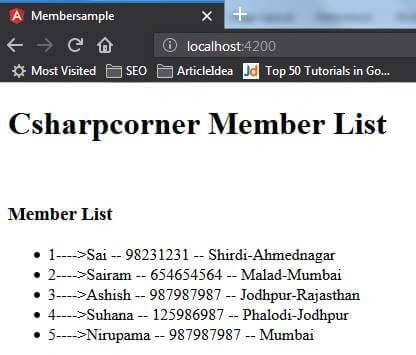
As you can see index number started from zero(0) number. To get first number as 1(one) change html code as following:
- <ul>
- <li *ngFor="let member of memberlist;let srno = index"> {{srno+1}} {{member._membername}} -- {{member._phone}} -- {{member._place}} </li>
- </ul>
We had just add +1 in srno variable to get start index number from numeric 1.
OUTPUT
Join the conversation! Your thoughts help the community grow.