

Introduction
Patch() is a powerful function in Power Apps that lets you create or update records directly in your data source, without using a form. It’s perfect for apps where you want more control over how data is saved, or when you need to update multiple fields at once.
Features
Create new records or update existing ones in SharePoint, Dataverse, or other data sources.
Works with galleries, buttons, or any control — not tied to a form.
Lets you set multiple fields in one go.
Can be used for bulk updates or custom logic.
Advantages
Gives you flexibility to save data from anywhere in your app.
Useful for advanced scenarios like multi-screen apps or batch updates.
Not limited by form controls or card layouts.
Disadvantages
Requires careful setup of field names and data types.
Doesn’t provide built-in validation like SubmitForm().
You need to handle errors and success messages yourself.
Step-by-Step: Using Patch() in Power Apps
Step 1: Open Power Apps
Go to https://apps.powerapps.com and sign in.
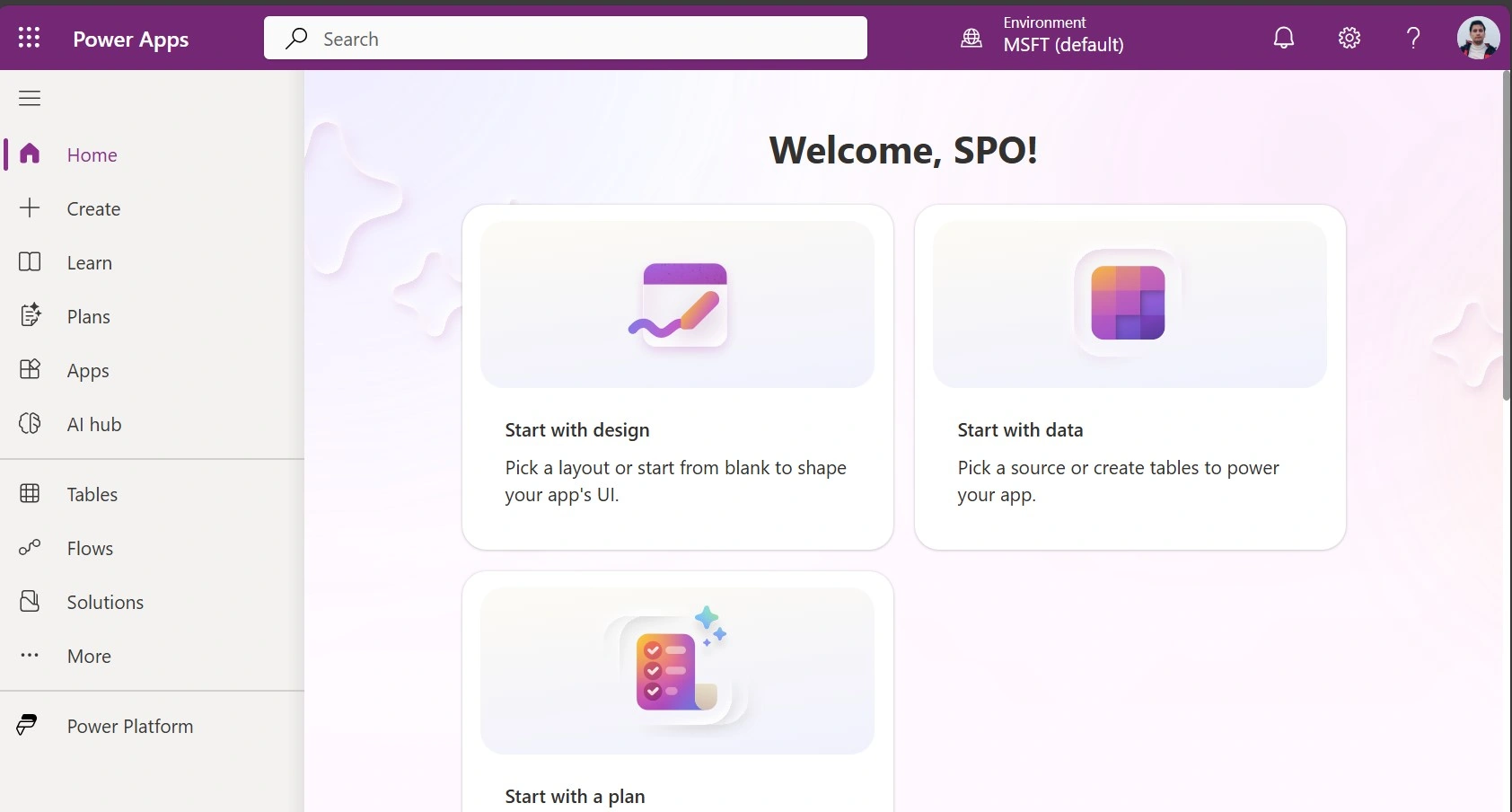
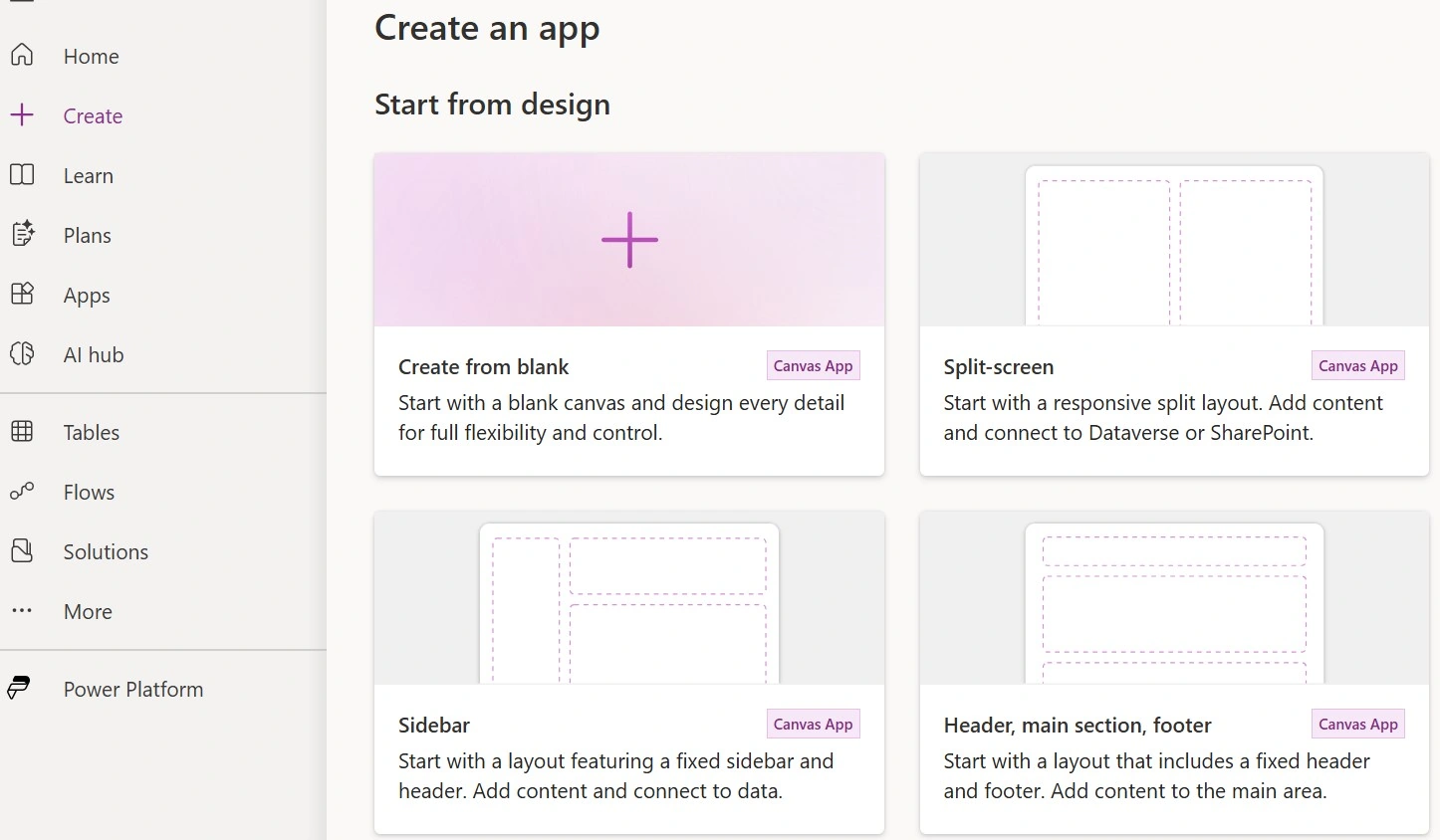
Step 2: Create a Canvas App
Click Create and choose Canvas app from blank.
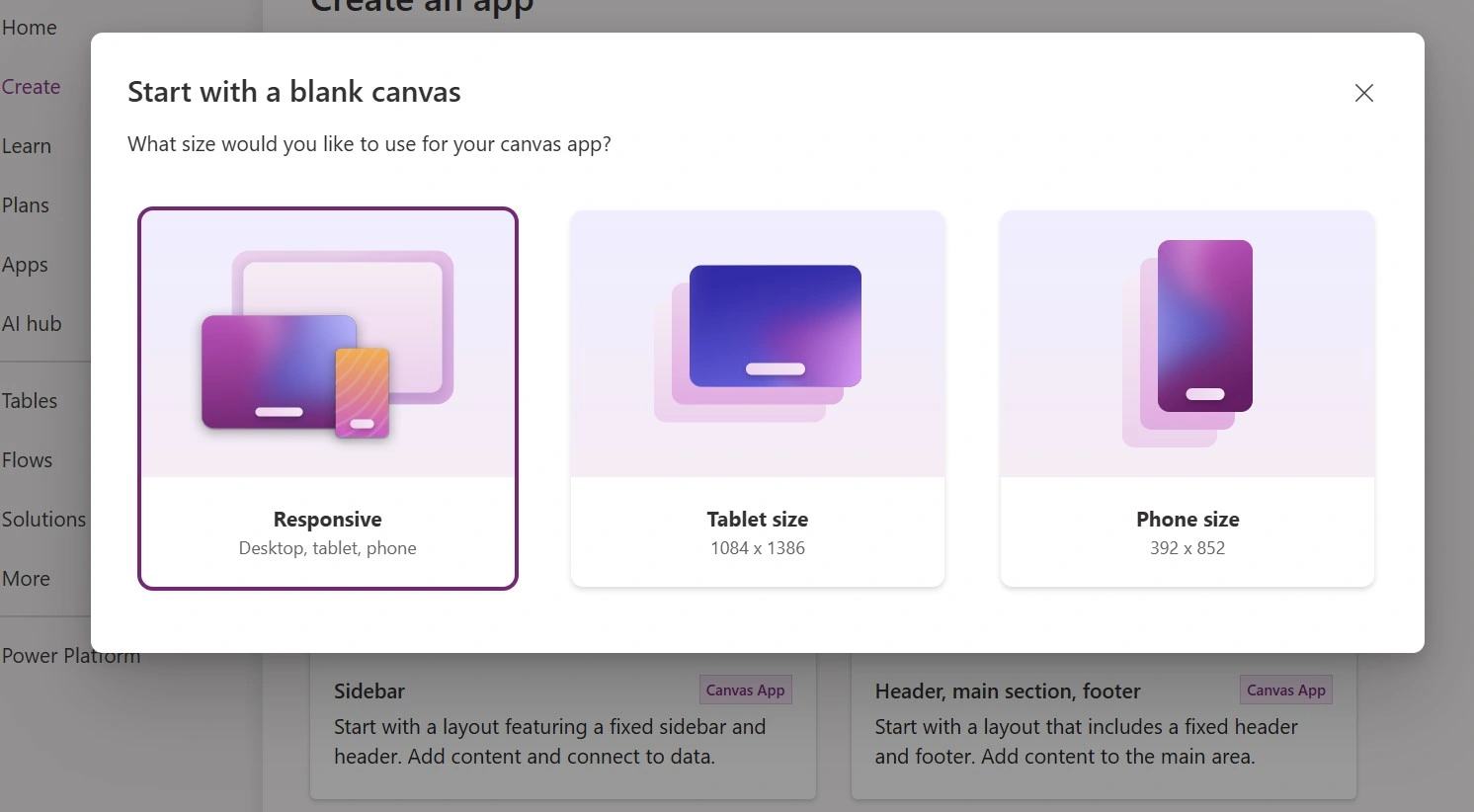
Name your app and select the layout.
Step 3: Add a Data Source
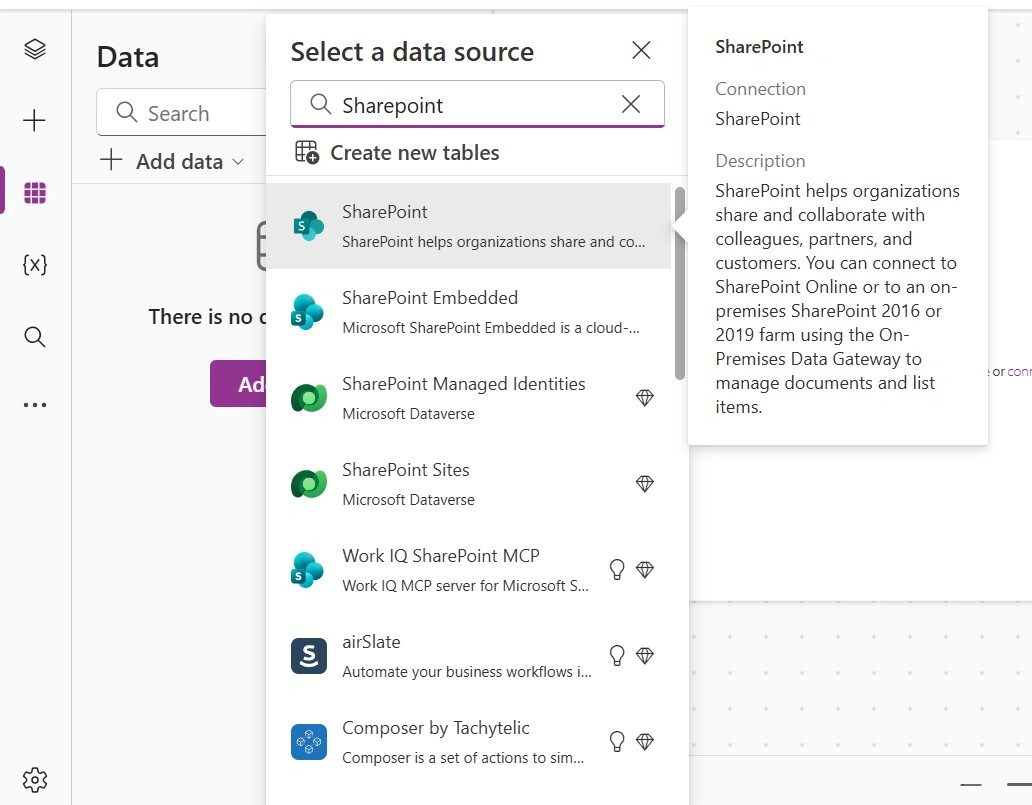
Click Data in the left menu.
Add your SharePoint list, Dataverse table, or other data source.
Step 4: Insert a Form & Button
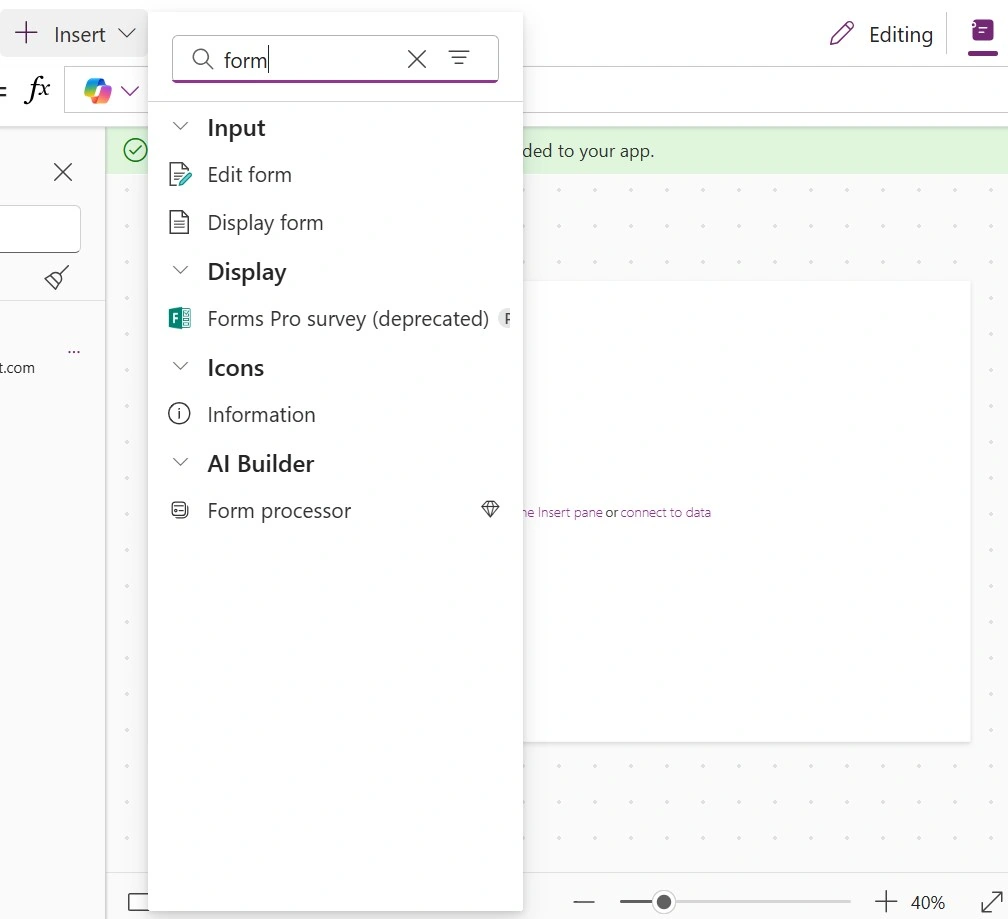
Go to Insert → Button.
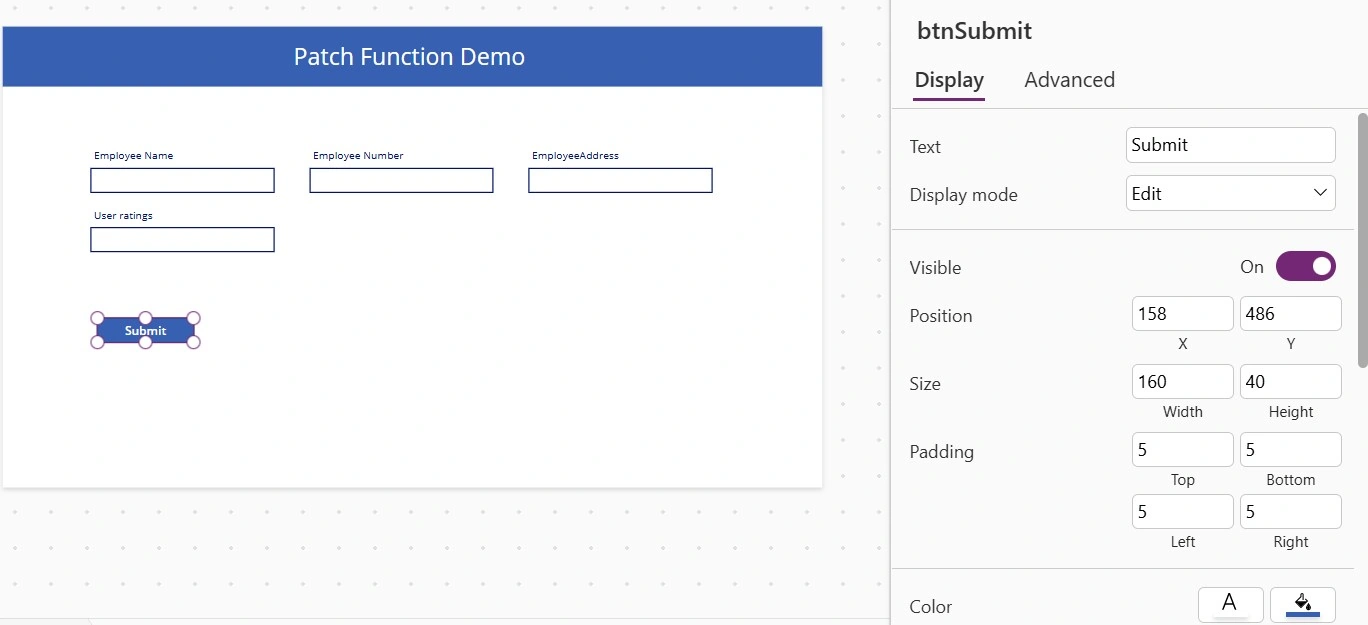
Rename it to btnSave.
Set the Text property to Save.
Step 5: Write the Patch() Formula
Select the button and set OnSelect to:
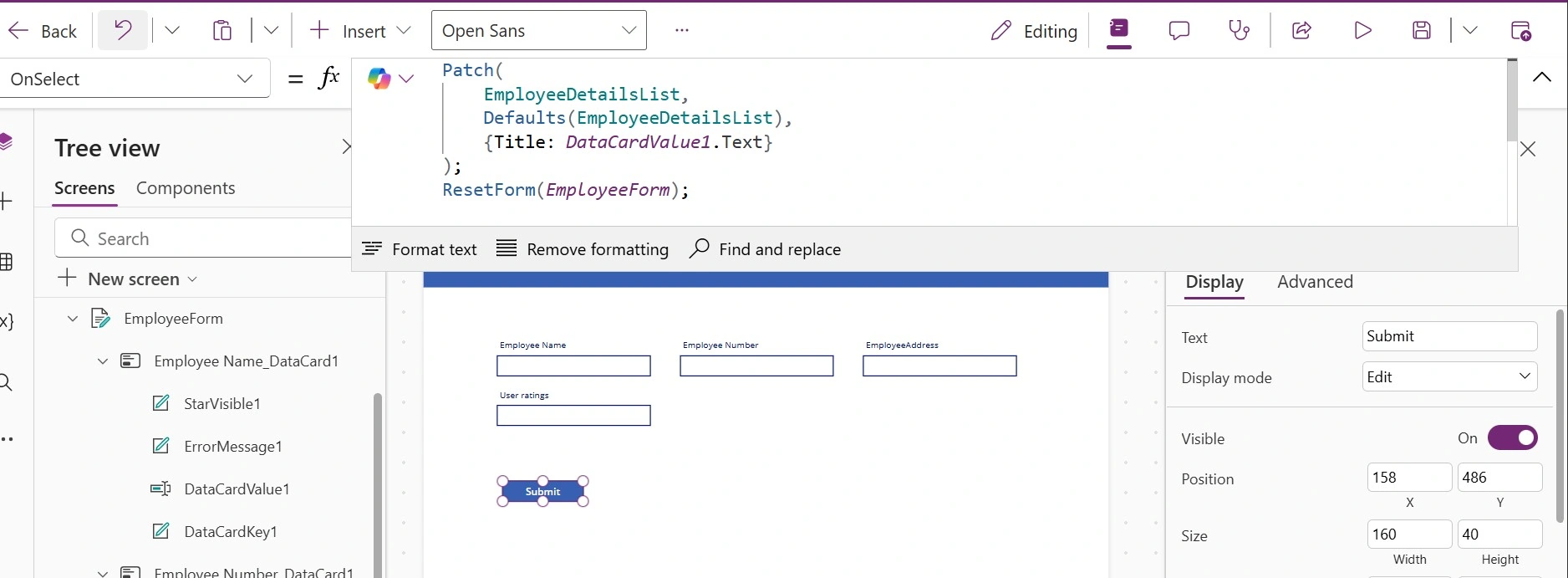
Patch(
    EmployeeDetailsList,
    Defaults(EmployeeDetailsList),
    {Title: DataCardValue1.Text}
);
ResetForm(EmployeeForm);
Step 6: Show Success or Error Messages
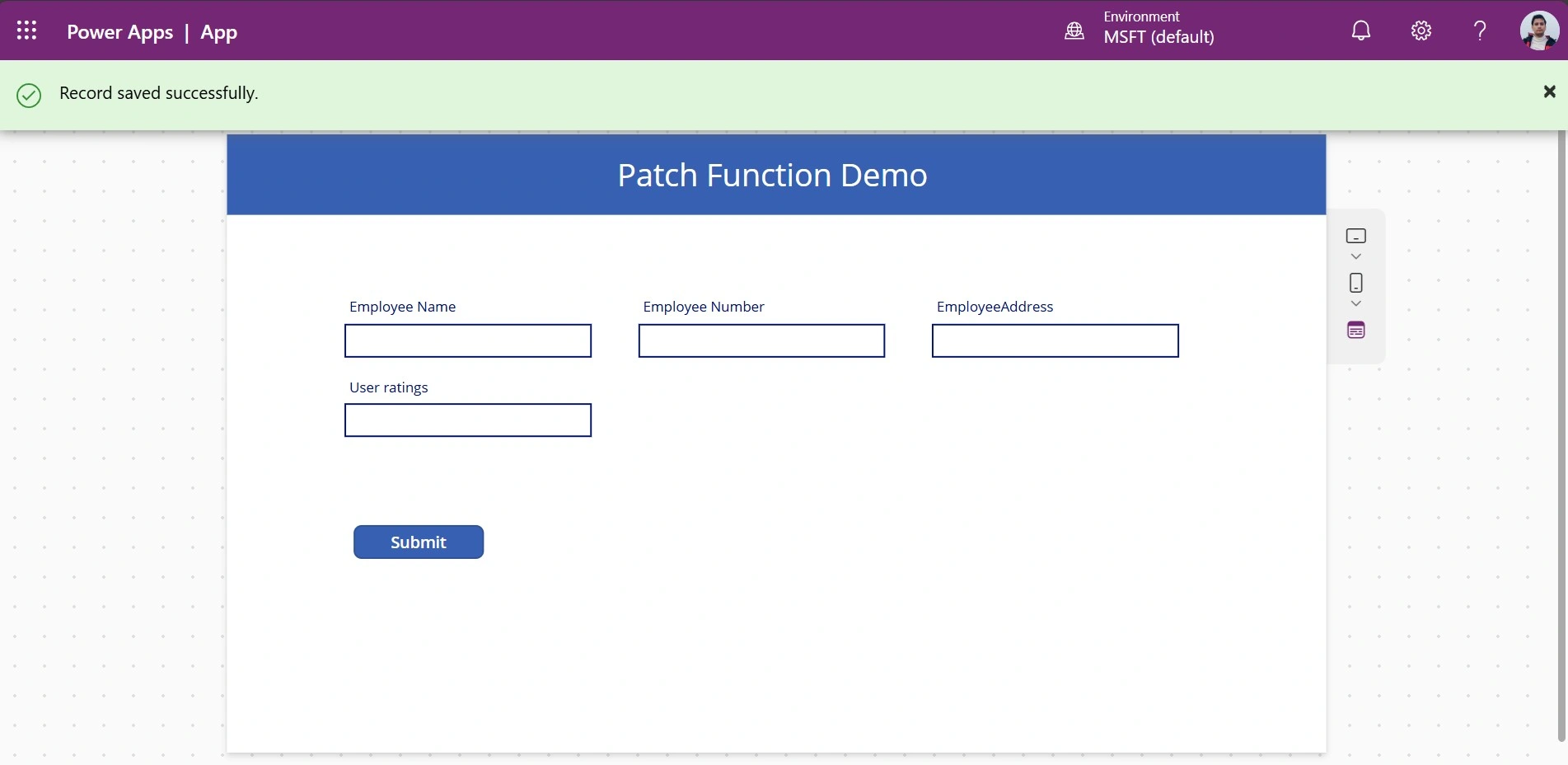
After Patch(), you can use Notify() to show feedback:
Notify("Record saved successfully.", NotificationType.Success)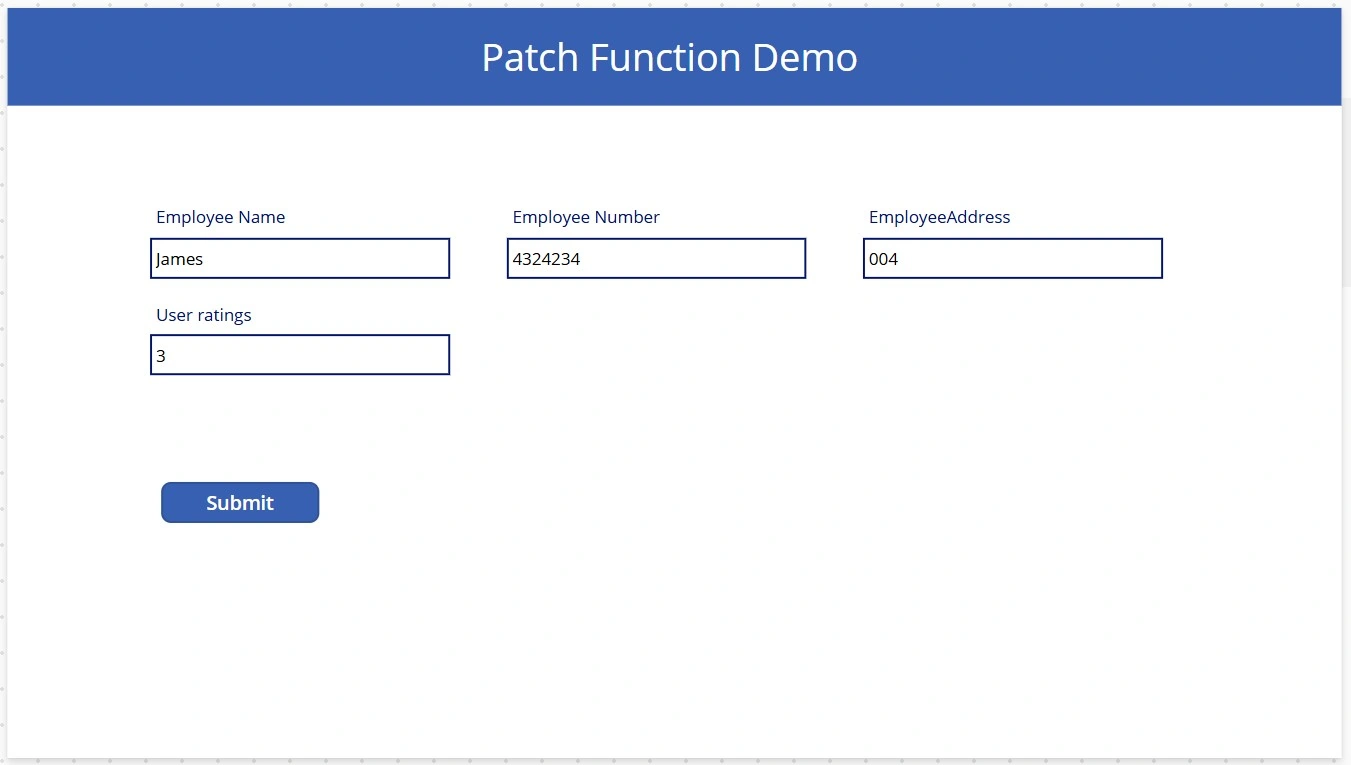
Conclusion
Patch() gives you full control to create and update records in Power Apps, making it ideal for apps that need custom logic or advanced data handling. While it’s more flexible than SubmitForm(), it requires careful setup and manual error handling. For simple forms, SubmitForm() is easier; for complex scenarios, Patch() is the way to go.
Join the conversation! Your thoughts help the community grow.