

Html Email with Embedded Image
In this small article, I am explaining how to send an HTML email with an embedded image. The steps in this are the following:
- Create the Html Body with <img> tag
- Create the Images
- Attach the Image resource using cid
- Send Email
The steps are explained below:
1. Create the Html Body
The following could be our HTML email body.
- <h1>Test Body</h1><img src=\"cid:id1\"></img>
In the above code, we can see the img tag. We can have multiple image tag on the image will be placed in a particular location.
Another important point to note is the cid. It represents the content id of the resource. The resources added can be assigned a content id.
The HTML email code will be as shown below:
- MailMessage message = new MailMessage(AdminEmail, RecipientEmail);
- message.IsBodyHtml = true;
- message.Subject = "Test Subject";
2. Create the Images
For the demo purpose, I have created one image which will be included in the HTML email.

3. Attach the Image resource using cid
Now that we need to add the image in the email using cid. The following code does this.
- AlternateView view = AlternateView.CreateAlternateViewFromString(Message, null, MediaTypeNames.Text.Html);
- LinkedResource resource = new LinkedResource(ImagePath);
- resource.ContentId = "id1";
From the above code, we can see that the id1 is the content Id. A new class named AlternateView is used to specify the image. The resource is added to the email message using the following line of code:
- message.AlternateViews.Add(view);
4. Send Email
Now we can use the Send() method to send the email. The received email will be looking like the following:
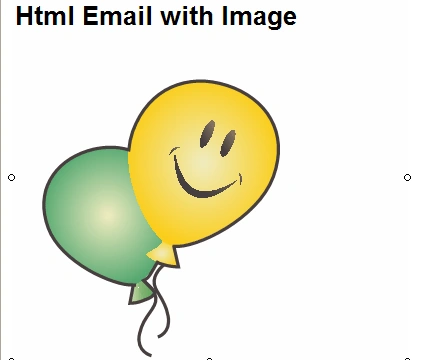
Hope you enjoyed it. The associated code is attached to the article. You can replace the Gmail credentials with your own and test it.
satay duggiryalaPosted Jul 22, 2020, 10:48 AM
Missing line after line 3 view.LinkedResources.Add(resource);
Parameswaran RPosted Feb 6, 2017, 1:29 AM
How to send embed image in outlook?? Please send your response quickly by c-sharpcorner or [email protected]. I have task this to complete within a day. running out of time. make please help. Thanks in Advance!
Parameswaran RPosted Feb 6, 2017, 1:26 AM
Hi. I have tried this code. Not working for outlook mail. Can this code work for outlook?
Kiran KaralePosted Feb 14, 2012, 4:39 AM
hi , sir i refere ur artical it is very nice & useful me bt there is a problem all images & releted Data views in all kind of browser Except (IE 8 or IE 9) if u have an any idea about this then plz give me solution by my emailID([email protected])