

1. <header>
- <header>
- <h1>Hello World </h1>
- <p>Its time to start HTML5 </p>
- </header>
2. <nav>
Example
nav.html
index.html
 It represents a generic document or application section. It can be used together with the h1, h2, h3, h4, h5, and h6 elements to indicate the document structure. (Just a logical grouping such as a contents section.)
Example
It represents a generic document or application section. It can be used together with the h1, h2, h3, h4, h5, and h6 elements to indicate the document structure. (Just a logical grouping such as a contents section.)
Example
- <nav>
- <ul>
- <li><a href="index.html">Home</a></li>
- </ul>
- </nav>
- <html>
- <head>
- My home page Abhi
- </head>
- <body>
- <p>Try it at home</p>
- <nav>
- <ul>
- <li><a href="nav.html" />Back</li></ul>
- </nav>
- </body>
- </html>
3. <section>
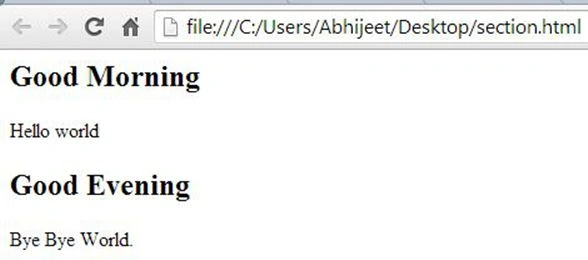
- <html>
- <body>
- <section>
- <h1>Good Morning</h1>
- <p>
- Hello world
- </p>
- </section>
- <section>
- <h1>Good Evening </h1>
- <p>
- Bye Bye World.</p>
- </section>
- </body>
- </html>
4. <article>
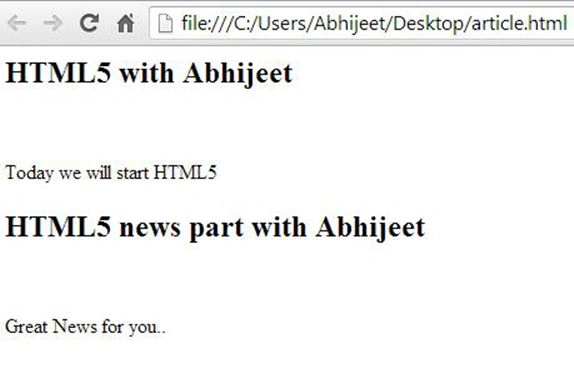
- <html>
- <body>
- <article>
- <h1>HTML5 with Abhijeet</h1>
- <p>Today we will start HTML5 </p>
- </article>
- <article>
- <h1>HTML5 news part with Abhijeet</h1>
- <p>Great News for you.. </p>
- </article>
- </body>
- </html>
5. <aside>
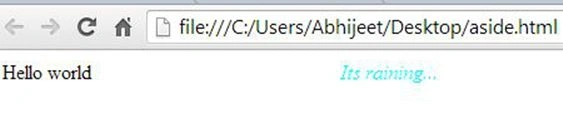
- <html>
- <head><title>HTML5 with Abhijeet</title>
- <style type="text/css"">
- aside
- {
- font-style:italic;
- color:cyan;
- float:right;
- width:80%;
- }
- </style>
- </head>
- <body>
- <div>
- <aside>Its raining...
- </aside>
- <p>Hello world</p>
- </div>
- </body>
- </html>
6. <footer>
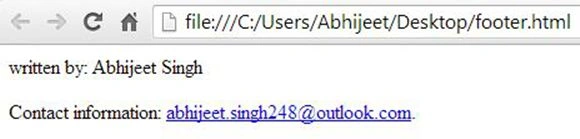
- <html>
- <body>
- <footer>
- <p>written by: Abhijeet Singh</p>
- <p>Contact information: <a href="mailto:[email protected]">[email protected]</a>.</p>
- </footer>
- </body>
- </html>
Join the conversation! Your thoughts help the community grow.