

Overview
In this article, we will learn about HTTP Verbs - PUT, POST, and DELETE with example
Introduction
When we talk about database row, there are four actions that we perform on it.
- C-Create a Row,
- R-Read a Row,
- U- Update a Row, and
- D-Delete a Row
In the context of an ASP.NET Web API resource, these four actions correspond to GET, PUT, POST, and DELETE. Now, let’s understand the concepts which are related to these verbs.
- Request Verbs (GET, POST, AND DELETE)
These describe what should be done with the resource. For more details on these verbs, you can refer this URL -
https://www.w3.org/Protocols/rfc2616/rfc2616-sec9.html - Request Header
When a client sends a request to the server, the request contains a header and a body. The request method contains additional information, such as - what type of response is required. For example: The response should be in XML, JSON, or some other format. - Request Body
Request body contains the data that you want to send to the server. For example, a post request contains the data for a new item that you want to create. The data format may be in XML or in JSON. - Response Body
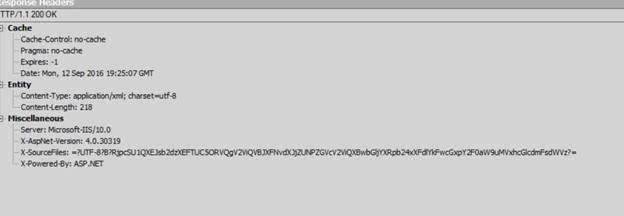
The response body contains the data of the response from the server. For example, if the request is for a specific product, the response body includes product details in XML, JSON, and so on. - Response Status Codes
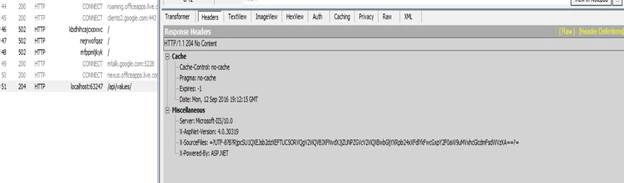
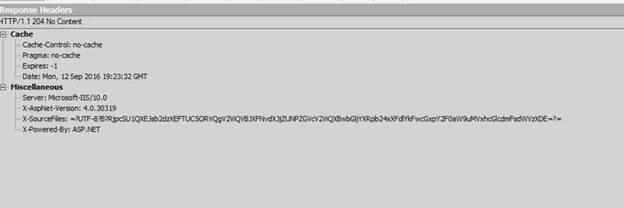
These are the HTTP status codes that give the client details on the status of the request. Some of the common status codes are 404 not found, 204 No content, and so on.
We use a tool called "Fiddler" to monitor these Verbs. Now, let’s see our Valuescontroller class and will include the list of strings.
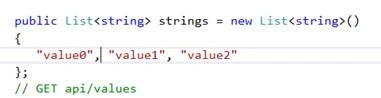
Here, I have passed three values.
Now, return the list of strings in s=our static variable.

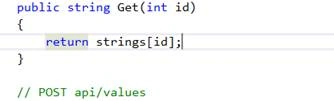
We have another overloaded GET version which has an ID as parameter. We can use this ID as a GET parameter index. We want to pass id 0 that will return the index position that is at 0. If we pass 1, it will return index position 1, and so on.
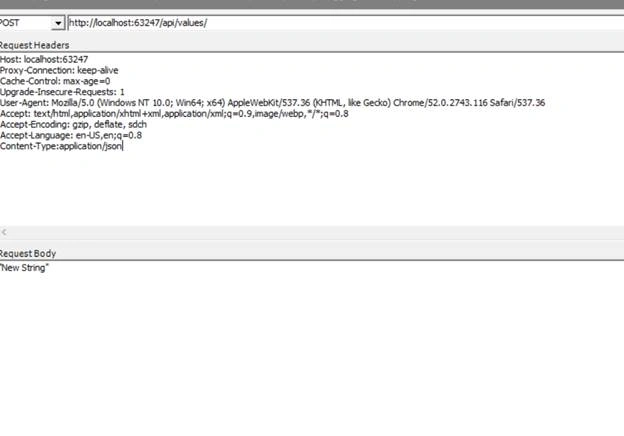
We use POST method to create a new item.
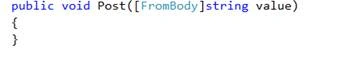
Notice, this method has a value parameter which is of type string. Whatever we are passing here, we want to add it to our static variable.
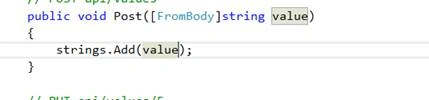
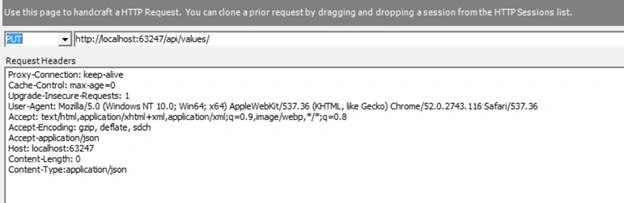
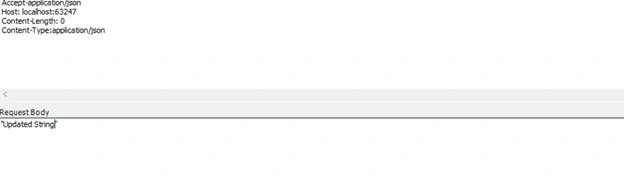
We use PUT method to update an item.

This method has two parameters, the id and the new value which we want to update it with. So, here we will use id as an index and we want to update that item at that index position as,

We use the DELETE method to remove an item.
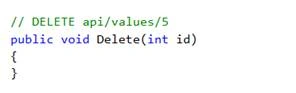
So, we will use id to remove an item at the specified position.
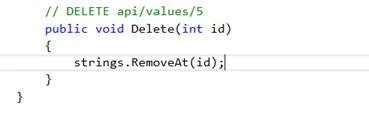
Now, save the changes and run the app.

As you can see from the above output, we have got three values. Now, let’s launch fiddler.
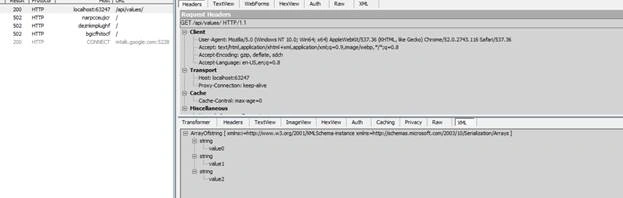
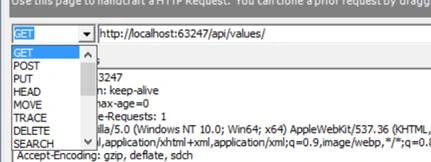
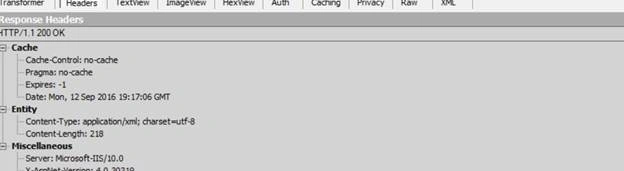
On the fiddler, notice that the response we are getting is in XML. Now, drag and drop the request on tab. You will see the following screen.
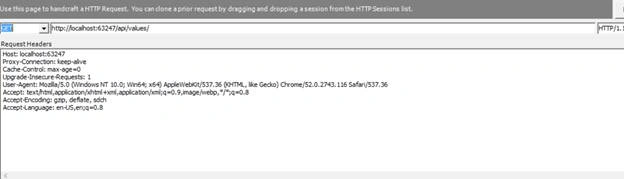

The request that is issued is GET, and the second is URI to which we have issued that request. Now, let’s look for POST request and create a new item.



Join the conversation! Your thoughts help the community grow.