

Introduction
In general, inter-process communication is a mechanism that allows processes to communicate with each other. The IPC methods vary depending on the operating systems we rely on. Here, I have used named pipes for the implementation purpose where we will be sending data from a C++ process to C# process.
Creating a NamedPipe
Install/enable the required DLL's in Visual Studio. The code below is used to create a pipe NamedPipeServer.cs in C#.
Importing the kernel32.dll for creating pipe. Pipe will be listening for the incoming data immediately once the connection has been established.
using System;
using Microsoft.Win32.SafeHandles;
using System.Text;
using System.Runtime.InteropServices;
using System.Threading;
using System.IO;
using System.Collections;
namespace CSNamedPipe {
    public class NamedPipeServer {
        [DllImport("kernel32.dll", SetLastError = true)]
        public static extern SafeFileHandle CreateNamedPipe(String pipeName, uint dwOpenMode, uint dwPipeMode, uint nMaxInstances, uint nOutBufferSize, uint nInBufferSize, uint nDefaultTimeOut, IntPtr lpSecurityAttributes);
        [DllImport("kernel32.dll", SetLastError = true)]
        public static extern int ConnectNamedPipe(SafeFileHandle hNamedPipe, IntPtr lpOverlapped);
        [DllImport("kernel32.dll", SetLastError = true)]
        public static extern int DisconnectNamedPipe(SafeFileHandle hNamedPipe);
        public
        const uint DUPLEX = (0x00000003);
        public
        const uint FILE_FLAG_OVERLAPPED = (0x40000000);
        public class Client {
            public SafeFileHandle handle;
            public FileStream stream;
        }
        public
        const int BUFFER_SIZE = 100;
        public Client clientse = null;
        public string pipeName;
        Thread listenThread;
        SafeFileHandle clientHandle;
        public NamedPipeServer(string PName) {
            pipeName = PName;
        }
        public void Start() {
            this.listenThread = new Thread(new ThreadStart(ListenForClients));
            this.listenThread.Start();
            //ListenForClients();
            //Read();
        }
        private void ListenForClients() {
            while (true) {
                clientHandle = CreateNamedPipe(this.pipeName, DUPLEX | FILE_FLAG_OVERLAPPED, 0, 255, BUFFER_SIZE, BUFFER_SIZE, 0, IntPtr.Zero);
                //could not create named pipe
                if (clientHandle.IsInvalid) return;
                int success = ConnectNamedPipe(clientHandle, IntPtr.Zero);
                //could not connect client
                if (success == 0) return;
                clientse = new Client();
                clientse.handle = clientHandle;
                clientse.stream = new FileStream(clientse.handle, FileAccess.Read, BUFFER_SIZE, true);
                Thread readThread = new Thread(new ThreadStart(Read));
                readThread.Start();
            }
        }
        private void Read() {
            string temp;
            Queue q = new Queue();
            byte[] buffer = null;
            ASCIIEncoding encoder = new ASCIIEncoding();
            while (true) {
                int bytesRead = 0;
                try {
                    buffer = new byte[BUFFER_SIZE];
                    bytesRead = clientse.stream.Read(buffer, 0, BUFFER_SIZE);
                } catch {
                    Console.WriteLine("read error");
                    break;
                }
                //client has disconnected
                if (bytesRead == 0) break;
                int ReadLength = 0;
                for (int i = 0; i < BUFFER_SIZE; i++) {
                    if (buffer[i].ToString("x2") != "cc") {
                        ReadLength++;
                    } else break;
                }
                if (ReadLength > 0) {
                    byte[] Rc = new byte[ReadLength];
                    Buffer.BlockCopy(buffer, 0, Rc, 0, ReadLength);
                    temp = encoder.GetString(Rc, 0, ReadLength);
                    q.Enqueue(temp);
                    Console.WriteLine("Element Inserted :" + temp);
                    Console.WriteLine("Current queue");
                    foreach(string c in q) {
                        Console.Write(c + " ");
                    }
                    //buffer.Initialize();
                }
            }
            clientse.stream.Close();
            clientse.handle.Close();
        }
    }
}
After creating the namedpipe, the next one is to start the pipe using program.cs as below
using System;
using System.Text;
namespace CSNamedPipe {
    class Program {
        static void Main(string[] args) {
            NamedPipeServer PServer1 = new NamedPipeServer(@ "\\.\pipe\myNamedPipe1");
            PServer1.Start();
        }
    }
}
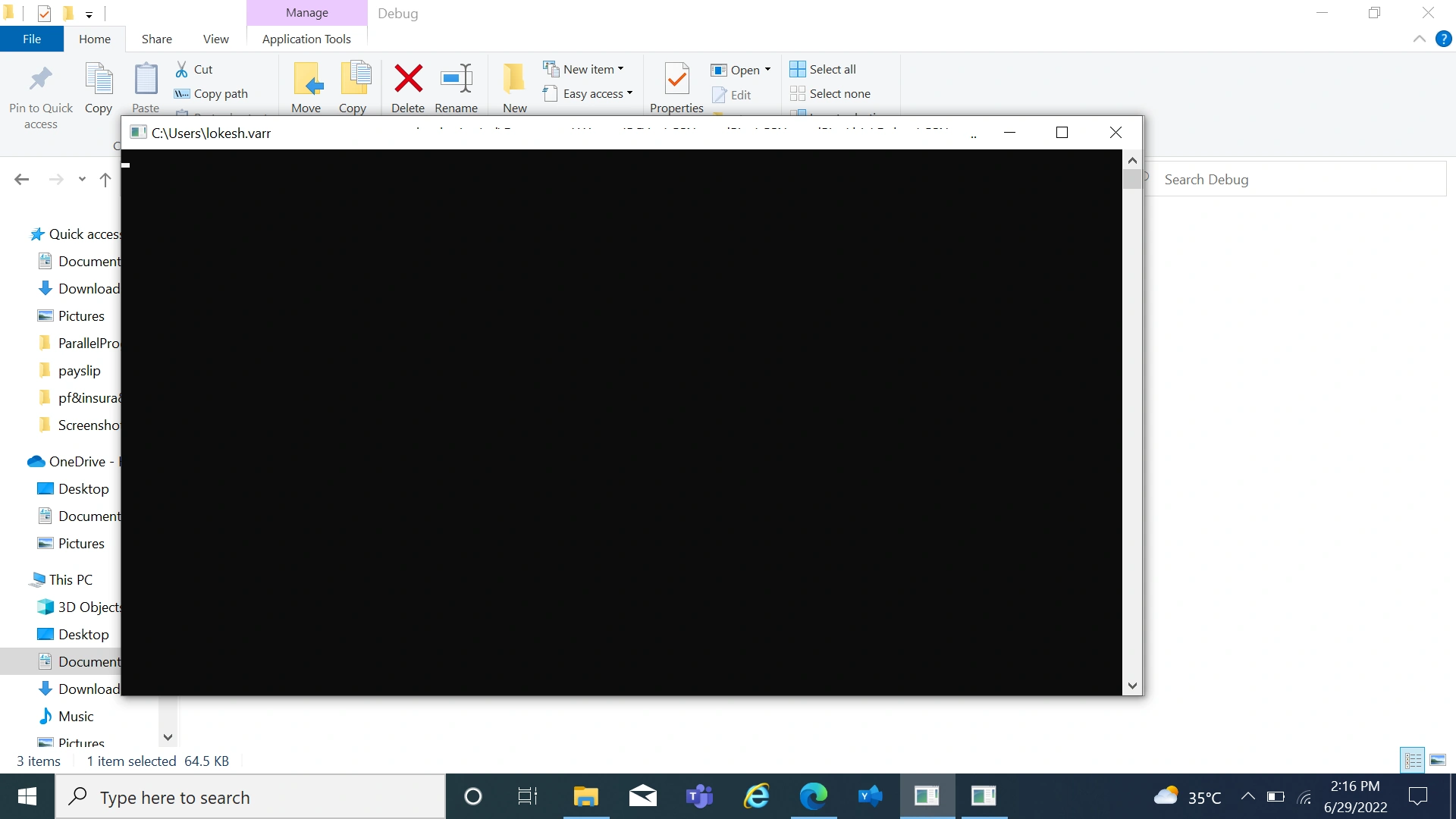
Pipe has been established and it's open now to share data between processes. Run the program/execute the .exe in the debug folder(as below).
Sending data from C++ Process
The code below is used to send data from C++ to the C# process using the pipe we created in C#. - hd_client.cpp.
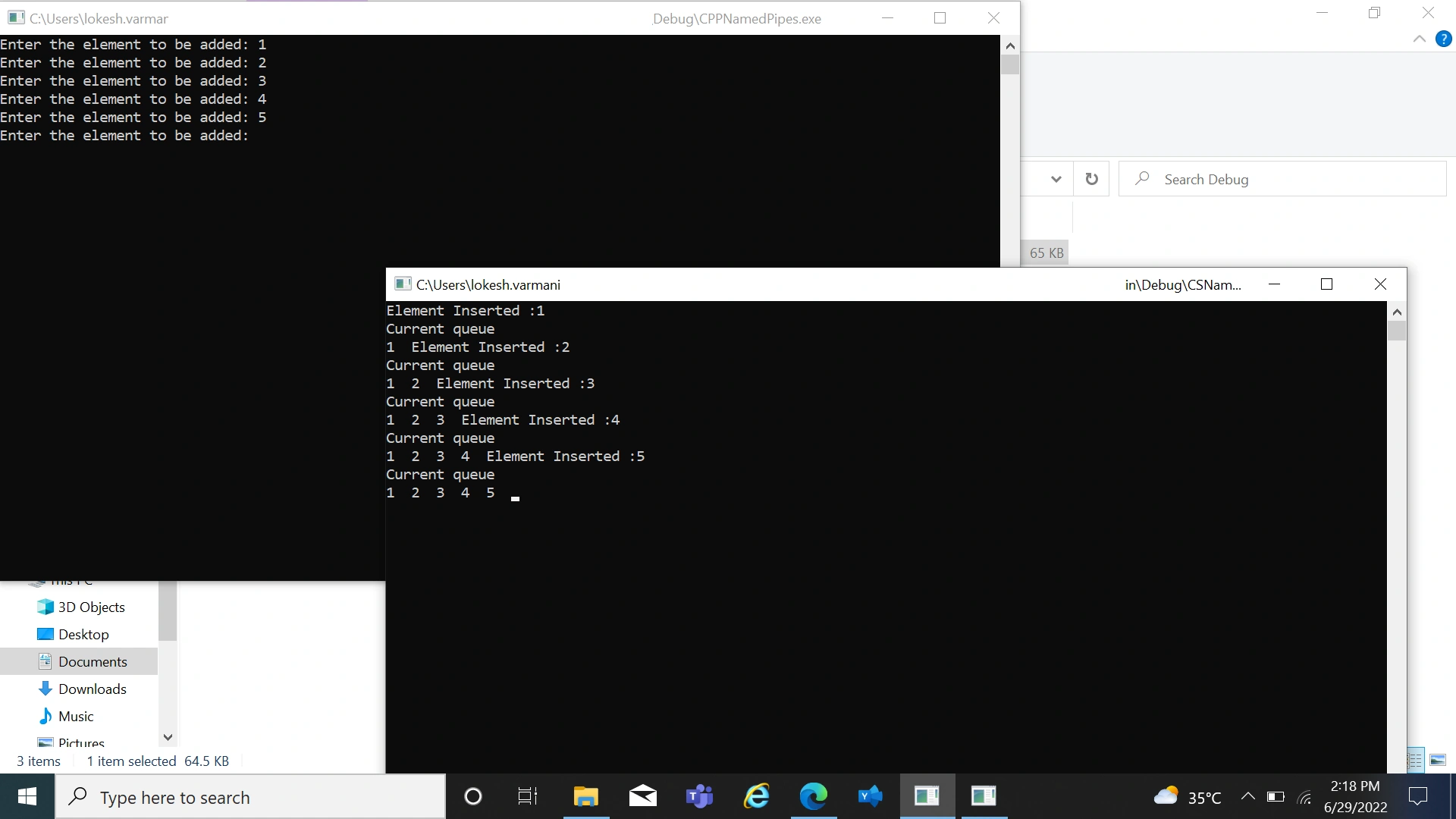
Elements are sent from C++ process and those elements are captured in C# Process and stored in a Queue.
#include <stdio.h>
#include <windows.h>
#include<iostream>
using namespace std;

HANDLE hPipe1;
BOOL Finished;

int main(int argc, char * argv[]) {
    char buf[100];
    LPTSTR Pipename = TEXT("\\\\.\\pipe\\myNamedPipe1");
    DWORD cbWritten;
    DWORD dwBytesToWrite = (DWORD) strlen(buf);
    BOOL Write_St = TRUE;
    Finished = FALSE;
    hPipe1 = CreateFile(Pipename, GENERIC_WRITE, 0, NULL, OPEN_EXISTING, FILE_FLAG_OVERLAPPED, NULL);
    if ((hPipe1 == NULL || hPipe1 == INVALID_HANDLE_VALUE)) {
        cout << "Could not open the pipe ";
    } else {
        do {
            cout << "Enter the element to be added: ";
            cin >> buf;
            if (strcmp(buf, "quit") == 0) Write_St = FALSE;
            else {
                WriteFile(hPipe1, buf, dwBytesToWrite, & cbWritten, NULL);
                memset(buf, 0xCC, 100);
            }
        } while (Write_St);
        CloseHandle(hPipe1);
        Finished = TRUE;
    }
    getchar();
}
The below image shows that elements are being sent from a C++ process and it gets captured and stored in a queue using the named pipes in a C# Process.
Conclusion
The implementation of InterProcessCommunication(namedpipe) between C++ and C# has been successfully explained. We have seen how to send data from a C++ Process to C# Process and then performed some operation (storing the data into a queue) using that captured data. Try implementing it using the source code. Do reach out in case of any queries.
Join the conversation! Your thoughts help the community grow.