

Connection strings define how your application connects to the database. Below are examples of the most common authentication mechanisms used in modern SQL Server environments.
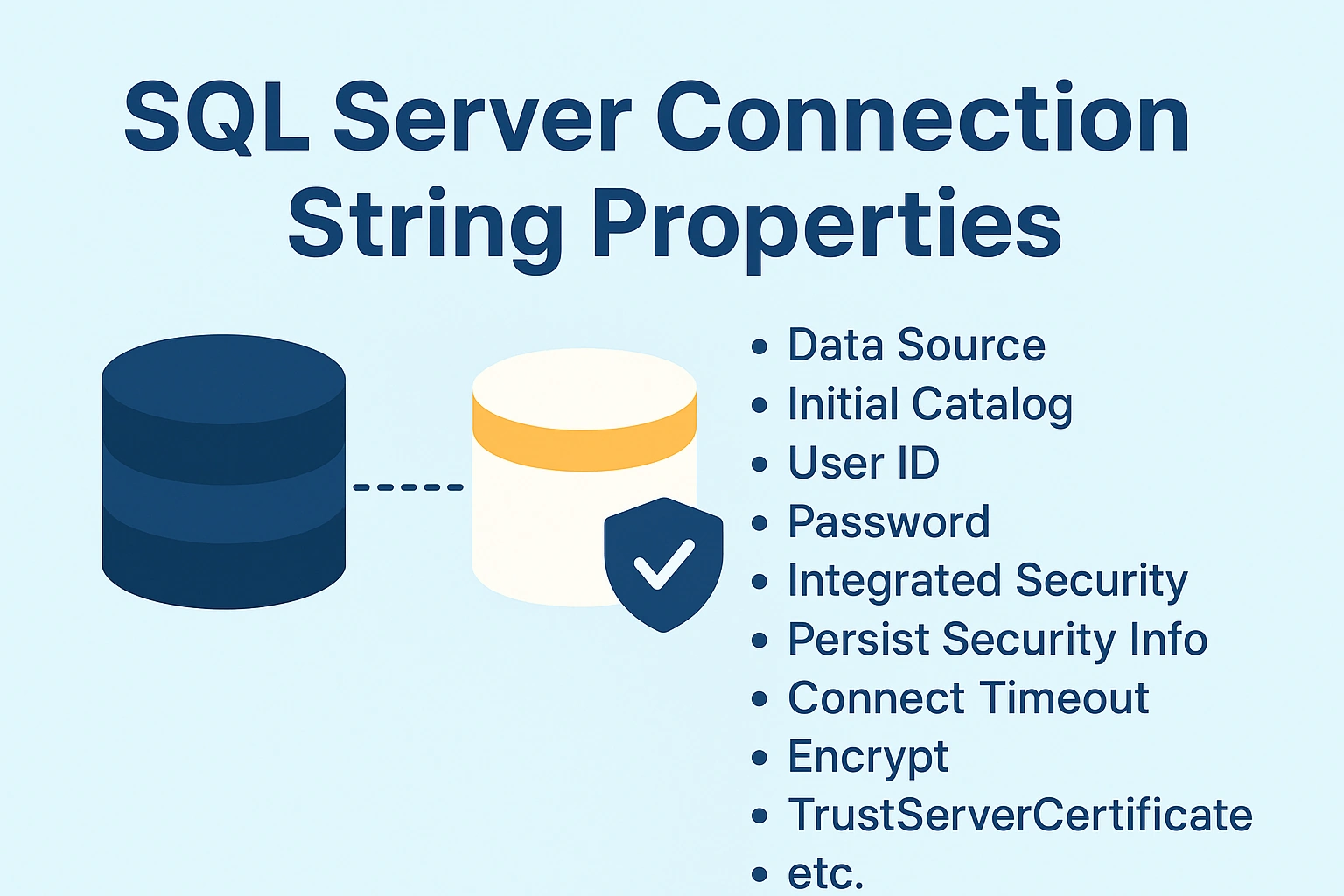
⚙️ SQL Server Connection String Properties Explained
A connection string is a key component in any application that connects to SQL Server. It defines how the connection should be established, which credentials to use, and what configuration applies to the session. Below are the most common and essential properties used in SQL Server connection strings.
1. Data Source (or Server)
Specifies the server name or network address of the SQL Server instance.
It can include the server name, instance name, or IP address.
Examples:
Data Source=SQLSERVER01;
 Data Source=SQLSERVER01\DEV;
 Data Source=192.168.1.15,1433;
Explanation:
SQLSERVER01→ Default instance on a machine.SQLSERVER01\DEV→ Named instance.,1433→ Specifies a custom TCP port (default is 1433).
2. Initial Catalog (or Database)
Specifies the default database to connect to after login.
Example:
Initial Catalog=InventoryDB;If omitted, SQL Server connects to the user’s default database defined in their login profile.
3. User ID
The username for SQL Server Authentication.
Example:
User ID=AppUser;Only required for SQL Authentication. Not used for Windows or Azure AD Integrated Authentication.
4. Password
The password associated with the SQL Server login.
Example:
Password=MyStrongPassword123;Tip:
Always use encrypted configuration files or secure vaults (e.g., Azure Key Vault, AWS Secrets Manager) to store credentials.
5. Integrated Security / Trusted_Connection
Determines whether to use Windows Authentication instead of SQL Authentication.
Example:
Integrated Security=SSPI;or
Trusted_Connection=True;Explanation:
When enabled, SQL Server uses the Windows identity of the user running the application.
SSPIstands for Security Support Provider Interface, which handles the authentication handshake with Windows.
6. Persist Security Info
Controls whether sensitive data (like username and password) remains available after a connection is opened.
Example:
Persist Security Info=False;Best Practice: Always set to False to prevent exposing credentials through code or logs.
7. Connect Timeout
Specifies how many seconds to wait while trying to establish a connection before timing out.
Example:
Connect Timeout=15;Default: 15 seconds
Increase this value for slow networks or remote servers.
8. Encrypt
Forces encryption of the communication channel between the client and SQL Server.
Example:
Encrypt=True;Explanation:
When enabled, the data transmitted is encrypted using TLS (Transport Layer Security), preventing packet sniffing and data interception.
9. TrustServerCertificate
Used with Encrypt=True.
If set to True, the client will trust the SQL Server’s certificate without validation.
Example:
TrustServerCertificate=True;Best Practice:
Use only in development or when using self-signed certificates.
In production, always use a valid SSL certificate.
10. Application Name
Specifies the name of the application connecting to SQL Server.
Useful for monitoring and auditing connections.
Example:
Application Name=OrderProcessingApp;You can view active connections in SQL Server using:
SELECT program_name FROM sys.dm_exec_sessions;11. MultipleActiveResultSets (MARS)
Allows multiple batches or queries to be executed on the same connection simultaneously.
Example:
MultipleActiveResultSets=True;Useful when executing several queries at once in Entity Framework or ADO.NET.
12. Encrypt / Authentication (Azure AD Specific)
For Azure SQL Database, additional authentication keywords are used.
Examples:
Authentication="Active Directory Password";
Authentication="Active Directory Integrated";
Authentication="Active Directory Managed Identity";
These properties define the authentication mode for Azure AD–based connections.
13. Network Library (Optional)
Specifies the network protocol for SQL Server connections.
Example:
Network Library=dbmssocn; -- TCP/IPOther options:
dbnmpntw(Named Pipes),dbmsrpcn(RPC), etc.
In most cases, TCP/IP is the preferred and default protocol.
Example—Combined Connection Strings
SQL Authentication:
Join the conversation! Your thoughts help the community grow.