

Introduction:
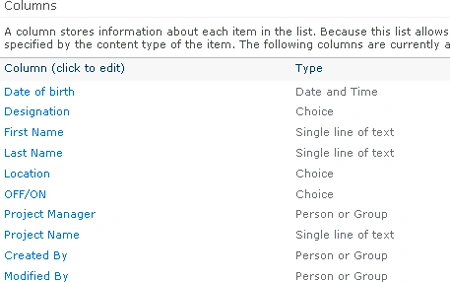
I have a custom List named Employee Details which contains the following columns
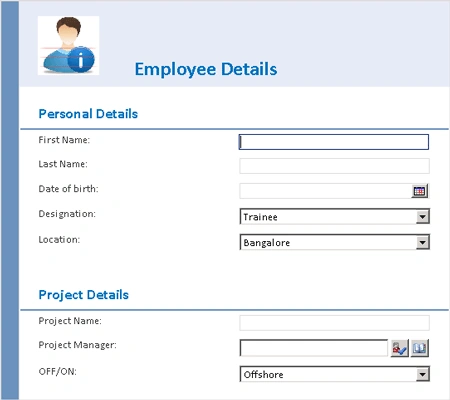
I have customized the list forms using InfoPath 2010 and the form looks like the
following
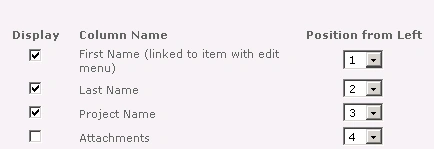
And I have modified the view for the Employee Details list as shown in the
following
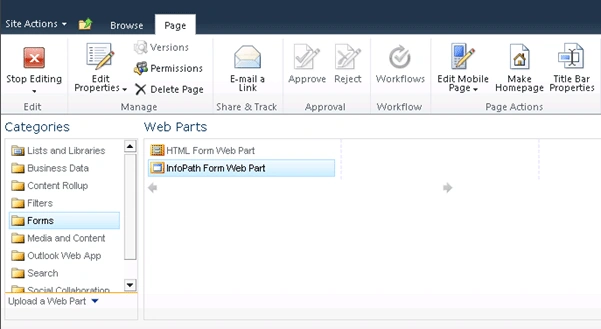
In this article we will be hosting the forms in a Web Part inside any Web Part
page and will be creating an list view web part in the same page. Then we will
use the connections between the Web Parts to interact with other components on
the page.
Create Web Part Page:
- Open SharePoint site.
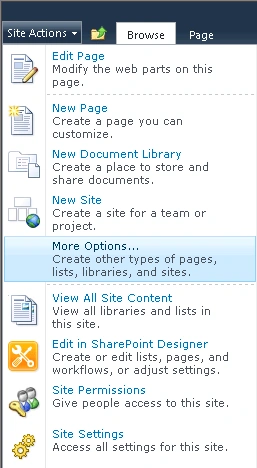
- Go to Site Actions => More Options...
- In the left task pane, select Page.
- Click on Web Part Page and then click on
Create.
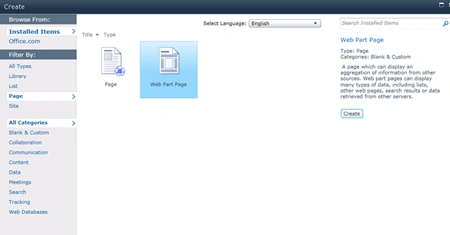
- Enter the Name for the page and click on Ok.
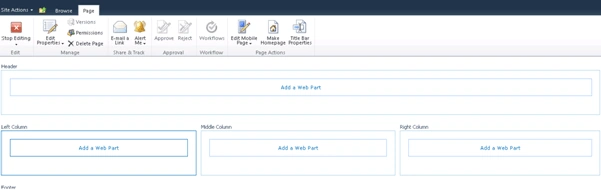
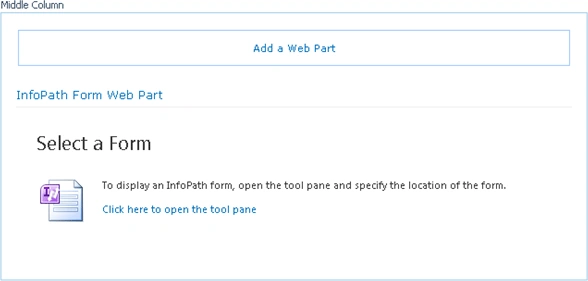
- The page looks like the following
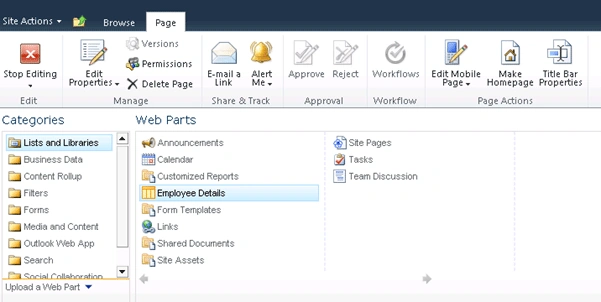
Create List view web part:

Join the conversation! Your thoughts help the community grow.