

In this article we will be seeing how to install AdventureWorks Analysis
Services Database in SQL Server 2008. Download the database from here.
Here we will be seeing how to do the following
- Install AdventureWorks Analysis Services Database
- Deploy AdventureWorks Analysis Services Database
Install AdventureWorks Analysis Services Database:
- Download the database.
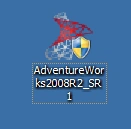
- Run the AdventureWorks2008R2_SR1.exe file.
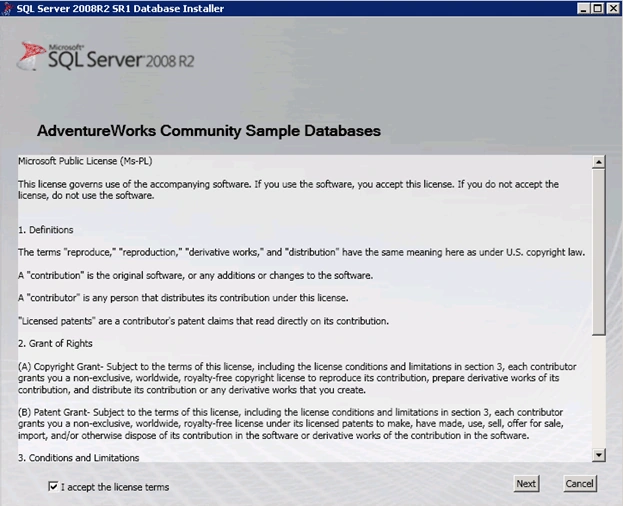
- In the "SQL Server 2008R2 SR1 Database Installer", accept the license terms and click on Next.
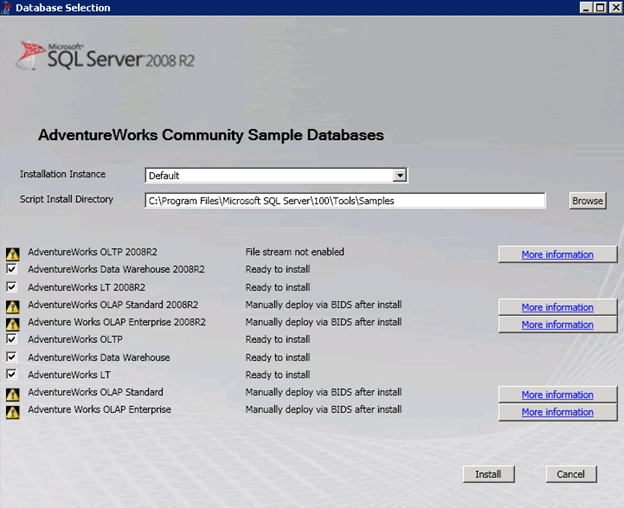
- In the "Database Selection" wizard, select the script install directory.
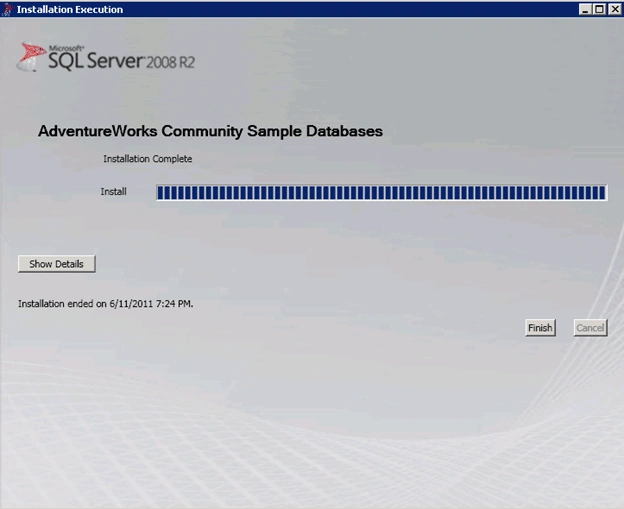
- "Installation Execution" wizard will pop up which will copy scripts and data files to the specified directory.
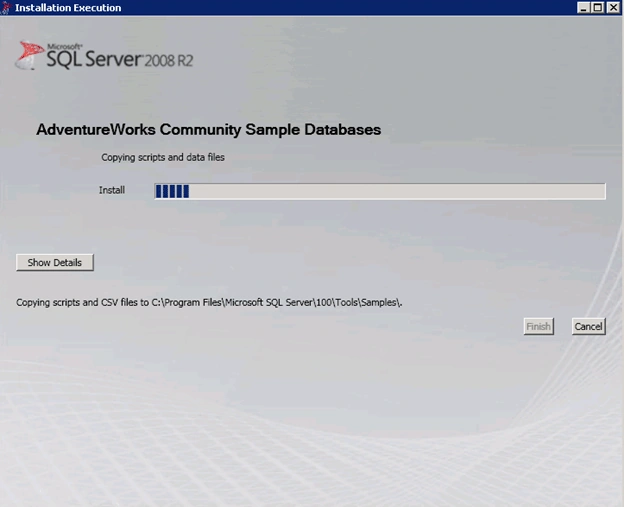
- Once the installation is completed, click on "Finish".
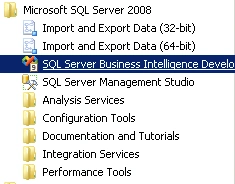
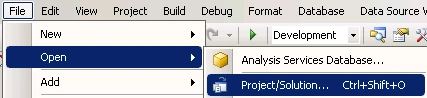
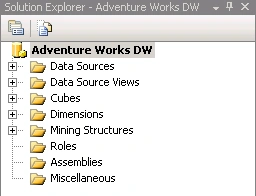
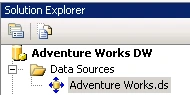
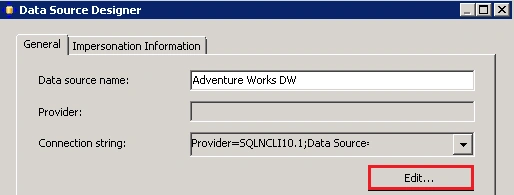
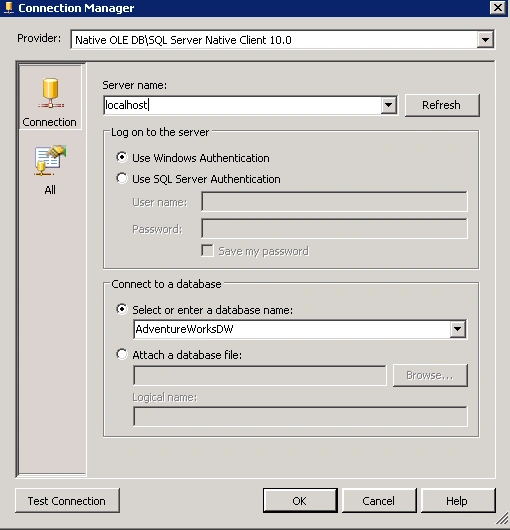
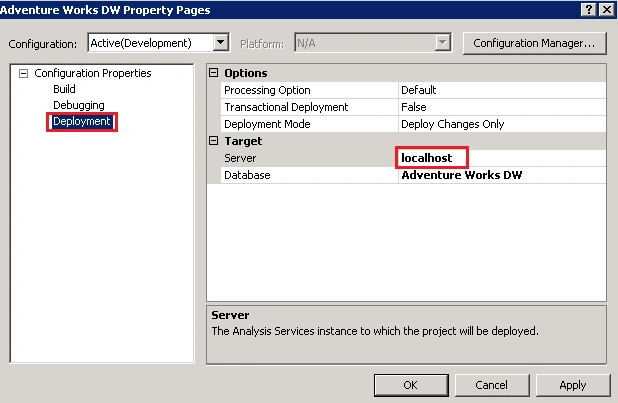
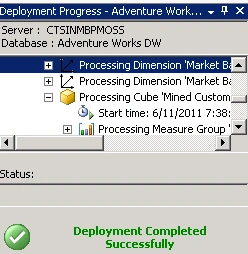
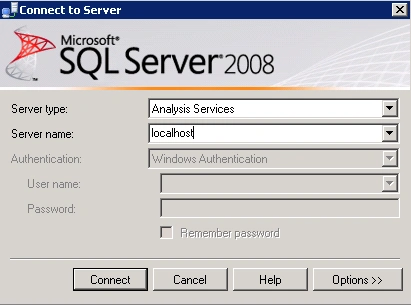
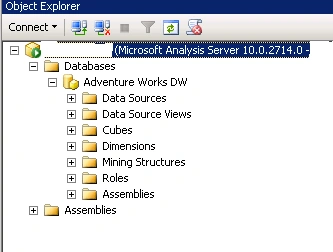
Deploy AdventureWorks Analysis Services Database:
Krishnanand SivarajPosted Jun 13, 2015, 5:25 AM
Is this exe available now. It seems the exe having errors and what could be the other workaround. Could you help?