
Please follow this link to configure Hyper-V Manager on Windows Operating Systems,
Configure Hyper-V Manager.
Firstly, make a bootable CD/USB/ISO of the operating System.
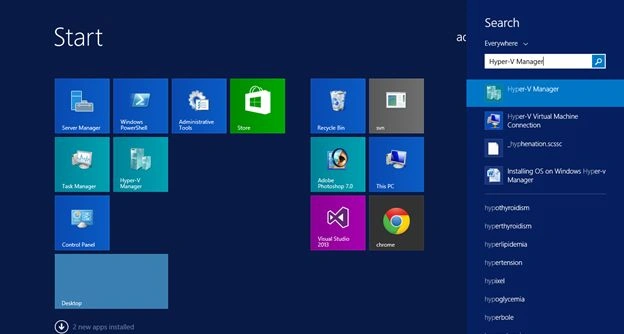
Click Start, then Open Hyper-V Manager.
In Hyper-V Manager, I am already configuring the new virtual machine.
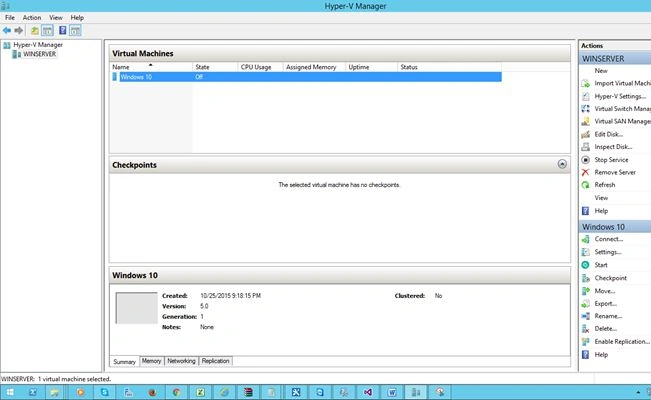
Right Click, then click Start.
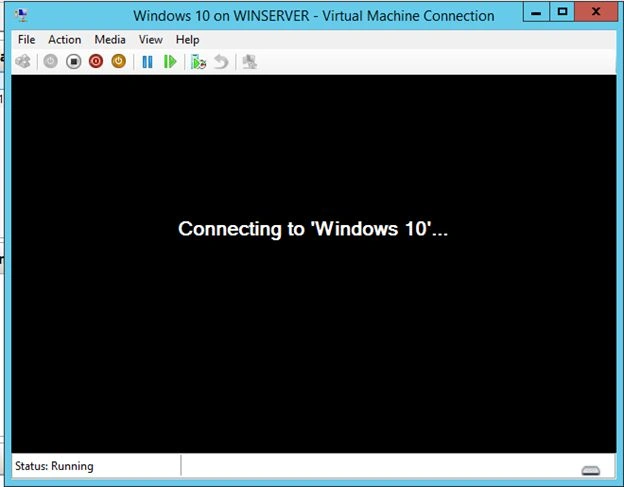
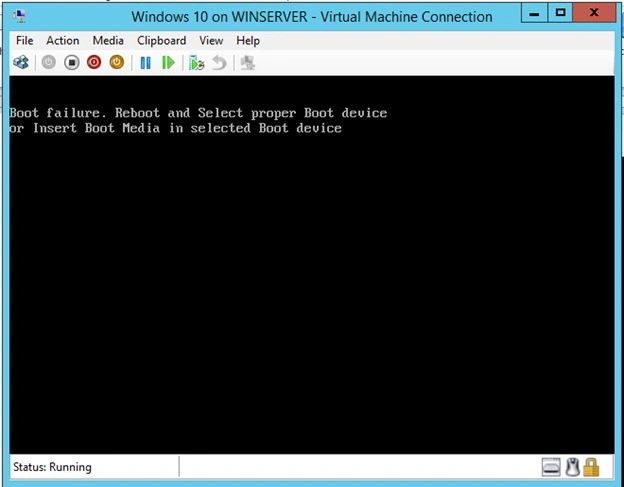
Click Media -> DVD Drive -> Capture the OS Mounted Drive.

Now the installation is starting.
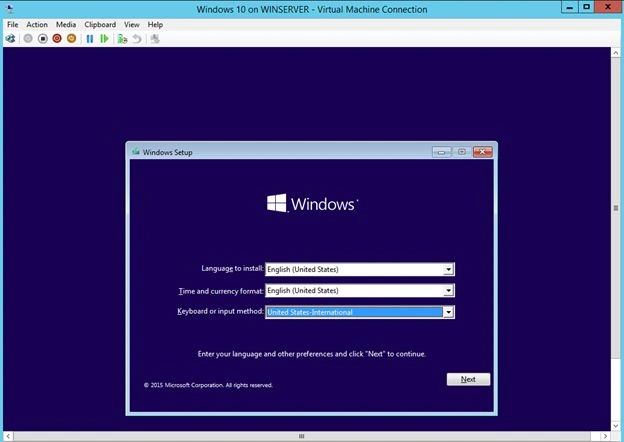
Click Next and start installing Windows 10 Operating system on Hyper-V.
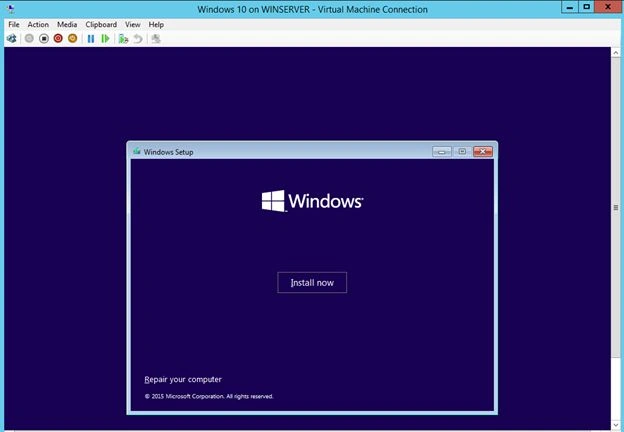
Click Install Now.
Enter the Valid Product key. I am installing the trial.
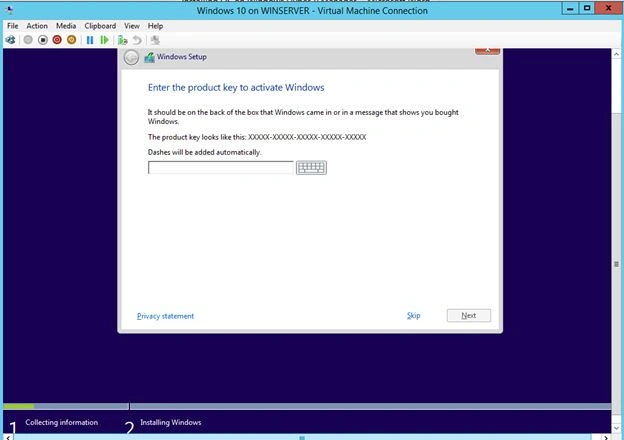
Click Skip, then select the operating system type.
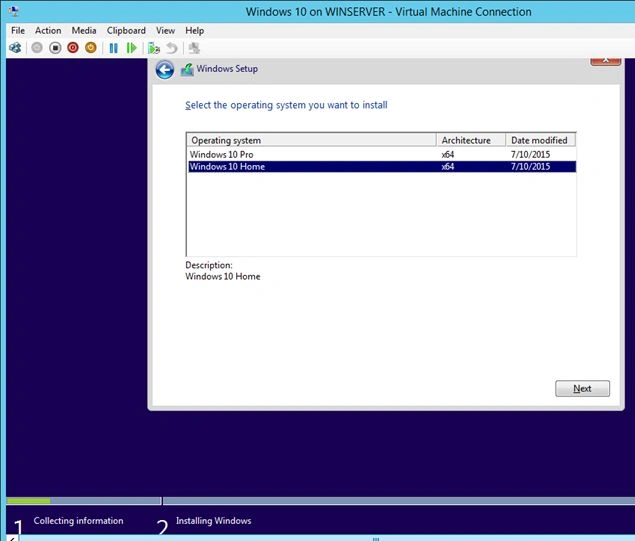
Click Next and then Read and accept the terms and conditions from Microsoft.
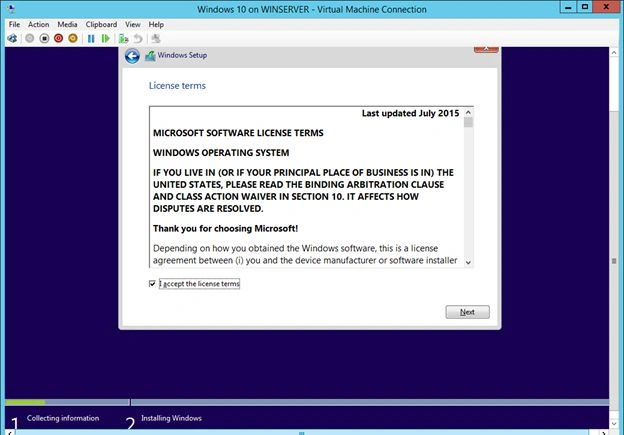
Click Next.
Select the Partition to install the operating system.

Click next.
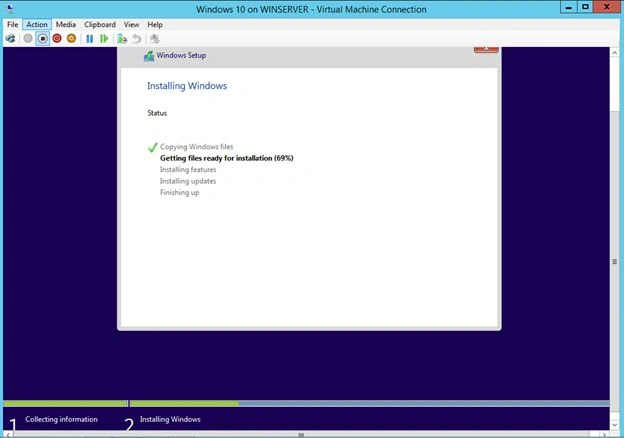
So the installation of Windows files started.

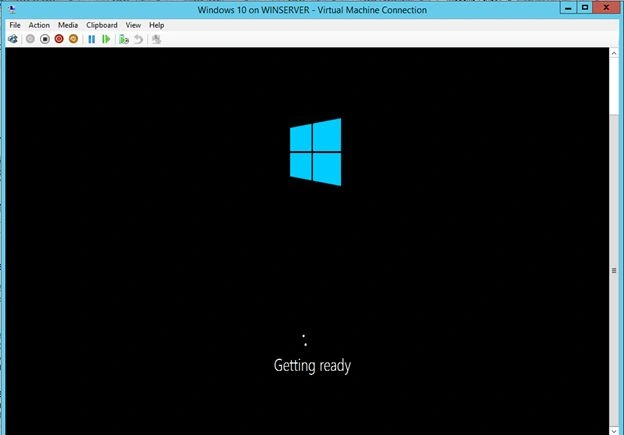
Windows is getting ready.
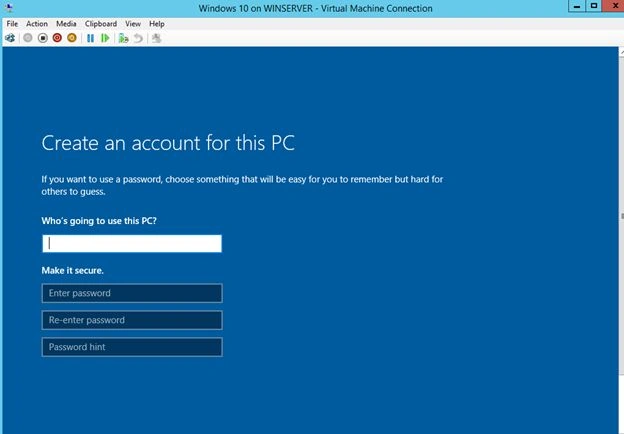
Provide the Username and Password.

So you can now install the operating system inside the windows, instead of dual boot.

Installing OS On Windows Hyper-V Manager
Join the conversation! Your thoughts help the community grow.
Sign in to leave a comment
It is the same account you read, post and publish with — and you will come straight back to this page.
Vinodh NarayananPosted Oct 27, 2015, 12:38 PM
Thanks a lot guys
Sibeesh VenuPosted Oct 27, 2015, 8:35 AM
Nice Share
Mukesh KumarPosted Oct 27, 2015, 7:38 AM
Nice Job
Vinodh NarayananPosted Oct 27, 2015, 5:33 AM
Nilesh Jadav Thanks
Nilesh JadavPosted Oct 27, 2015, 2:56 AM
This is Great ! N Vinodh
Vinodh NarayananPosted Oct 27, 2015, 12:33 AM
Harshad Pansuriya Thanks
Harshad PansuriyaPosted Oct 27, 2015, 12:11 AM
Nice one