

Welcome to an article on Central Administration of SharePoint 2013. Here, we will see how the Central Admin controls SharePoint sites from the back-end.
How do we access the admin portal?
When you install and configure SharePoint on your machine or Server, it creates a Central Administration site. This site is where you control all the options and features of SharePoint sites.
- Let’s open Central Admin of the SharePoint in your machine. Click Start of your Windows, select Administrative Tools and then click SharePoint 2013 Central Administration.

- Run it as an administrator to have elevated privileges.
- You will see the screen below.

- Central Admin is configured under the categories given below.
- Application Management
This section is divided into "Web Applications", "Site Collections", "Service Applications" and "Databases" configuration.
- System Settings
This section is divided into the Servers, "E-Mail and Text Messages", and "Farm Management" configuration.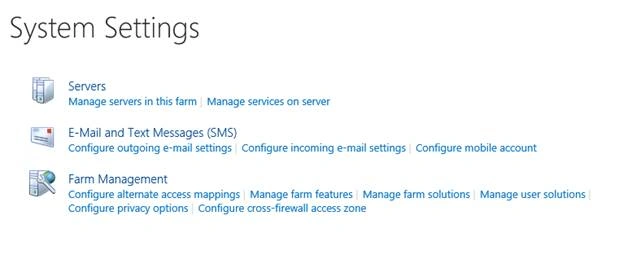
- Monitoring
This section is divided into Health Analyzer, Timer Jobs and Reporting configuration.
- Backup and Restore
This section is divided into "Farm Backup and Restore" and "Granular Backup" configuration.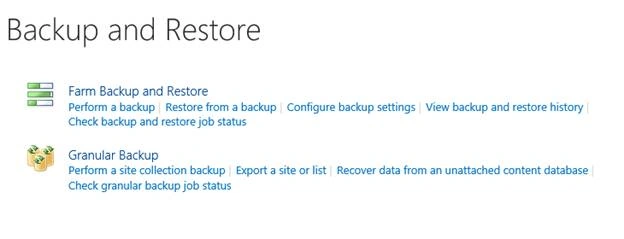
- Security
This section is divided into "Users", "General Security" and "Information Policy" configuration.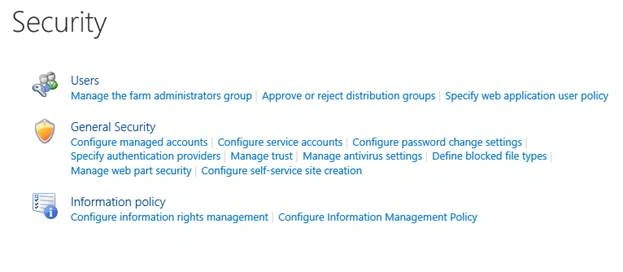
- Upgrade & Migration
This section assists you in "Upgrade and Patch Management".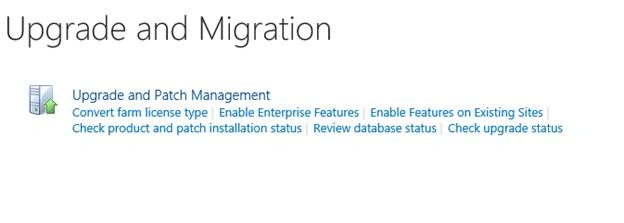
- General Application Settings
This section is divided into "External Service Connections", "Infopath Forms Services", "SharePoint designer", "Search", and "Content Deployment" configuration.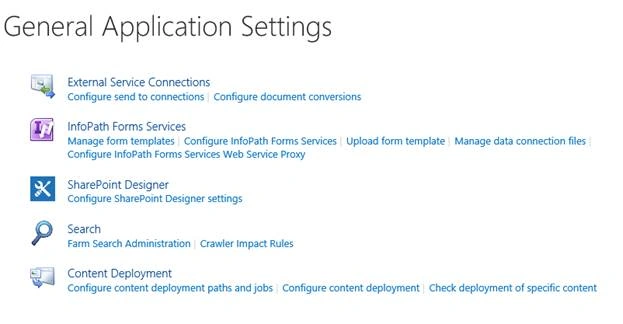
- Apps
This section is divided into "SharePoint" and "Office Store" configurations.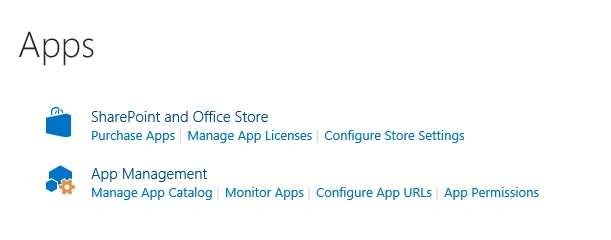
- Office 365
This section assists Office 365 configuration.
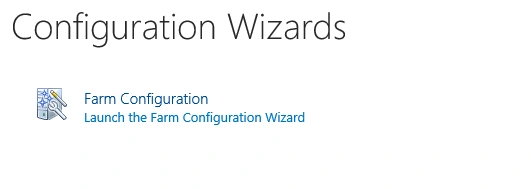
- Configuration Wizards
This section assists in "Farm Configuration".
Central Administration helps to perform the administration activities for SharePoint from a single location giving an upper hand to SharePoint Admins, who do not need to do the following configuration on the multiple sites. Once the configuration is done on the Central Admin, all the sites inherit those features and configuration.
From the screens mentioned above, we can see that SharePoint 2013 Central Administration covers all the categories for administration. We will see them in details in my next articles.
Until then, keep reading & keep learning.
Join the conversation! Your thoughts help the community grow.