

In my last article, we read about Microsoft Power Apps and its new functionalities available for us, developers and for our end users. Power Apps is the future of Office 365 and with various other connections where Flow, through power apps, will make process just a click process.
What is Flow?
You can create an automated workflow between your apps and services to get the notifications or to synchronize files, collect data, and many more functionalities.
Flow will be the new Workflows which we are using through SharePoint Designer or through other third party workflow tools.
Now, Flow will be a part of them, providing the automotive solution to all the tasks or processes.
Whether it's a complex multi step process or a simple one-step task, Flows will improve the effectiveness, productivity, and performance of the process assisting all the end users to get the benefits.
Let’s see how we can create one:
- Click on Create a flow button on the corner.
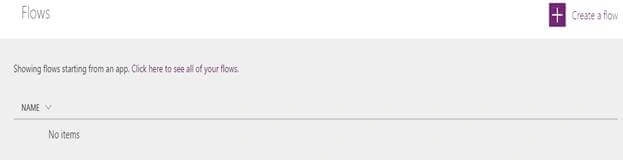
- On one click, you are ready to create a flow.
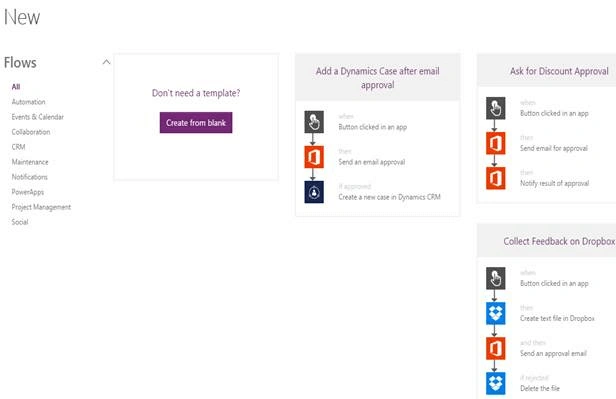
- You can either create a blank flow or choose from the following templates as you can see on the screen.
- We will choose a blank form. Click on it.
- You will see the screen below to choose the action from a variety list of services and products.
- As for us, we will choose Office 365 SharePoint Sites service and use flow to create a process in SharePoint.
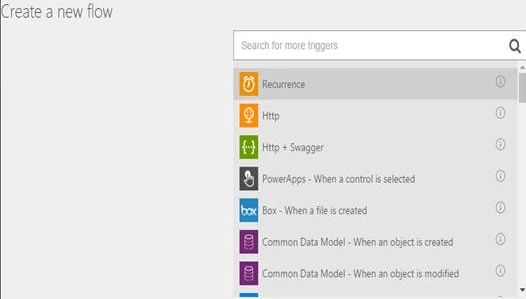
- We selected “SharePoint- When a new item is created” as a trigger to our flow.
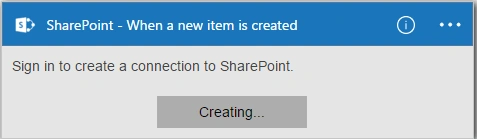
- Sign in to your SharePoint to connect flows to your site.
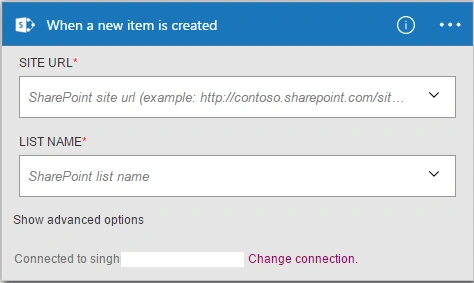
- Once connected, provide a site URL.
- Once you enter the site URL, it will fetch all the lists in the drop down below.
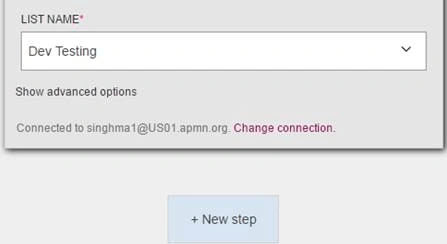
- Choose the list where the flow will trigger on flow.
- Click on New step.
- You can choose what should happen when a new item is created in the SharePoint list.
- You can either choose an action or
- Add a condition
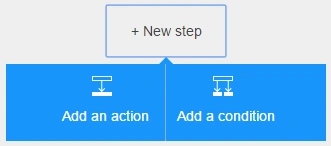
- We will create an action.
- Click on Add an action.
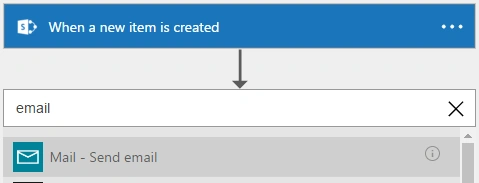
- When you click on action, it will allow choosing actions from a list of services.
- We will use “Mail- Send email”.
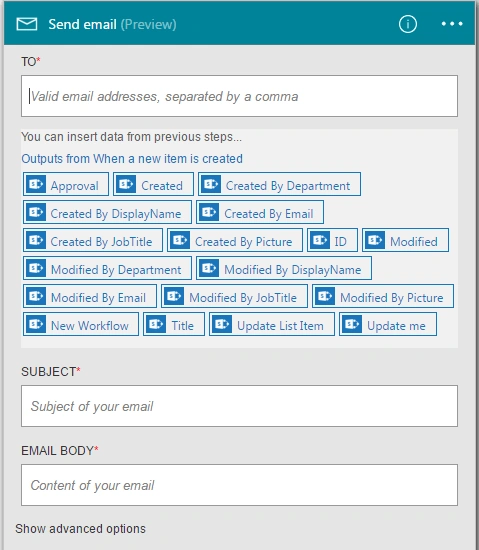
- This is something amazing you will see.
- As the email configuration, it allows you to pull in the SharePoint fields to fill in to your email configuration.
- Once done, click on create and the flow will be created.
- Go to the SharePoint List “”Dev Testing” and create an item.
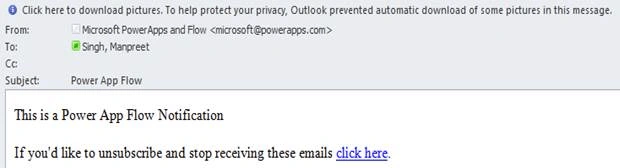
- The flow will send you an email as soon as an item is created as per the screen below.
Isn’t the Flow in Power Apps amazing? There is more to come in my other articles.
Humayun Kabir MamunPosted Aug 29, 2016, 12:08 AM
Nice...