

Introduction
There are various types of authentication options available during the creation of any ASP.NET web application in Visual Studio 2013. It depends on the selection project template if you select the Empty Project Template to create the web application then the authentication option is not available.
The following are the various types of project templates also available in Visual Studio 2013 to create ASP.NET web applications. These are given below.
- Empty Project Template
- WebForms Project Template
- MVC Project Template
- SPA Project Template
- Facebook Project Template
- Windows Azure Mobile Services Project Template
You can get the total idea of these templates from the Working with Project Templates in Visual Studio 2013 since we are discussing the authentication options here.
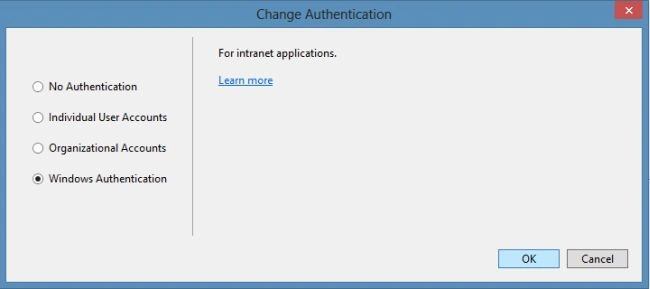
As you know there are various authentication options available in Visual Studio 2013 so I am describing them here. The authentication options are given below.
- No Authentication
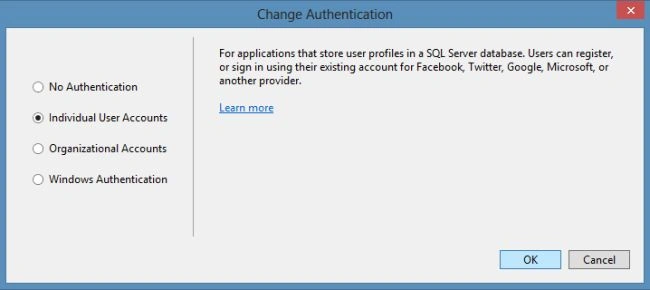
- Individual User Accounts
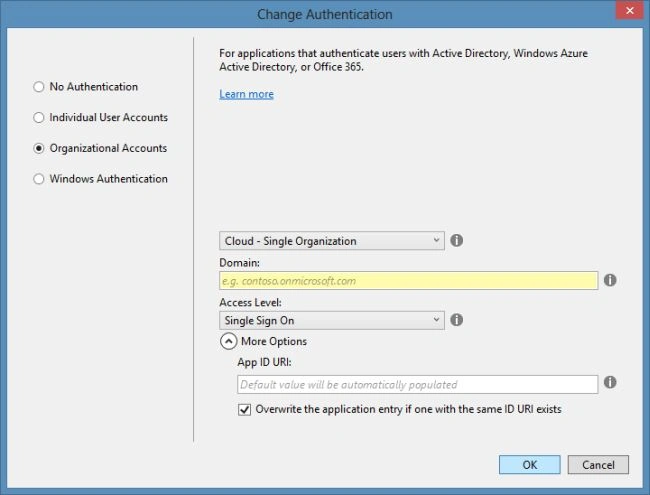
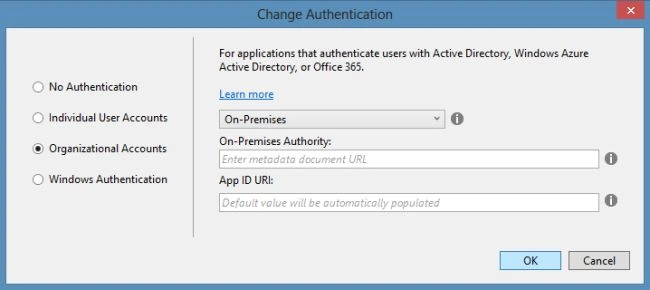
- Organizational Accounts
- Windows Authentication
Overview of Authentication
First, let us understand Authentication. So, what is authentication? Authentication is the process of ensuring the identity of a user for the purpose of authenticating the user to perform the operations in the application. It is applied to ASP.NET applications through the identity provider which is a service that provides the facility to authenticate the users. We can also manage the user accounts using an identity provider. The information of the user may be stored in a database for managing the accounts by the identity provider. Framework 4.5.1 is used in creating a web application in Visual Studio 2013.
Overview of Authorization, Claims, and Roles
- The Authorization process is started after the application users are authenticated. There are some identity providers available that are used to produce info for the authorization like e-mail, full name, and so on. This information is referred to as claims.
- Each claim is sent by the identity provider to the consuming application in the form of a name-value pair. The claims are sent using the tokens to the application. You can refer to the Claims Overview for better information.
- A Role is also a type of Claim that defines the character of any user; characters as Administrator, Editor, or Developer. The Roles are used to assign the privileges rather than explicitly giving a user access to any operation. It does not accept the authority by itself; it only checks the role presence of the user.
Getting Started
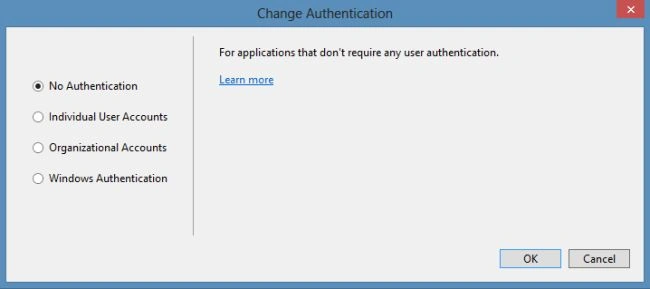
No Authentication
This authentication is applicable to where all the content is available to the public. As the name describes there is no authentication applied to the application. If the application does not keep track of the users then this authentication is applied. If No Authentication is selected when creating the ASP.NET web application then the application will not include any resources that optional authentication will require, or we can say that there are no web pages available for logging in, and no classes for the membership.
Lakshmanan Sethu SankaranarayanPosted Apr 30, 2014, 6:49 AM
Nice Recap