

Introduction
As I introduced you in my earlier article, Microsoft has released the latest version of Visual Studio, in other words Visual Studio 2013 Release Candidate. So, here in this article I am introducing the various new features announced with the Preview release and one of them is for F# developers.
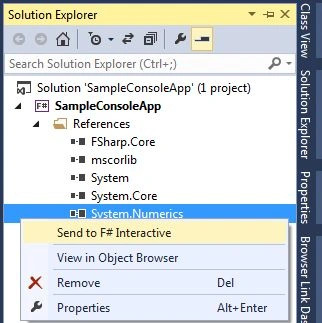
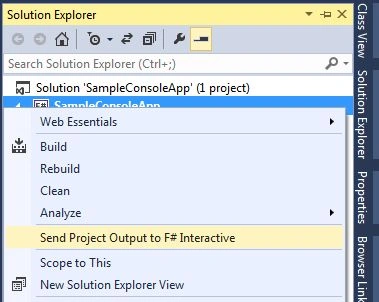
There is one spanking new feature include in the Visual Studio 2013 Release Candidate. Like the preview version it has the new update of F#, in other words F# 3.1 and the enhanced Visual F# Tools. The latest feature in RC for F# is "Send to F# Interactive". F# interactive is also known as a REPL that stands for Read Evaluate Print Loop. This is used to accept the code and after compiling and executing, it displays the result. It allows you to very easily and quickly experiment with the code instead of creating new projects or build an application for display the results.
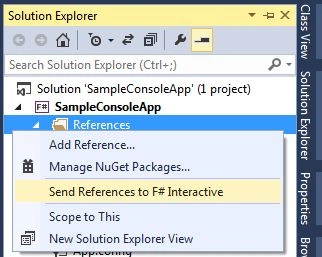
In your Solution Explorer, the assembly references have the new option. This option is used to send those references to a F# Interactive (FSI) session. It is generally much faster and easier than typing a full command.
Let's start to create a F# application to use the FSI with the following procedure.
Step 1: Open the Visual Studio 2013 Release Candidate
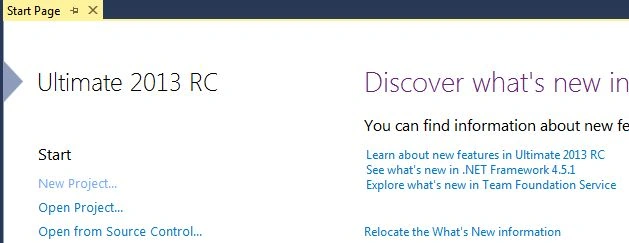
Step 2: Click on "New Project" to create a console application.
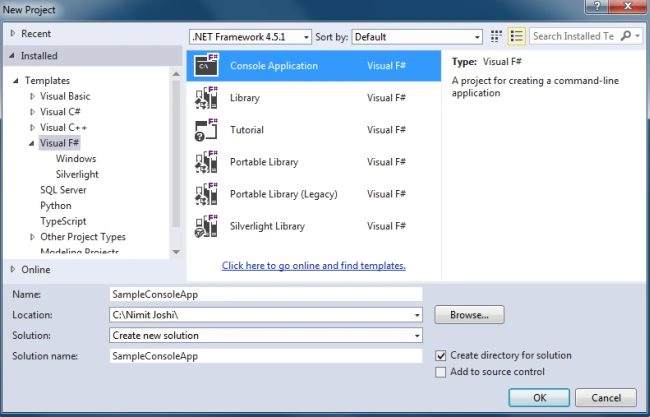
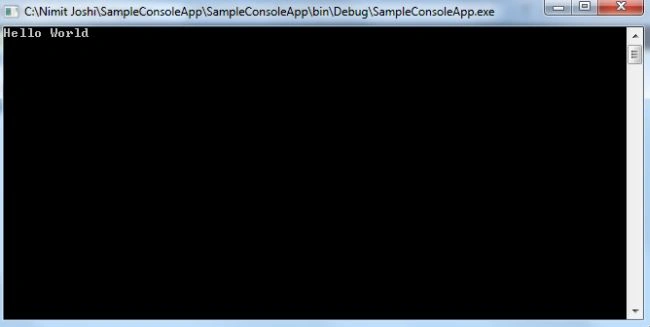
Step 3: Creating a simple program. Replace the code of the "Program.fs" file with the following code:
open System
Join the conversation! Your thoughts help the community grow.