

Introduction
SharePoint Designer is a tool provided by Microsoft for designing, customizing, and creating a SharePoint solution without writing a lot of code. It's easy to use for both, SharePoint developers and administrators. SharePoint Designer provides lists, libraries, and functionality to create a site and edit pages.
The framework is capable of designing and building highly customized business solution sites.
Opening SharePoint Designer 2013
SharePoint Designer is like a friend of SharePoint Server. Once you download the SharePoint Designer, you can save it anywhere in your computer and install it.
Go to Start Menu -> Search SharePoint Designer -> Open.
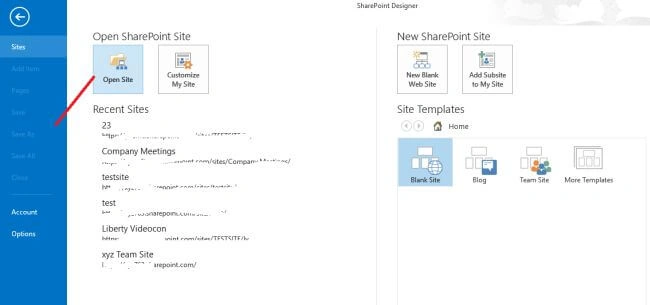
Click on Open Site >> copy your site collection URL and paste over here. Then, click OK. It will ask for Login ID and Password.
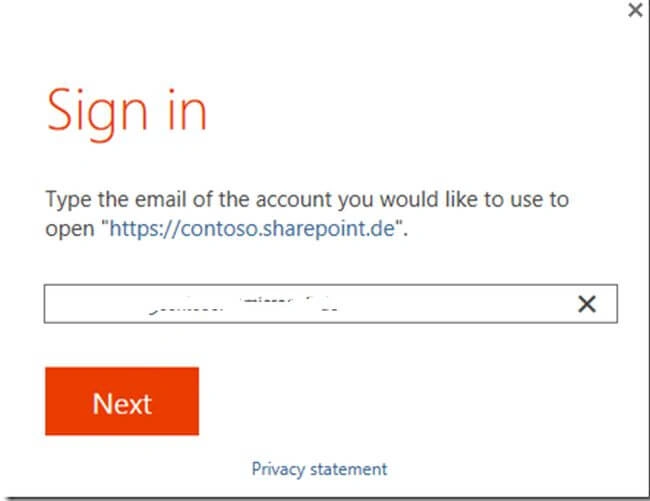
Next, it will be asking for User ID and Password for accessing your site.
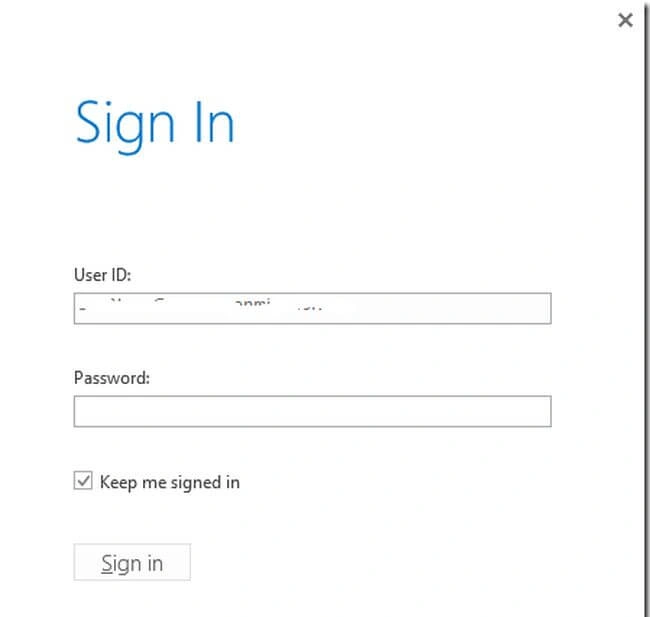
It will check your credentials and after logging in, you will be redirected to the Homepage of SharePoint Designer.
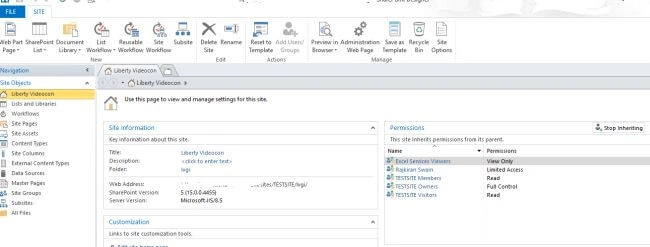
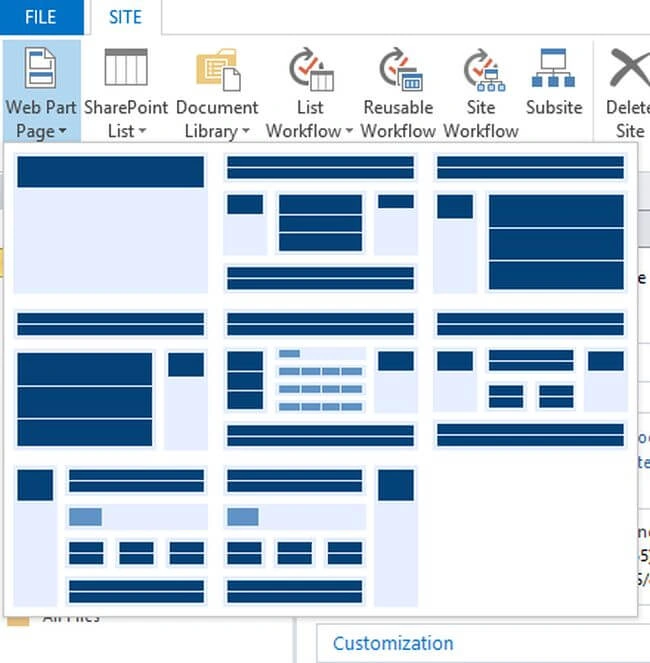
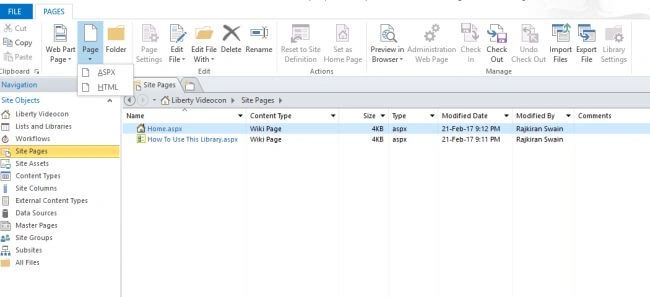
Webpart Page
You can now create a Webpart using SharePoint Designer. Also, you can set the Webpart Zone.
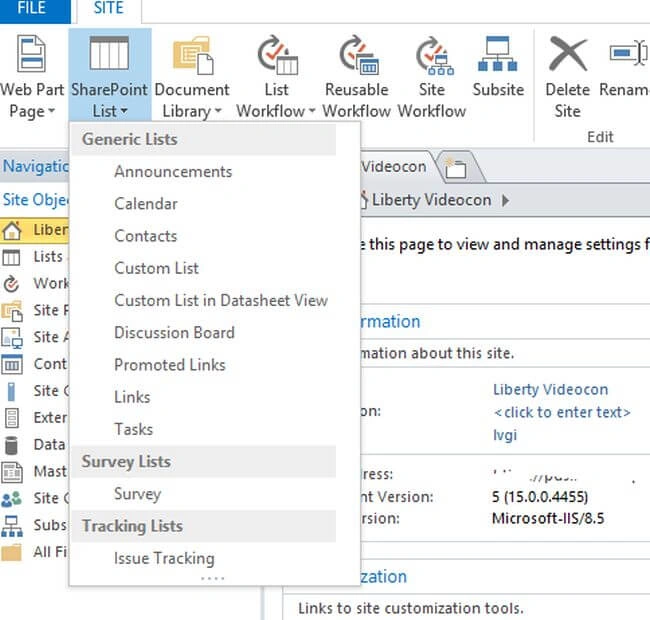
SharePoint Lists
Create a SharePoint list in SharePoint Designer, same as in SharePoint. Microsoft has already provided many out-of-box list templates to work with. You can click on any of that to create your own lists.
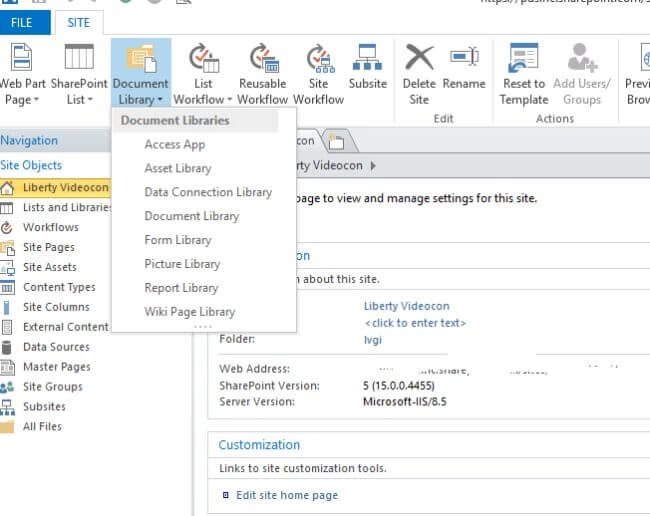
SharePoint Document Libraries
You can create SharePoint libraries also in SharePoint Designer, similar as in SharePoint. You can click any of the company provided libraries to create your own library.
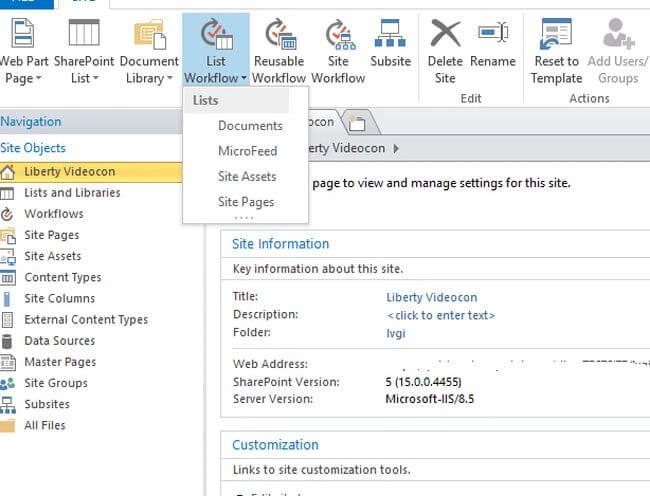
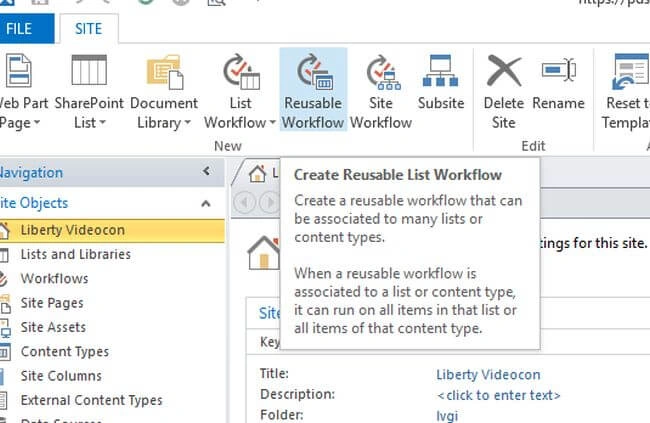
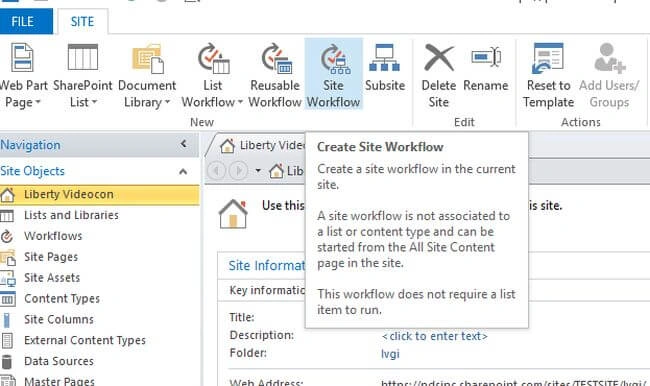
WorkFlows
Sumit DeshmukhPosted Jun 16, 2017, 1:33 AM
Good Share Raj meanwhile basic concept is very important.