

Introduction
This article introduces ASP.NET Web Project development using the various project templates. In Visual Studio 2013 Preview there are various types of project templates available to create web projects. When you create a web project, it creates files and folders inside the new project, it installs NuGet Packages and provides some sample of code in your application. These project templates introduce the cutting-edge web standards and leverage the power to use ASP.NET technologies as well as gives you a start on your own application.
Visual Studio 2013 Preview provides the following types of web project templates that target the .NET Framework 4.5 or later versions:
- Empty template
- Web Forms template
- MVC template
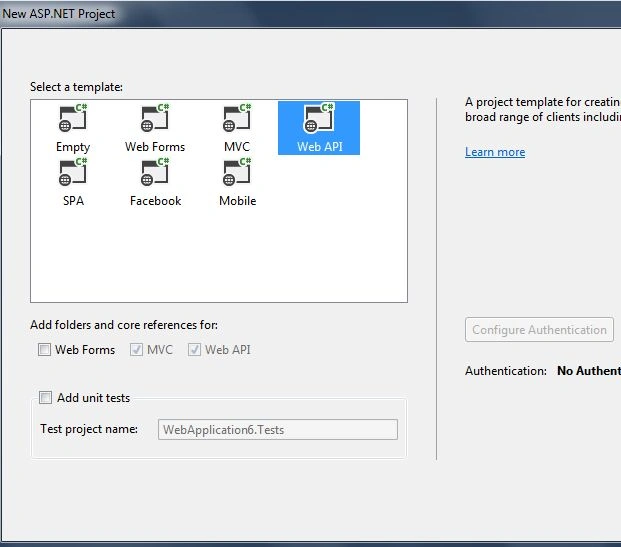
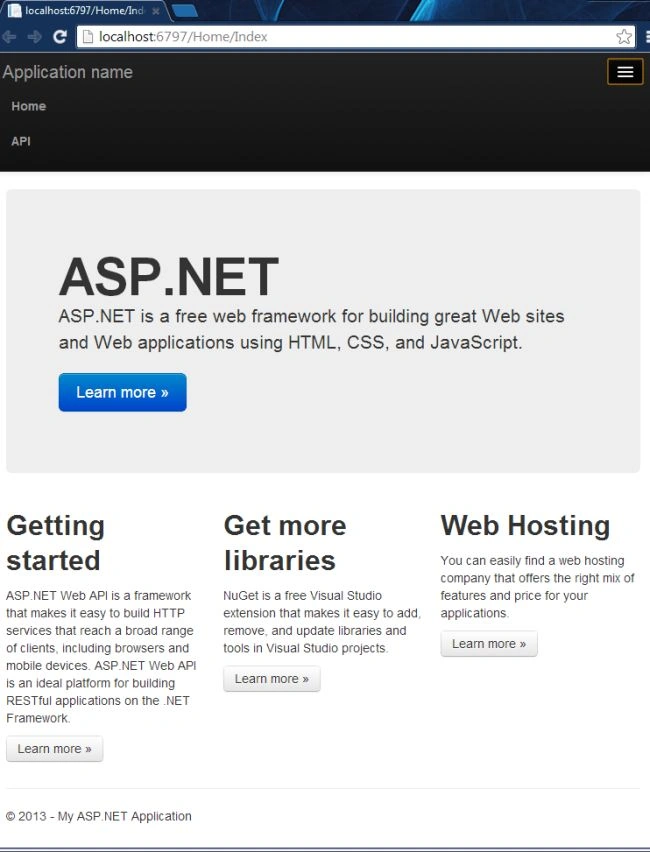
- Web API template
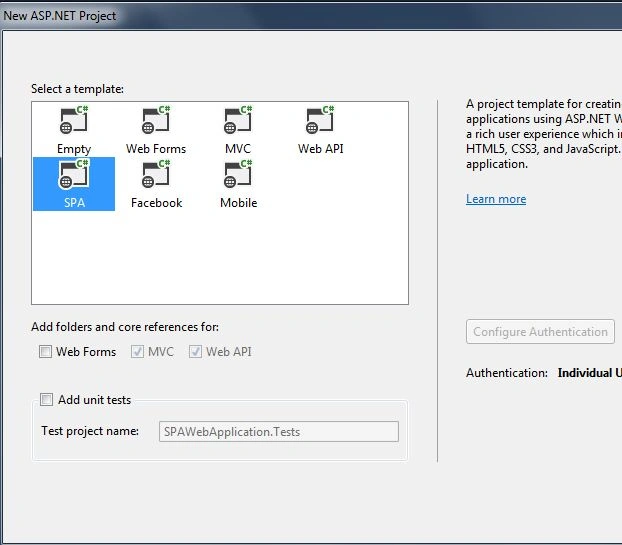
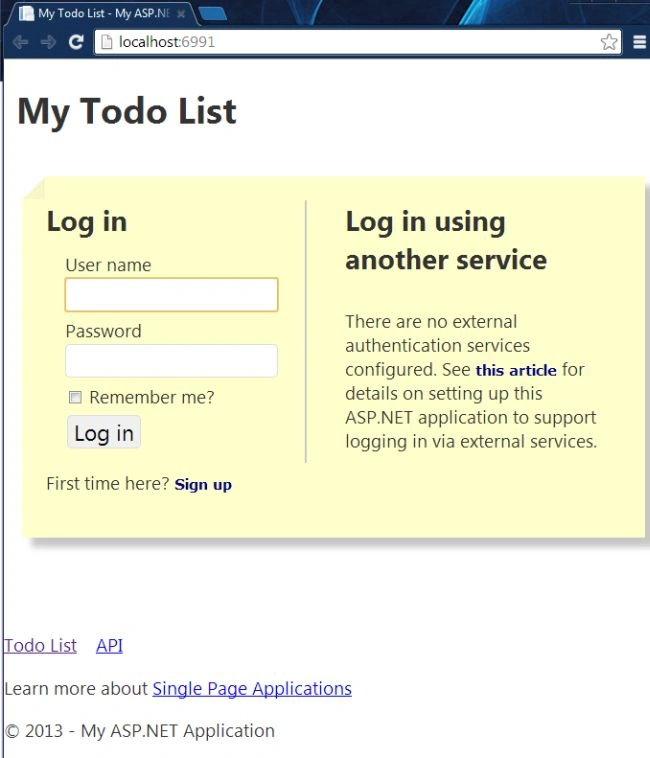
- SPA template
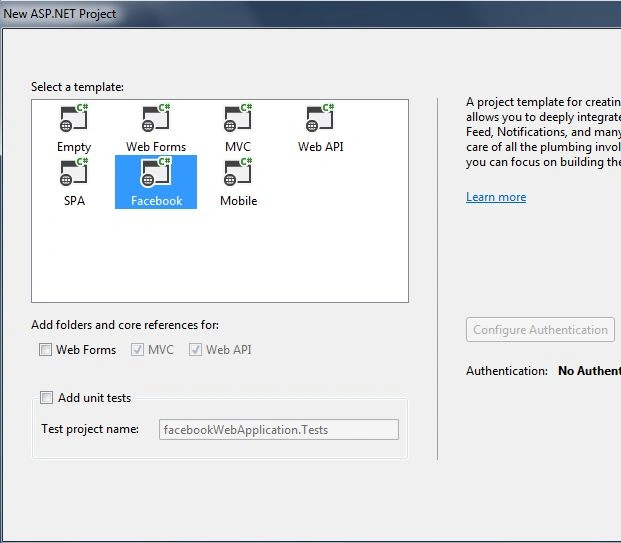
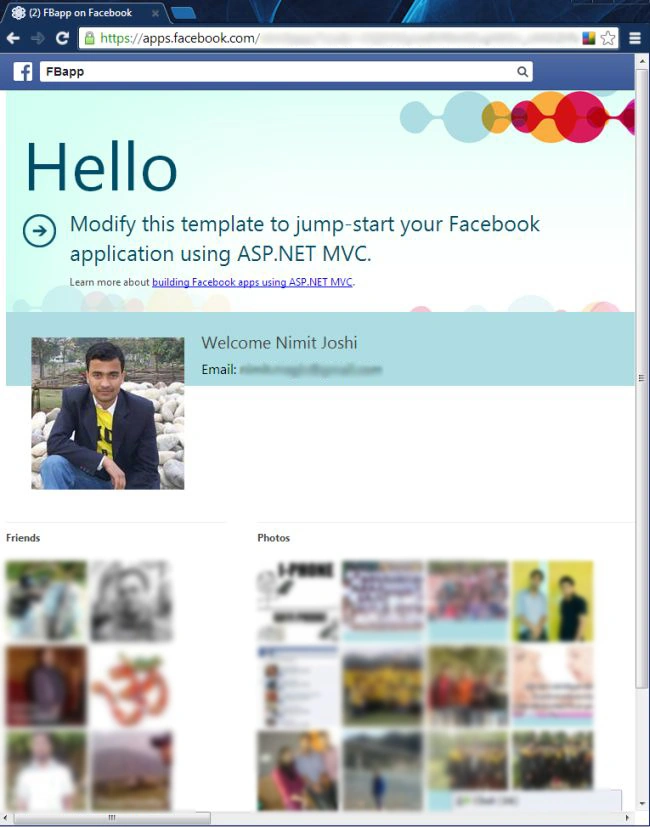
- Facebook template
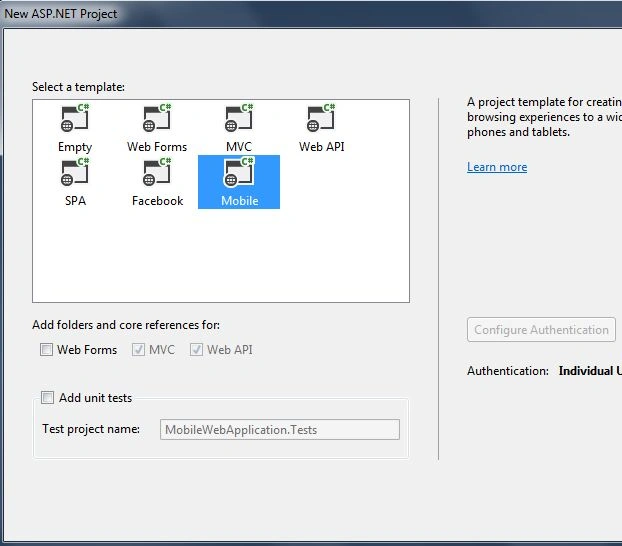
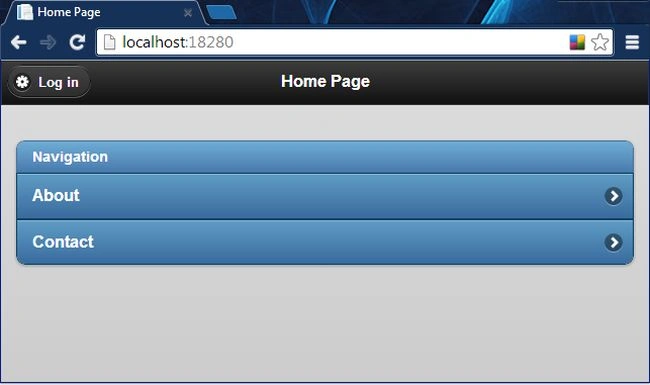
- Mobile template
Empty Template
The project template named "Empty Template" provides the minimum files and folders for an ASP.NET web site, such as Properties, References and a Web.config file. Visual Studio also provides the new ability to add support for Web Forms, MVC and Web API. You can add these using the check boxes.
Let me give an example of creating an Empty Project Template.
Step 1
Select "File" -> "New" -> "Project...".
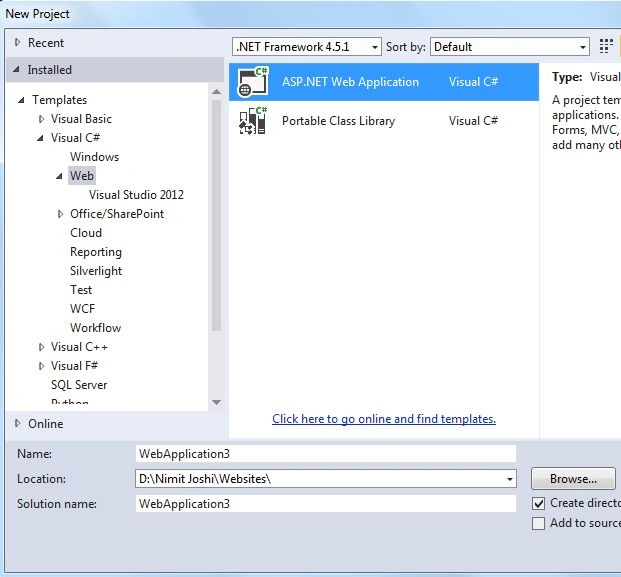
Step 2
Give your app a name and click "OK".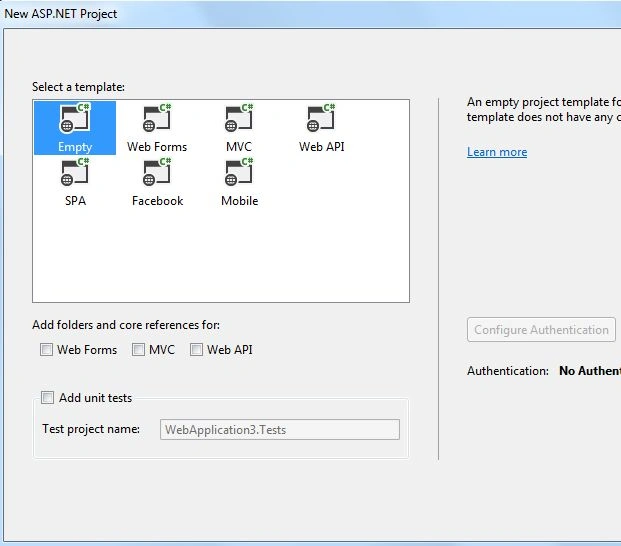
If you select an Empty Template then there is no authentication option available. The authentication is only implemented by Sample App code and the empty template doesn't create a sample app.
Web Forms Template
The Web Forms Project Template lends you the following features with which you can create web sites swiftly that are comfortable in the design of User Interfaces and data access features:
- A WYSIWYG designer in Visual Studio.
- You can customize Server controls that render HTML by styles and properties.
- You can also use controls for accessing and displaying data.
- Automatic care of state (data) between HTTP requests.
The programming for creating Web Forms applications is easer than creating the application using the ASP.NET MVC framework. When any standard Web Form is created, there are many complex apps behind it. Because the controls in a Web Forms page generates much of the markup sent to the browser.
When any application that uses a Web Forms template creates something, it uses a Bootstrap to provide attractive theming and designing features.
The following example illustrates how to create a Web Forms Project Template.
Step 1
Select "File" -> "New" -> "Project...".
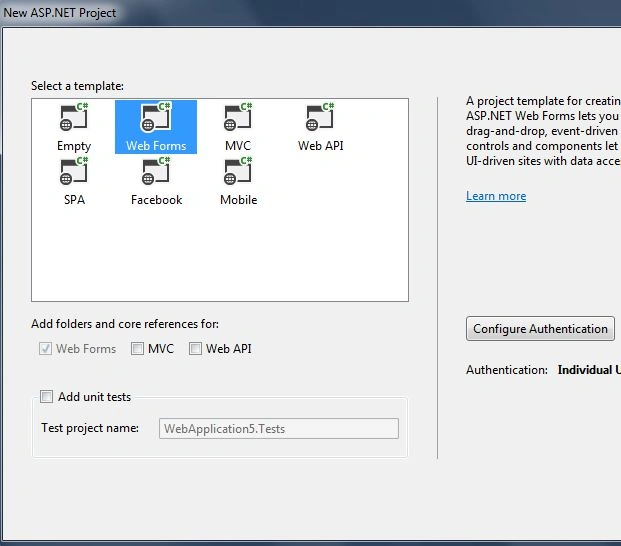
Step 2
The following picture shows the home page of your app: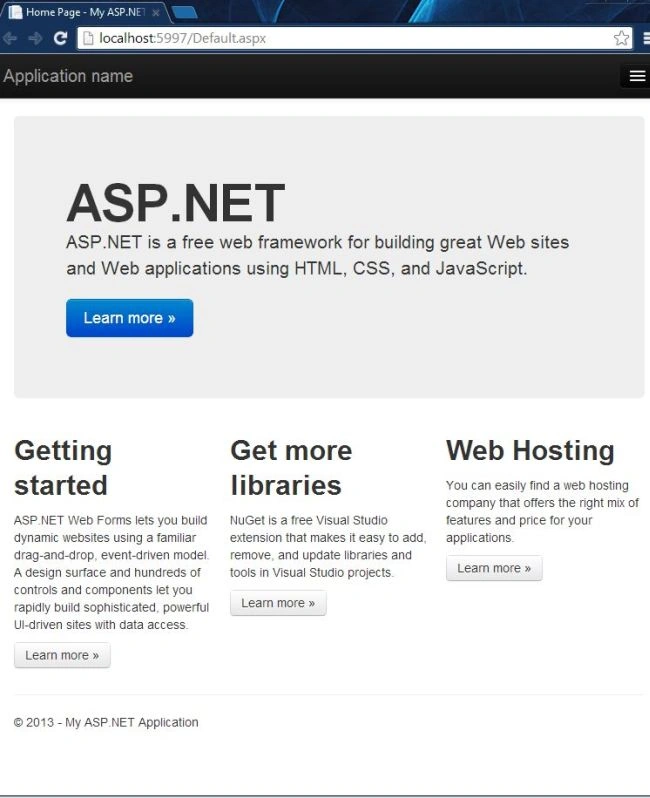
MVC Template
The ASP.NET MVC project template develops the pattern-based development applications such as test-driven development. In this development your business logic that is in the Business Logic Layer (BLL) is separate from the presentation layer. As the name inplies, Model View Controller (MVC) reduces complexity from the application.
The MVC project template provides direct interaction with HTML and HTTP than in Web Forms. Let us take an example. As I described earlier, Web Forms automatically care state between HTTP requests but in MVC you need to write code explicitly. You can take complete control over your application in MVC, but the disadvantage is that you need to write more code for it. It also uses the Bootstrap feature in the MVC 5 application.
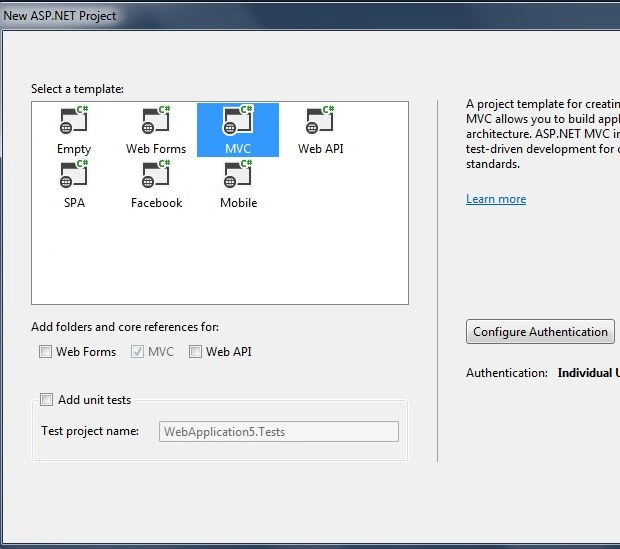
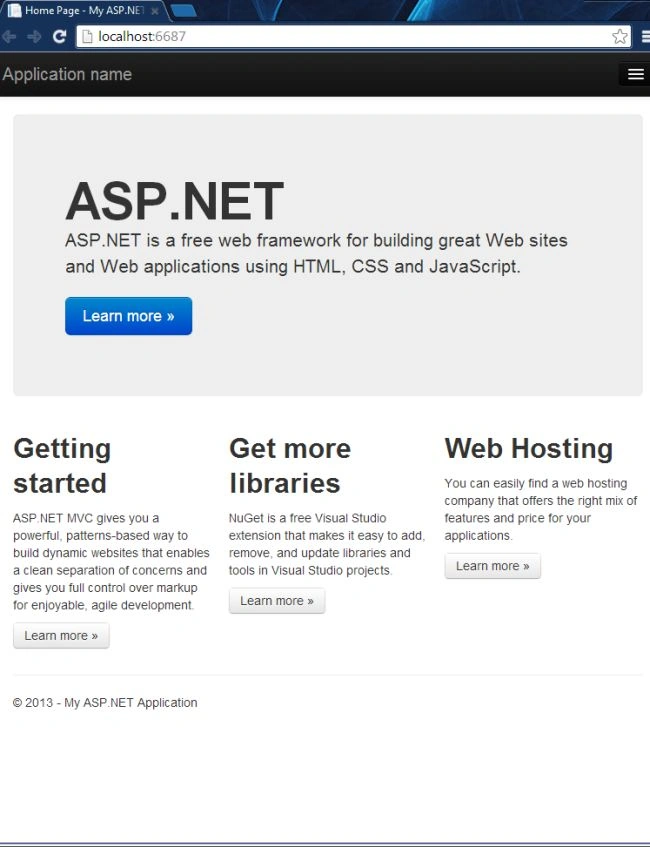
The following example shows how to create a MVC Project Template.
Step 1
Sunny SharmaPosted Aug 3, 2013, 12:50 AM
nice one Nimit