

A fine day at desk started working on iOS Xamarin. I had to push image to Azure Mobile Service Database and then had to retrieve that. As per requirement I had to use string to save image and retrieve. The only option found was by converting image to array of bytes and then converting that to base 64 String and save that image to database.
In iOS we have UIImage and UIImageView, here UIImage is the image with source whereas UIImageView is the control that we use to display image. If I relate that with Windows Phone it's like Image Control and Image Source. Similarly it's UIImageView.Image that has UIImage as:
{ get; set; }
There are many ways to convert image to byte[] array and then convert byte[] array to Base64 String, but unfortunately when decoding that image string, UIImage always returned to be "null" and I wasn't able to generate image from string. I tried finding different solution of different forums but no forum had answer to that. If they has a solution for encoding and decoding that turned to be returning "null" at the end.
So what's the solution? Well here it is,
Encoding
- string encodedString = img_imageView.Image.AsJPEG (0.23f).GetBase64EncodedString (NSDataBase64EncodingOptions.None);
Decoding
Decoding was something I found no solution for end and ended up in frustration for some time.
- byte[] encodedDataAsBytes = System.Convert.FromBase64String (ImageStringToDecode);
- NSData ImageData = NSData.FromArray(encodedDataAsBytes);
- var img = UIImage.LoadFromData(Imagedata);
- img_toView.Image = img;
Here are few screeshots of the code,
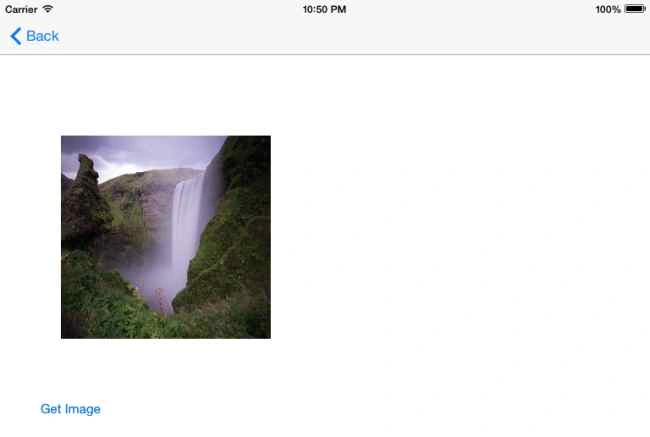
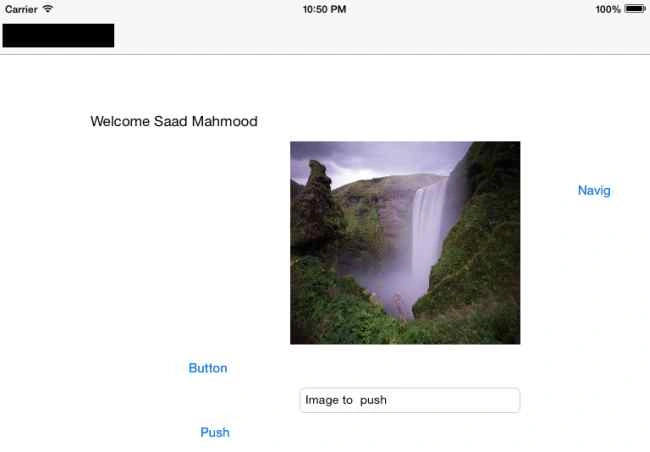
Note: Due to NDA I can't share the code.
Asfend YarPosted Mar 4, 2016, 5:01 AM
NDA ????
Imran Javed ZiaPosted Dec 5, 2015, 6:49 AM
Nice Work
Santhakumar MunuswamyPosted Oct 25, 2015, 11:51 AM
Good one
Sibeesh VenuPosted Oct 21, 2015, 1:11 AM
Nice Share
Mukesh KumarPosted Oct 21, 2015, 12:35 AM
Very Nice
Harshad PansuriyaPosted Oct 20, 2015, 11:56 PM
Nice
Mohammed IbrahimPosted Oct 20, 2015, 11:04 PM
nice