

Here I have some panel sand I am showing these panels with a jQuery slide show.
The following is my aspx code:
- <%@ Page Language="C#" AutoEventWireup="true" CodeBehind="Default.aspx.cs" Inherits="jQueryPanelSlideShow.Default" %>
- <!DOCTYPE html>
- <html xmlns="http://www.w3.org/1999/xhtml">
- <head runat="server">
- <title>jQuery Panel Slide Show</title>
- <script type="text/javascript" src="http://ajax.googleapis.com/ajax/libs/jquery/1.8.3/jquery.min.js"></script>
- <script type="text/javascript">
- $(function () {
- var $divSlide = $("div.slide");
- $divSlide.hide().eq(0).show();
- var panelCnt = $divSlide.length;
- //Set Slide Show Interval
- setInterval(panelSlider, 4000);
- function panelSlider() {
- $divSlide.eq(($divSlide.length++) % panelCnt)
- .slideUp("slow", function () {
- $divSlide.eq(($divSlide.length) % panelCnt)
- .slideDown("slow");
- });
- }
- });
- </script>
- </head>
- <body>
- <form id="form1" runat="server">
- <table style="border: solid 4px blue; height: 200px;">
- <tr>
- <td style="vertical-align: top; background-color: orange; height: 10px; padding: 10px; font-family: Verdana; font-size: 16pt; font-weight: bold; color: blue;">jQuery: Slide Show with Panel in ASP.NET using jQuery
- </td>
- </tr>
- <tr>
- <td style="background-color: skyblue;">
- <div>
- <asp:Panel ID="Panel1" runat="server" class='slide' BackColor="Red" Height="70px">
- Welcome to ASP.NET Panel Silde Show
- </asp:Panel>
- <asp:Panel ID="Panel2" runat="server" class='slide' BackColor="Yellow" Height="70px">
- Welcome to world largest online community.
- </asp:Panel>
- <asp:Panel ID="Panel3" runat="server" class='slide' BackColor="Green" Height="70px">
- Post, Share, View online content.
- </asp:Panel>
- <asp:Panel ID="Panel4" runat="server" class='slide' BackColor="#ff33cc" Height="70px">
- Enjoy your online network.
- </asp:Panel>
- <asp:Panel ID="Panel5" runat="server" class='slide' BackColor="#009999" Height="70px">
- Happy to share knowledge.
- </asp:Panel>
- </div>
- </td>
- </tr>
- </table>
- </form>
- </body>
- </html>
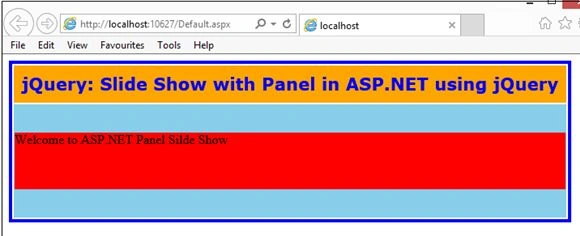
Image 1.
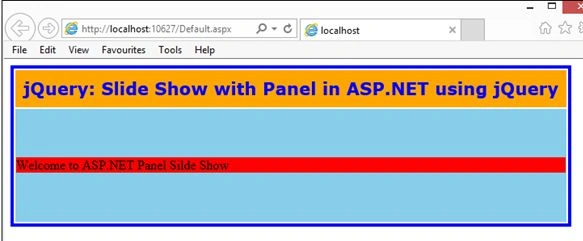
Image 2.
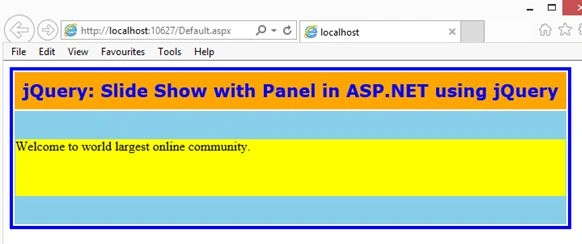
Image 3.
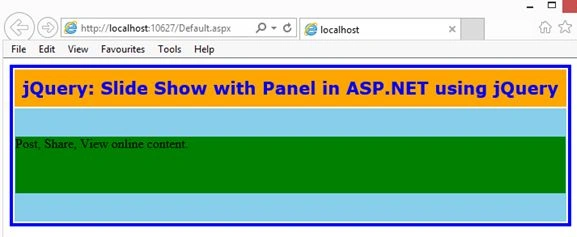
Image 4.
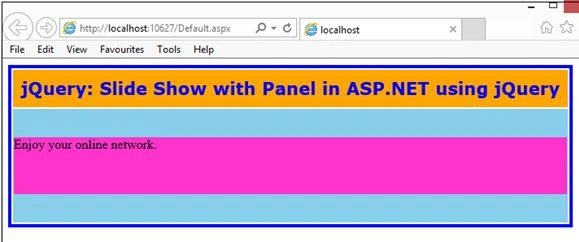
Image 5.
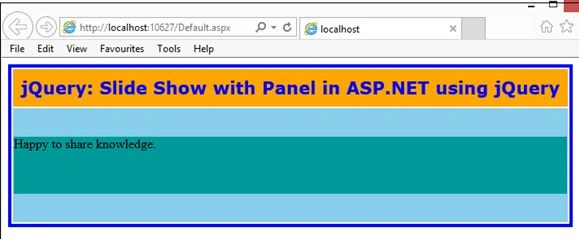
Image 6.
Rahul Kumar SaxenaPosted Feb 26, 2015, 5:19 AM
Thanks Rohan Pandey...
Rahul Kumar SaxenaPosted Feb 26, 2015, 5:19 AM
Thanks Pankaj...
Rahul Kumar SaxenaPosted Feb 24, 2015, 8:06 AM
Thanks 2 All..
ROHAN PANDEYPosted Feb 20, 2015, 11:34 PM
Hello Rahul can you send yours email I'd [email protected] yours example very use full for me
Pankaj SinghPosted Feb 11, 2015, 6:39 AM
Nice article rahul