

In this article you will learn the following thing:
- Event binding.
Including:
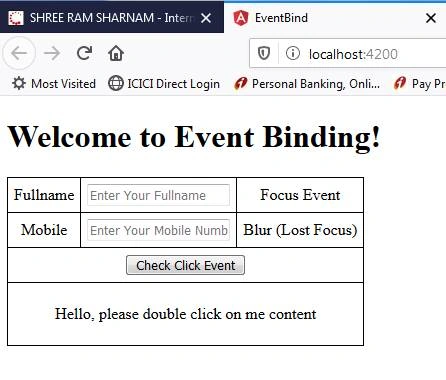
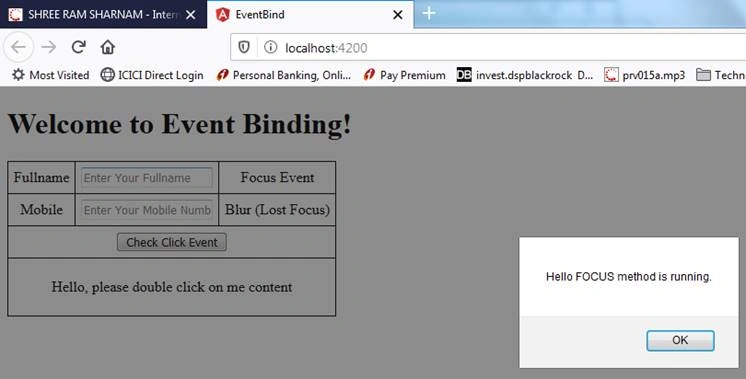
- On Focus
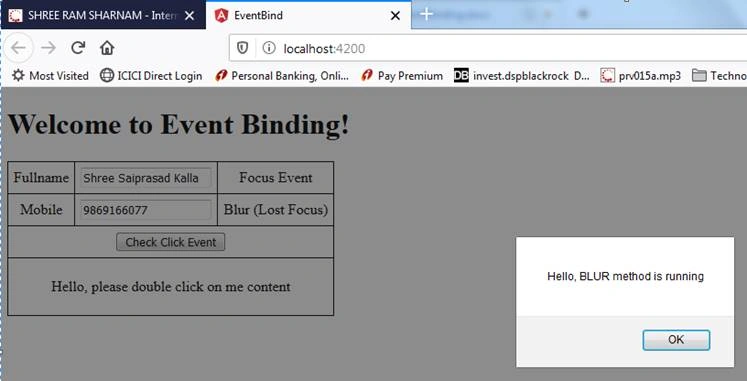
- On Blur (Lost Focus)
- On Click
- On Double Click
- Write event code
In this we are going to use only three (3) files.
- component.html
- component.ts
- component.css
Files and Uses
|
SR.
NO.
|
FILE NAME
|
DESCRIPTION
|
|
1.
|
app.component.html
|
To write html code (UI coding).
|
|
2.
|
app.component.ts
|
To write event based coding.
|
|
3.
|
app.component.css
|
To write CSS (style sheet) for html.
|
Create project called EVENTBIND
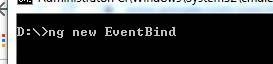
Command: ng new EventBind
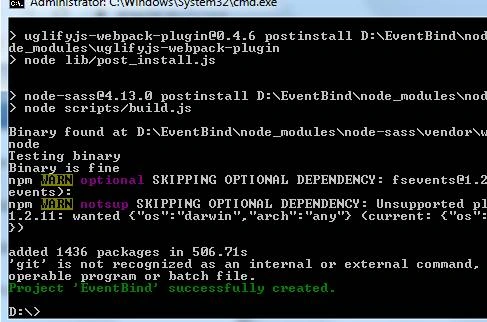
Project created successfully,
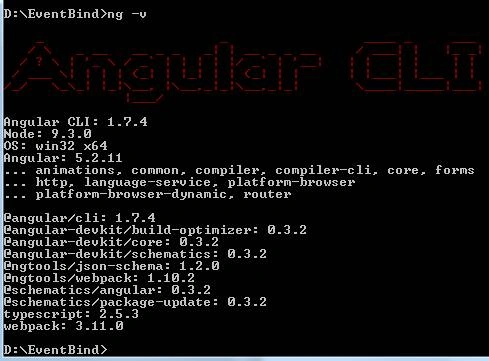
Angular current version detail,
Command: ng -v
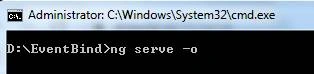
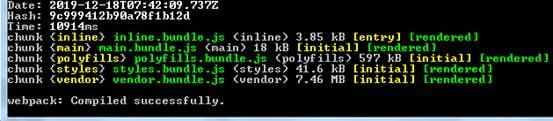
Execute empty project:
Command: ng serve -o

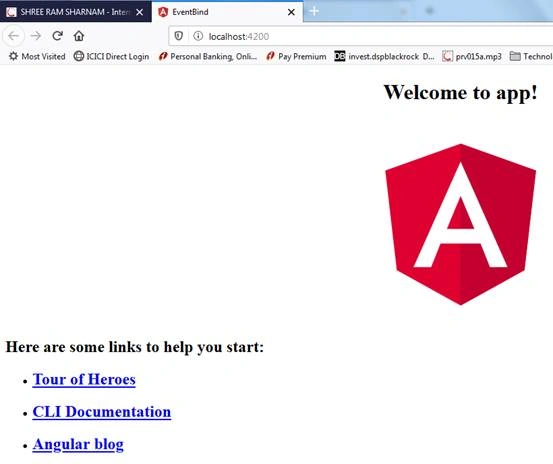
Now you can check your default browser,
OUTPUT
Now we open EVENTBIND project inside VS Code.
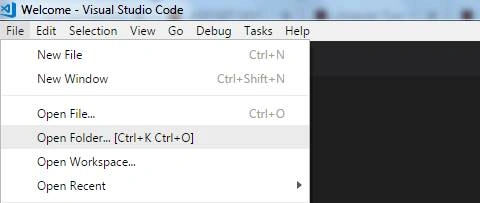
Select OpenFolder option to open the folder files in VISUAL STUDIO CODE.
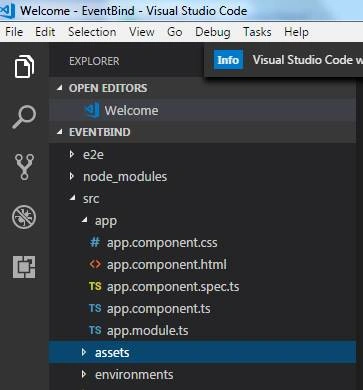
Expand folder SRC and double click on app.component.ts file.
Now we change the title of App.Component to
Your app.component.ts file should look like this,
- import {
- Component
- } from '@angular/core';
- @Component({
- selector: 'app-root',
- templateUrl: './app.component.html',
- styleUrls: ['./app.component.css']
- })
- export class AppComponent {
- title = 'Event Binding';
- }
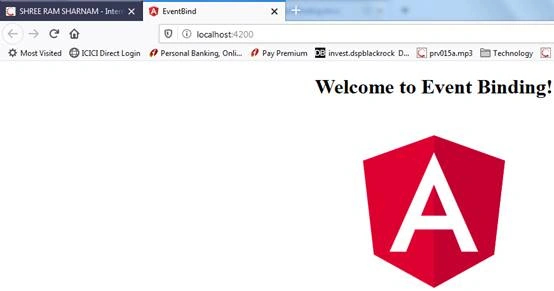
As you can see below screenshot title has been changed successfully.
Amit Kumar SinghPosted Jan 3, 2020, 11:31 AM
Thanks for sharing !!!