

Introduction
It's time for game development. My previous articles are fully based on IoT (Internet of things). Therefore, I want to make some changes in my contribution and that's the reason I am jumping into gaming. Working with gaming is my passion as well.
It's time for game development. My previous articles are fully based on IoT (Internet of things). Therefore, I want to make some changes in my contribution and that's the reason I am jumping into gaming. Working with gaming is my passion as well.
Construct 2
Construct 2 is a powerful HTML 5 game creator, designed especially for 2D games creators. It's great for a beginner and powerful. We can work with the Construct 2 engine more quickly than coding. The game engine only supports Windows.
Construct 2 is a powerful HTML 5 game creator, designed especially for 2D games creators. It's great for a beginner and powerful. We can work with the Construct 2 engine more quickly than coding. The game engine only supports Windows.
Installing Construct 2
If you do not already have Construct 2, the newer updated version is available here and you can get it.
System Requirements
If you do not already have Construct 2, the newer updated version is available here and you can get it.
System Requirements
- 64 bit Windows 7 to Win 10
- 4GB RAM
- A nVidia or AMD graphics card with the latest drivers, at least 512 MB
- Indies and hobbyists.
- Teachers and students.
- Designers and artists.
- Professionals and developers.
- Any one like me, working for the passion.
We can easily export it on Chrome Web Store, Facebook, Kongregate, NewGrounds, Firefox Marketplace or use our Scirra Arcade to share your creations.
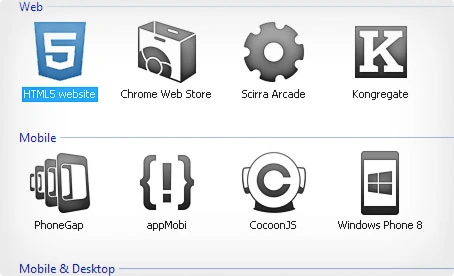
Figure: Exported on multiplatform
Things you'll need
- Either PC (or) a laptop with the ability to work on Construct 2.
- Construct 2 Game engine.
- HTML5 compatible Browser.
- Ability to dream apart from thinking, which is important.
Okay let's start your first game
After installing Construct 2, you can double click on the desktop icon and the Construct 2 start page will look as shown below:,
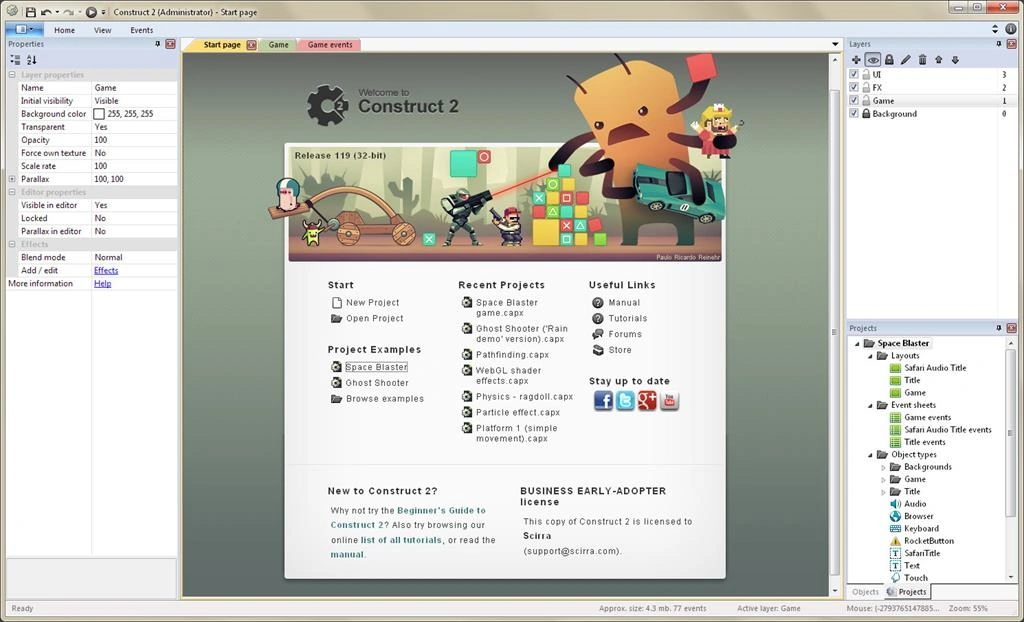
Figure 1: Start Page
Figure 1: Start Page
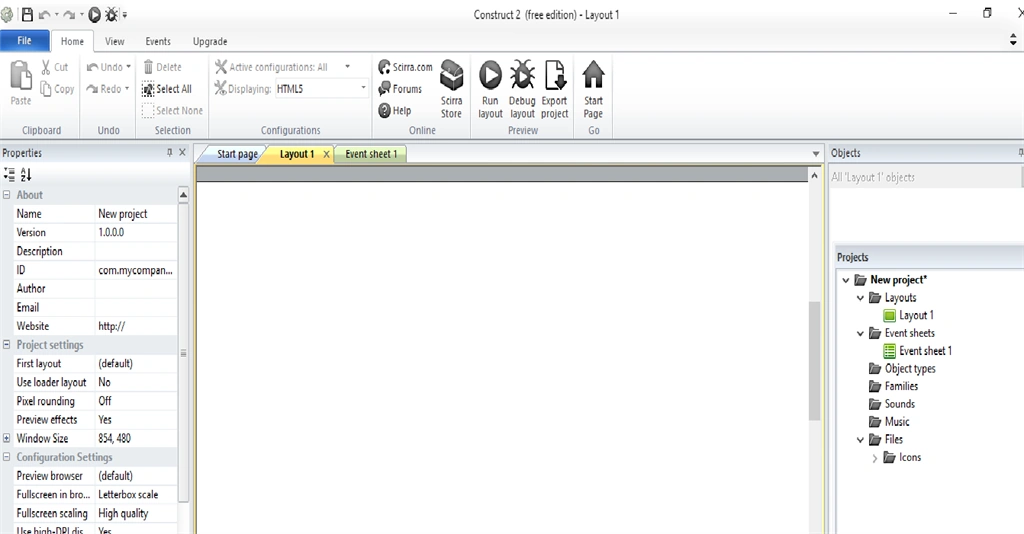
Step 1: Click the new project as mentioned in the image below:
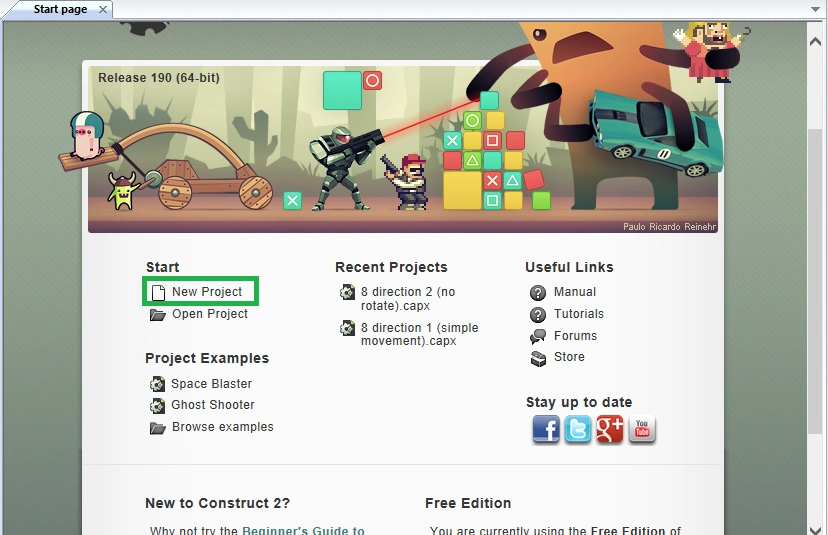
Figure 2: New Project
Figure 2: New Project

dreamO clockPosted Jul 14, 2019, 2:57 AM
I have been using Construct engine to create games for almost 3 yrs now so i have used both C2 & C3 and can tell the difference,so C2 was a good engine for simpler games but lacked performance and a lot of features but C3 has overcome this with its new basic required features like Share Plugin, Build Feature, Timeline and more. Also they are updating regularly with new features, that you can find here... C3 Intro & Featuresalso recently they added javascript support that can help you if you are a beginner and want to learn language. You can see games made with c3 here ... games made with C3 and games created by me here... games created by me in C3 Finally, i would like to say that with reasonable subscription model and regular updates, it is one of the best 2D game engines out there.
Hadshana KamalanathanPosted Jul 22, 2018, 4:23 AM
Nice post....
Delpin Susai RajPosted Aug 28, 2016, 4:17 AM
Nice
RajaPosted Jun 27, 2016, 12:30 AM
Nice Share..
Vignesh ManiPosted Jun 26, 2016, 4:41 PM
Nice
Kumaresh RajalingamPosted Jun 25, 2016, 4:01 AM
Thanks debasis sir
Kumaresh RajalingamPosted Jun 25, 2016, 4:01 AM
Thanks Bro
Kumaresh RajalingamPosted Jun 25, 2016, 4:00 AM
Thanks Prasanna
Kumaresh RajalingamPosted Jun 25, 2016, 4:00 AM
Thanks Kalu
Debasis SahaPosted Jun 25, 2016, 2:52 AM
Nice one..
Santhakumar MunuswamyPosted Jun 25, 2016, 12:20 AM
Thank you for nice article
Prasanna MuraliPosted Jun 24, 2016, 9:38 PM
Nice one ..
kalu singh raoPosted Jun 24, 2016, 2:50 PM
Nice...