

Introduction
In this article, we will try to learn how we can load a user control dynamically using C#. So, let's start by adding an .aspx page and a user control on our page. We name this control as DummyControl.ascx. On the main page, we will add an ASP panel, say pnlDynamicControl. So, our page markup will look like the following.
<form id="form1" runat="server">
       <div>
           <asp:Panel ID="pnlDynamicControl" runat="server">
           </asp:Panel>
       </div>
   </form>
Next, add some dummy text on the user control. Now, let's move into the code-behind of the page and write the code to load the user control into the panel. We will do this by using the LoadControl method of the Page class. This method expects a parameter, which is the url of the user-control inside the project. So, our code will look like the following.
public partial class WebForm1 : System.Web.UI.Page
    {
        protected void Page_Load(object sender, EventArgs e)
        {
            //Load the control
            Control _dummyUserControl = (Control)Page.LoadControl("DummyControl.ascx");

            // Add the control to the panel
            pnlDynamicControl.Controls.Add(_dummyUserControl);
        }
    }
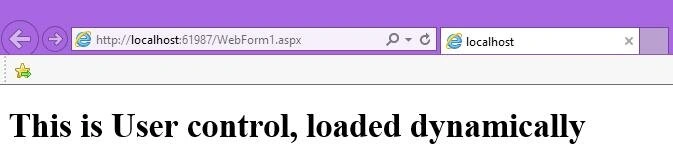
That's it, we are done. Run the application and see the results.
Read more articles on C#
nitin patilPosted Apr 20, 2016, 5:12 AM
good one..
Kuppurasu NagarajPosted Apr 19, 2016, 1:07 PM
Nice..
Debasis SahaPosted Apr 19, 2016, 10:34 AM
Good One..
Shakti Singh DulawatPosted Apr 19, 2016, 9:32 AM
Cool
Kashif SohailPosted Apr 19, 2016, 2:52 AM
Short but helpful
Humayun Kabir MamunPosted Apr 19, 2016, 2:52 AM
Nice...
AniPosted Apr 19, 2016, 2:14 AM
Thanks for sharing
Talha Bin AfzalPosted Apr 19, 2016, 1:23 AM
Good
Dharmesh SinghPosted Apr 19, 2016, 12:55 AM
good