
Web services are the fundamental building block that exposes useful functionality to Web users through a standard web protocol called Simple Object Access Protocol (SOAP). These services are registered so that users can find them easily through Universal Discovery Description and Integration (UDDI). Application that runs on .NET platform extensively use web services to expose the business functionality and its very important to measure the performance when a client sends request to web service .This article gives an idea how to identify the performance of web method calls by using NETMon tool .
Network Monitor is a component of Microsoft Systems Management Server (SMS) used to detect and troubleshoot problems on network. Network traffic is saved in a proprietary capture file, so that the captured data can be analyzed later. If NetMon is not installed in your system follow the below steps to install NetMon .
Installation steps
- Open Control Panel. Add/Remove Programs.
- Click on Add/Remove Windows Components.
- In the Windows Component Wizard select the Management and Monitoring tools. Click on Details. Select "Network Monitor Tools". Click on "OK".
- To start installation click next.
- Click on Finish to complete the installation.
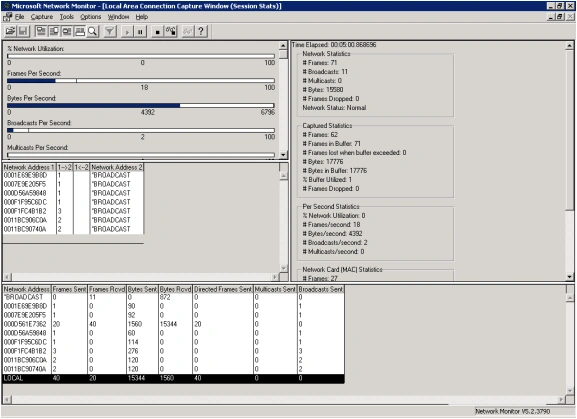
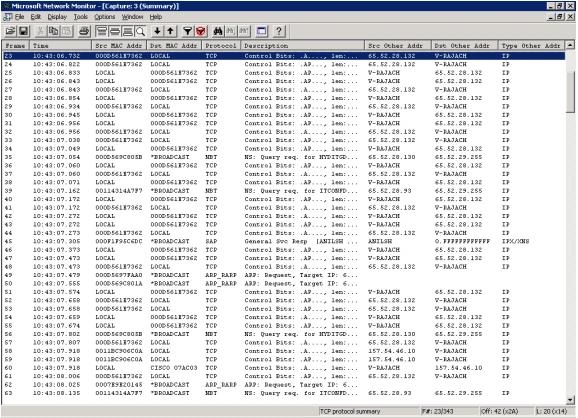
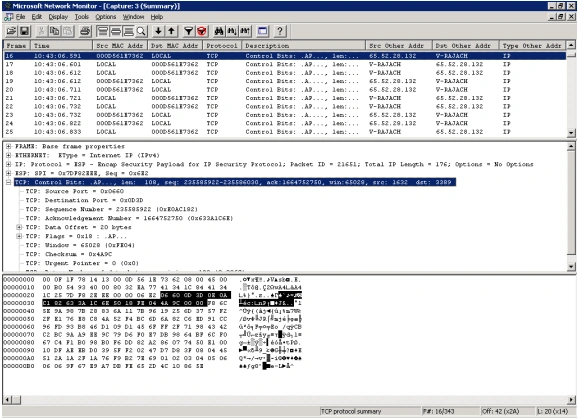
After install the NetMon tool the next step is to monitor the web method call and identify the performance, explain below.
Gowtham RajamanickamPosted Apr 25, 2015, 6:34 AM
good