

moMongoDB
Replication is a really good admin feature. This is required for managing availability. In simple words, in production environments large data manipulation is going on simultaneously so at that time the application database should be capable enough to handle large queries. Replication is automatically integrated when we are using MongoDB Atlas. But in this article, we will practically implement it out local environment, so let’s start.
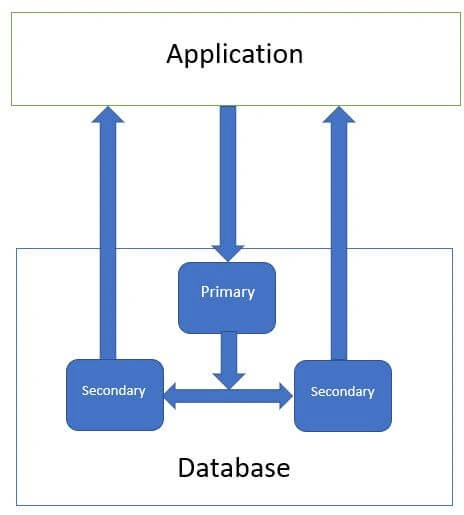
To implement replication, we require multiple nodes or clusters.
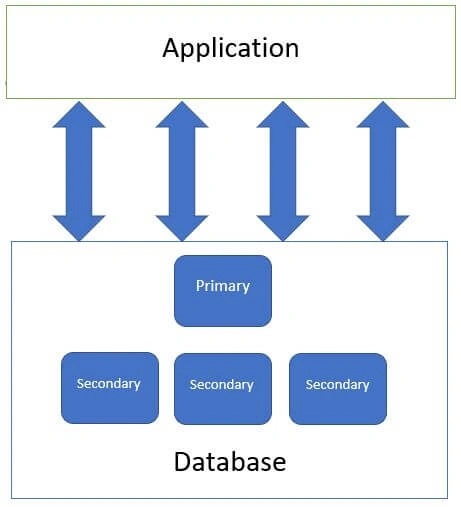
The above diagram gives you some basic idea about replication as we are creating multiple databases and connecting together. Amongst these databases one is a primary database and the remaining ones are secondary databases. Now we will try to explore more about these nodes and how we are going to setup this locally.
Note
I hope you are aware of all the basics of MongoDB before starting this article, as this is not a very basic concept, but rather an intermediate one. If you are very new to MongoDB then please take some time to get a better understanding of setup and installation. After getting better at being hands on in MongoDB then you can continue. Those with experience can ignore these 2-3 lines.
Setup - Replica Set
- Create one folder mongoDB-replication on your local machine.
- Create 4 sub folders inside this folder
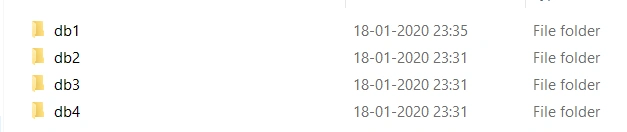
- Create 4 sub folders inside this folder
- First close or shutdown any MongoDB server that's already running.
- Open one more folder C:\Program Files\MongoDB\Server\4.2\bin
- In this folder we are able to see many tools or utilities related to mongodb.
For replication we require mongod
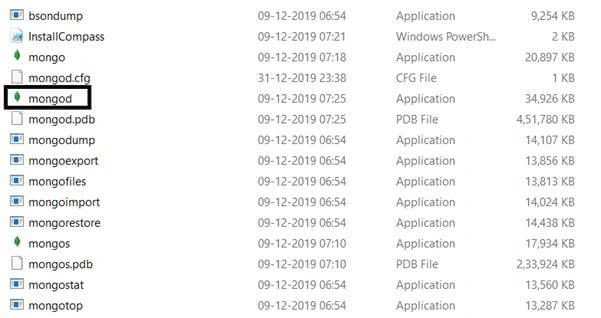
Open the same folder in command prompt.
mongod --port <port_number> --dbpath <database data path> --replSet <name_repltca set>
mongod --port 27017 --dbpath C:\mongoDB-replication\db1 --replSet sampleReplicaSet
And hit enter.

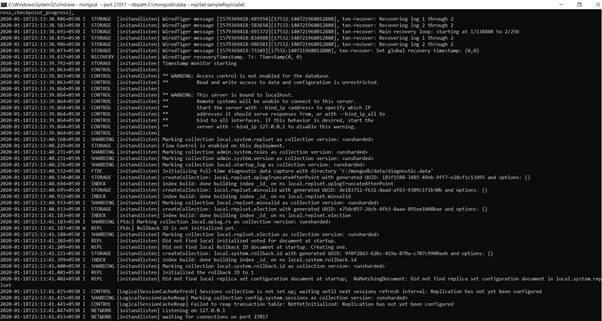
This means our command runs properly and MongoDB server is running on port 27017.
Now we need to repeat this same step 3 more times.
mongod --port 27018 --dbpath C:\mongoDB-replication\db2 --replSet sampleReplicaSet
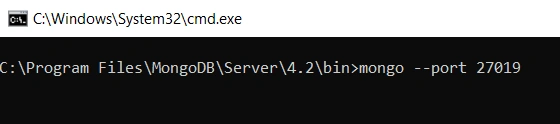
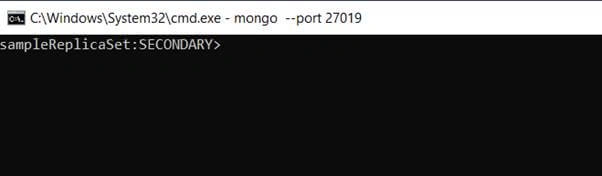
mongod --port 27019 --dbpath C:\mongoDB-replication\db3 --replSet sampleReplicaSet
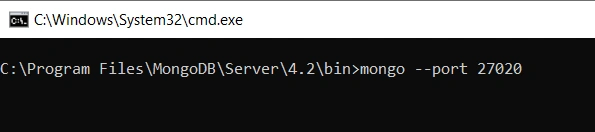
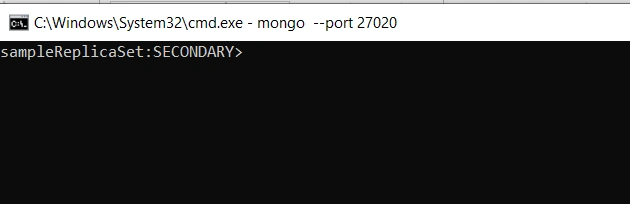
mongod --port 27020 --dbpath C:\mongoDB-replication\db4 --replSet sampleReplicaSet
I hope you have understood the above commands. So a total of 4 command prompts are running on your machine with 4 different ports with 4 different dbpaths.
Add new members or nodes to Replica Set
To add members to replica set, start mongo instances on multiple machines. Now start a mongo client and issue a command rs.add() method
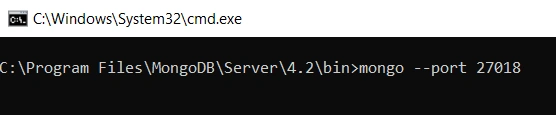
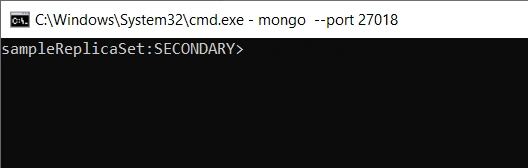
Open one more console and run mongo --port 27017

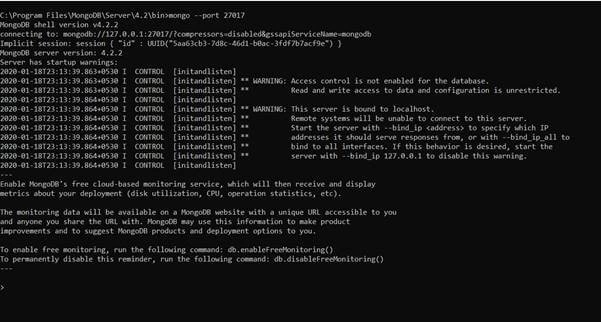
> rs.status()
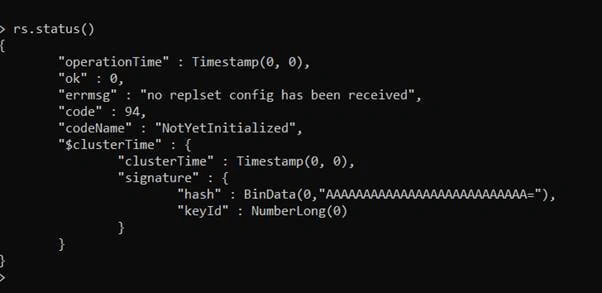
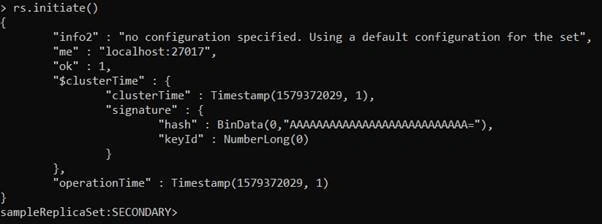
> rs.initiate()
rs.initiate() is required to get and initiate the replica set.
“ok”:1
Gives us a signal that initialization is done properly. Now we can add more nodes.
rs.add(host_name:port_number)
> rs.add("localhost:27018")
rs.add({ host: "localhost:27018"})
rs.add({ host: "localhost:27019"})
rs.add({ host: "localhost:27020"})
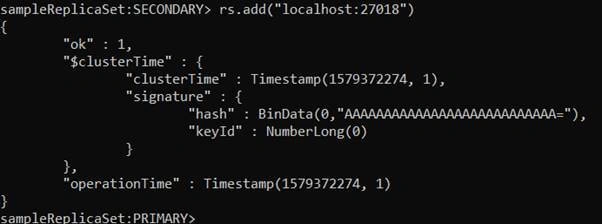
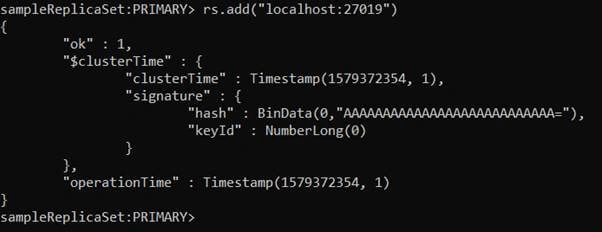
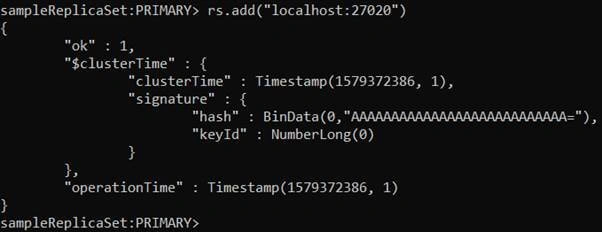
Now we have added all the nodes.

Join the conversation! Your thoughts help the community grow.