

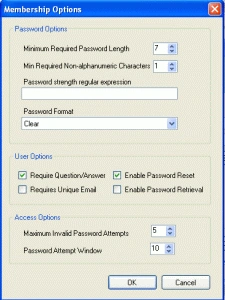
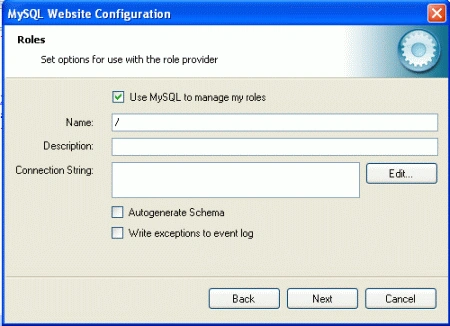
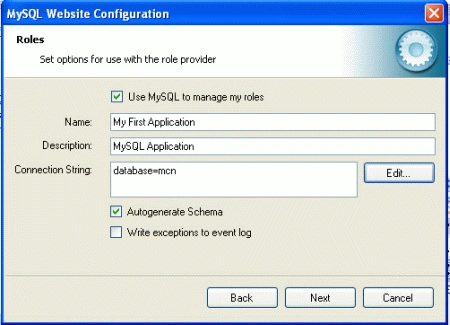
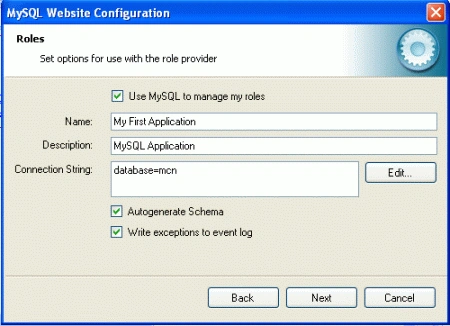
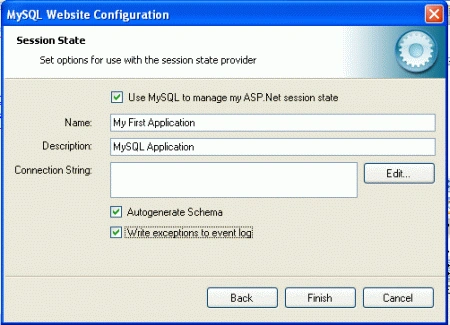
In visual studio configure the membership,role,session state and profile provider.Run the tool and set configuration options and will be modify in web.config file.
The MySQL Website Configuration Tool shown in asp.net website as a small icon on the Solution Explorer toolbar in Visual Studio.
As shown below.
MySQL Website Configuration Tool
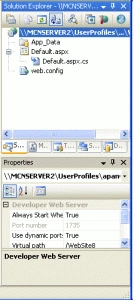
Clicking the Website Configuration Tool icon
launches the wizard and displays the first screen.
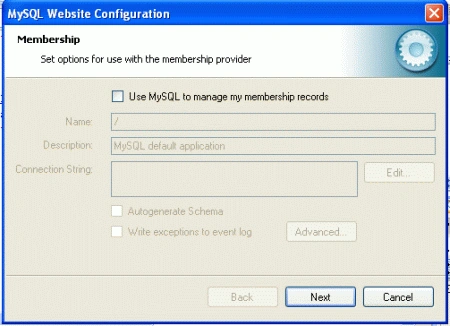
This allows you to enable use of the MySQL
Membership Provider. Simply click the check box to enable this. You can now
enter the name of the application that you are creating the configuration for.
You can also enter a description for the application.
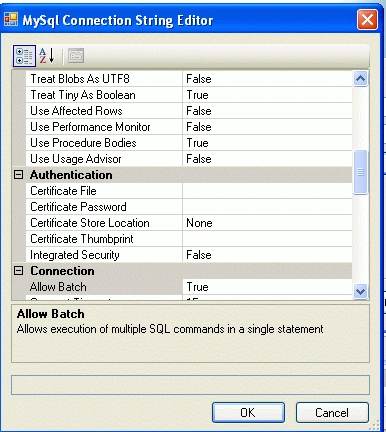
You can then click the button to launch the Connection String Editor:
Join the conversation! Your thoughts help the community grow.