
Introduction
The <article> tag specifies a component of a page that consists of self-contained, independent and reusable content. The HTML <article> tag is used to represent an article. There are many examples of the possible use of articles like a newspaper article, forum posts, blog entries, magazines, user comments, a Web log entry or any other reusable item of content. The <article> tag is introduced in HTML 5. Many people might be confused about the <article> and <section> tags. The article tag has a more semantic meaning compared to the section tag. The section tag splits an article into logical groups of content with a heading and it is only related to block content.
Syntax
- <article
- accesskey="spaced list of accelerator key(s)"
- class="class name(s)"
- contenteditable="true | false | inherit"
- contextmenu="id of menu"
- data-X="user-defined data"
- dir="ltr | rtl"
- draggable="true | false | auto"
- hidden="hidden"
- id="unique alphanumeric identifier"
- itemid="microdata id in URL format"
- itemprop="microdata value"
- itemref="space-separated list of IDs that may contain microdata"
- itemscope="itemscope"
- itemtype="microdata type in URL format"
- lang="language code"
- spellcheck="true | false"
- style="style information"
- tabindex="number"
- title="advisory text"></article>
| HTML5 Event Attributes | ||||
| onabort | onblur | oncanplay | oncanplaythrough | onchange |
| onclick | oncontextmenu | ondblclick | ondrag | ondragend |
| ondragenter | ondragleave | ondragover | ondragstart | ondrop |
| ondurationchange | onemptied | onended | onerror | onfocus |
| onformchange | onforminput | oninput | oninvalid | onkeydown |
| onkeypress | onkeyup | onload | onloadeddata | onloadedmetadata |
| onloadstart | onmousedown | onmousemove | onmouseout | onmouseover |
| onmouseup | onmousewheel | onpause | onplay | onplaying |
| onprogress | onratechange | onreadystatechange | onscroll | onseeked |
| onseeking | onselect | onshow | onstalled | onsubmit |
| onsuspend | ontimeupdate | onvolumechange | onwaiting |
Kamal RawatPosted Jul 6, 2011, 7:17 AM
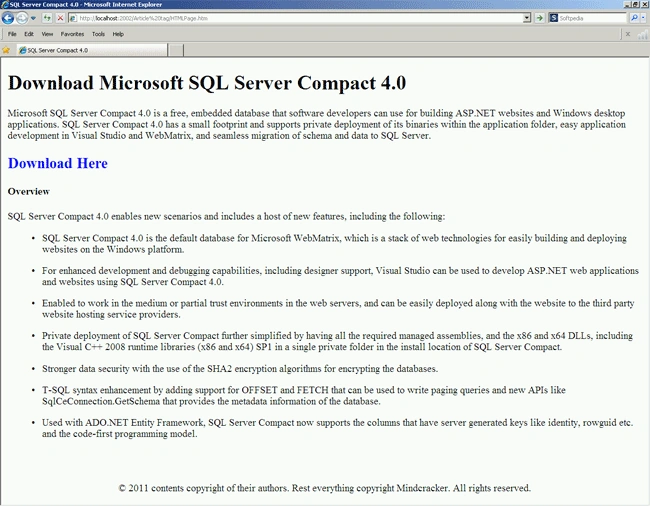
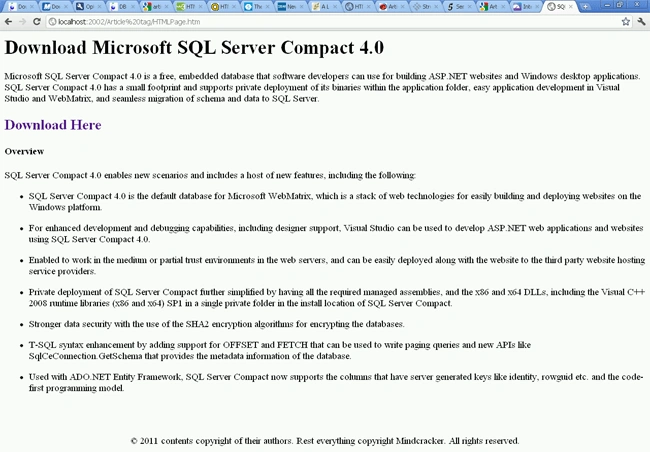
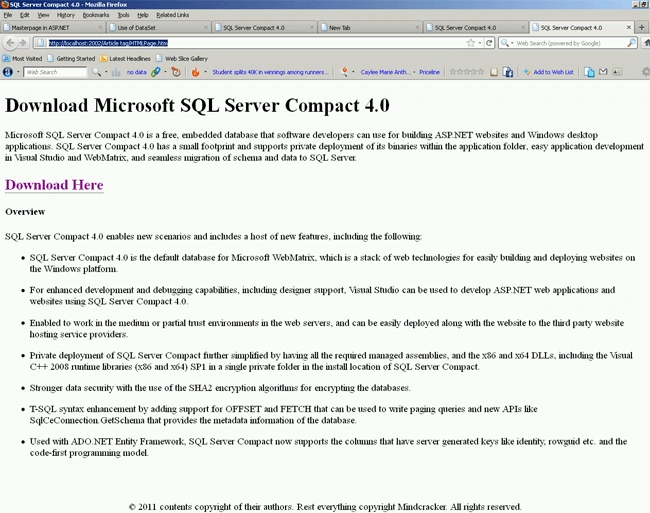
I think, Article tag is supported in all major browsers.. Is there a difference between the snap-shots of different browsers above? I think the true strength of this tag is the ability to separate header, footer and body of the article under the header, footer tags. About Article v/s Section.. can you throw more light on which tag should be used when ?