The News web part is used to broadcast or update the user about the latest announcements or events.
There are two ways to update news on the SharePoint site
Both the news post and news link are saved as pages in the library.
How to add News Post in SharePoint online
- Open the SharePoint site home page to add the News post.
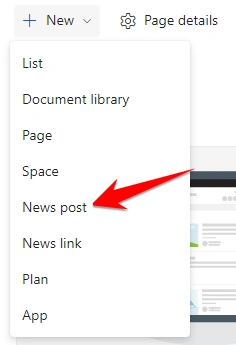
- Click New and then click on the News-Post
You can create a new post or can select the built-in template saved in the SharePoint site template, once done click on the create post button.
How to add News Links in SharePoint online
- Open the SharePoint site home page to add the News Links.
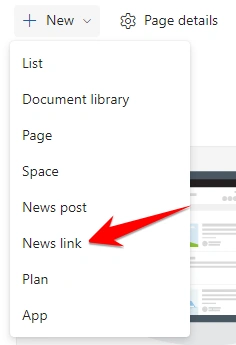
- Click New and then click on the News Links
- Just copy and paste the news link it will show the preview of the news here title field is required and editable if you need to change it you can do that but it shouldn’t be left blank.
- You can also describe your news.
How to add a News web part in SharePoint online?
- Open the page where you want to add the News web part to the SharePoint page.
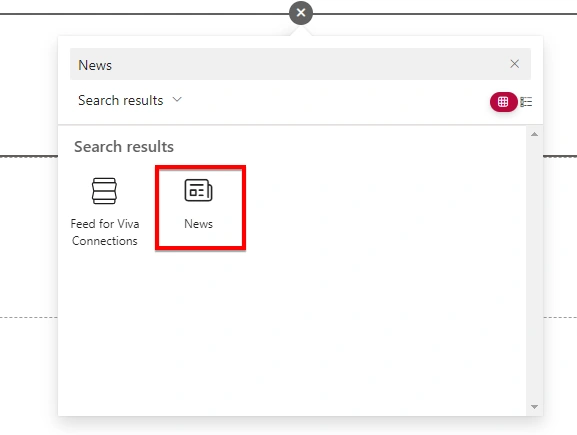
- Click on + icon and search for the news web part.
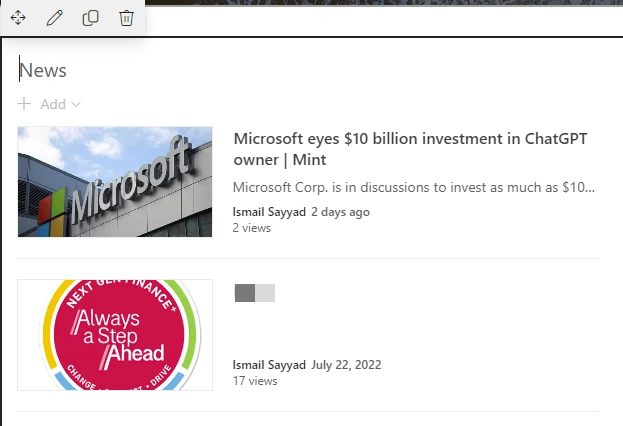
- Now you can see the News web part has been to the SharePoint page.
Properties of News web part
- News Source
- Layout
- Filter
- Organize
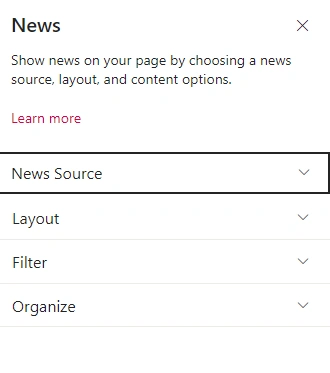
Will discuss each property of the News web part.
News Source
News Source is the location of the news post or news link you created and stored and for this web part what will be the location from where the news will be displayed?
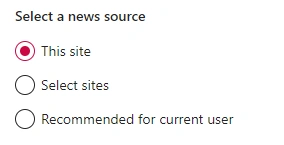
There are 3 news sources on SharePoint online page.
- This site – The current Site where you are creating pages.
- Select Site – If you have multiple sites from which you want to select the news
- Recommended for current user – It will display news which will display news according to the current user.
Layouts
There are 6 different layouts available in the News web part that can be used to display news.
- Top Story - This layout is the default layout for the Team site
- List
- Side-by-side - This layout is the default layout for the Communication site
- Hub News
- Carousel
- Tiles
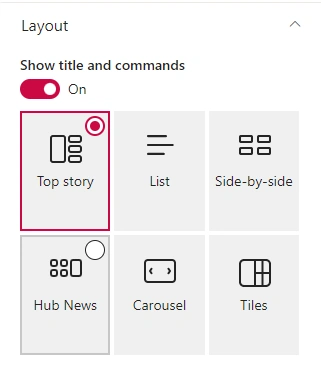
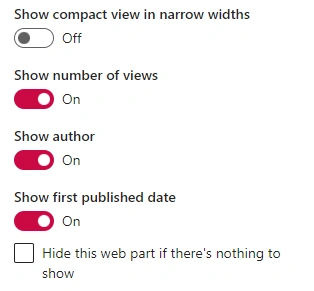
You can do many customizations for the layout,
- Show/Hide title and commands
- Show/Hide the number of views
- Show/Hide author-name
- Show/Hide the first published date
Filter
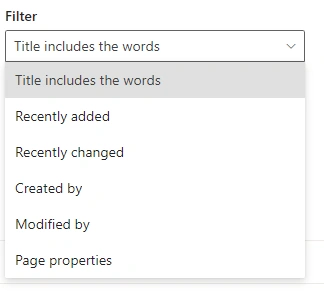
You can arrange or show your news post or news links accordingly using filters available
- Titles include the words
- Recently Added
- Recently changed
- Created by
- Modified by
- Page Properties
Organize
We can organize the news in any order we want to show the news on our page.
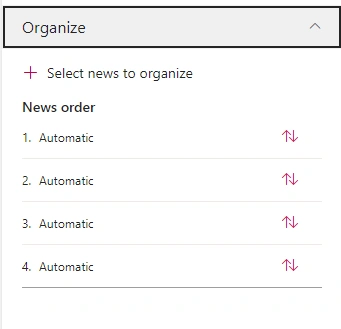
You can manually organize your news position according to your requirements and the priority of the news to be displayed.
Limitations of the text web part
- In the News web part not, every layout has the option of several news to display.
- List layout can only display a maximum of 8 news posts
- Side-by-side can only display a maximum of 12 news posts
- The carousel layout can only display a maximum of 8 news posts
- Tiles layout can only display a maximum of 5 news posts
- The Title field in News Link has limit of 110 characters


Join the conversation! Your thoughts help the community grow.