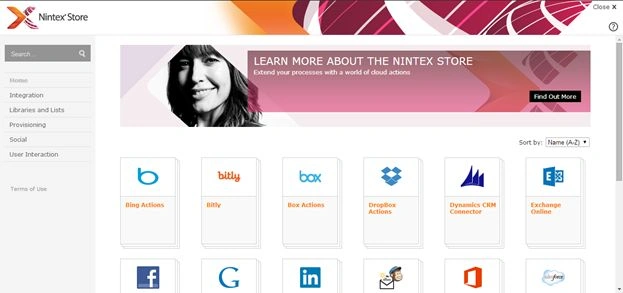
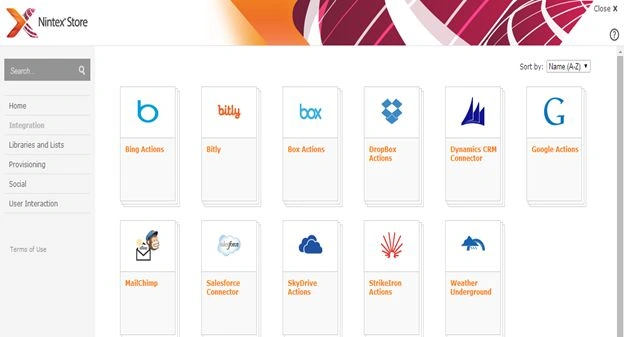
- Bing Actions: To Access popular Bing Services
- Bitly: Create Short URLs that can be easily shared
- Box Actions: To manage your box contents
- Drop Box Actions: To manage your Drop box contents
- Dynamics CRM Connector: To connect your business to Dynamics CRM
- Google Actions: To integrate with Google Services
- Mail Chimp: To conduct email marketing campaigns from a workflow and track your communications
- Sales Force Connector: To connect your business processes to Sales force and Chatter.
- SkyDrive Actions: To manage your SkyDrive connections
- StrikeIron Actions: To explore StrikeIron Services
- Weather Underground: To get weather info.
Libraries and Lists
Then we have libraries and lists that have features like the following.
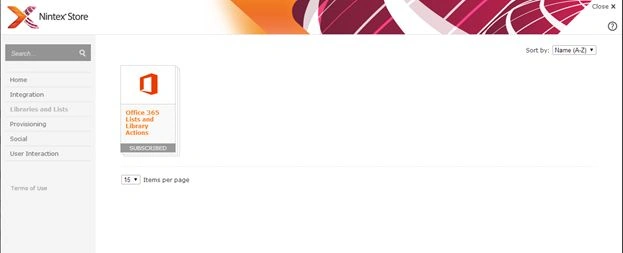
- Check In Item
- Check Out Item
- Copy Document
- Create List Item
- Delete Item
- Discard Check Out Item
- Office 365 check in items
- Office 365 check out items
- Office 365 create list item
- Office 365 delete items
- Office 365 discard check out
- Office 365 download file
- Office 365 new blog post
- Office 365 query list
- Office 365 send document set to repository
- Office 365 update item permissions
- Office 365 update items
- Office 365 upload file
- Set Field in Current Item
- Translate Document
- Update List Item
- Wait for even in List Item
- Wait for field change in Current Item
Provisioning
It is still being developed so let us wait for it.
Social
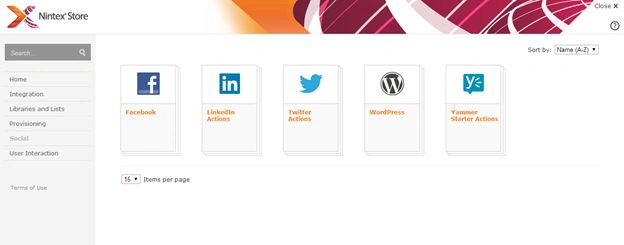
This app allows you to connect to Facebook, LinkedIn Actions, Twitter Actions, WordPress and Yammer Starter Actions.
User Interaction
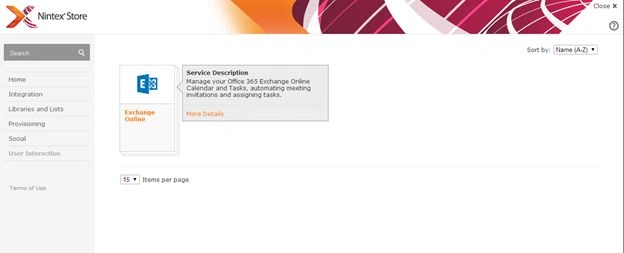
Finally we have Exchange Online in User Interaction where you can connect your exchange to your workflows.
I understand you still don't believe me that you can connect the preceding things to your workflows.
Is it possible?
How will Facebook or Bing get connected to my Workflows?
Really?
Yes it is, here is an example.
- Suppose I want to connect to Bing
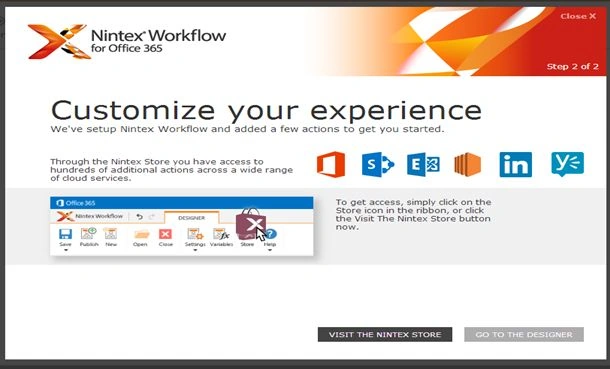
- Go to the store
- Click on Integration
- Click on Bing
- You will see the screen below
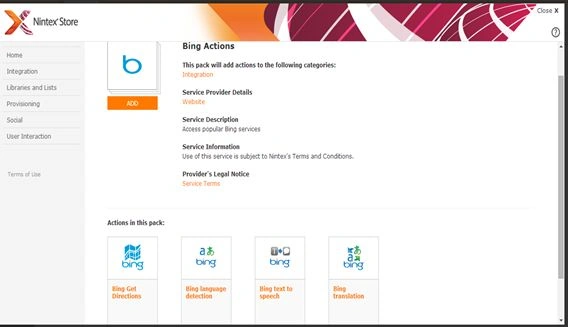
You will be able to see the workflow actions you can set.
- Like Bing Get Directions
- Bing Language Detections
- Bing Text to Speech
- Bing Translation
Click on Add.
You will see the following screen:
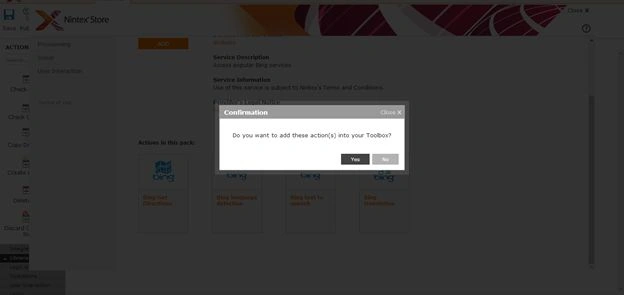
Click on Yes.
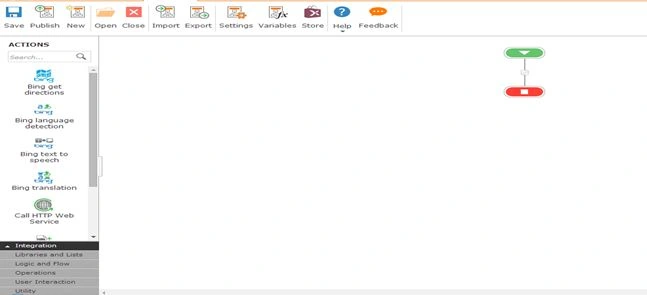
So when you go back to your workflow you will find them as actions in their respective category. At last you will believe me now.
Follow me to keep learning.
Cheers.


Join the conversation! Your thoughts help the community grow.