Table of Contents
Introduction
A Real-Time Crisis: Monitoring Vaccine Cold Chain Integrity
Logging Function Executions in Production
Debugging Azure Functions Locally Like a Pro
End-to-End Observability in Action
Enterprise Best Practices for Reliability
Conclusion
Introduction
In mission-critical systems, you don’t just run code—you observe it, validate it, and trust it. When lives or regulatory compliance are on the line, logging and debugging aren’t developer conveniences—they’re operational necessities.
Let’s explore Azure Functions observability through a high-stakes scenario: real-time monitoring of vaccine cold chain logistics across Africa.
A Real-Time Crisis: Monitoring Vaccine Cold Chain Integrity
Temperature-sensitive vaccines must stay between 2°C and 8°C from factory to clinic. Our Azure Function ingests IoT sensor data from refrigerated trucks every 30 seconds. If a temperature breach occurs, it triggers SMS alerts to field agents and logs evidence for WHO compliance audits.
Failure isn’t an option. Every execution must be:
Logged with full context (device ID, timestamp, temperature)
Traceable across services (IoT Hub → Function → Twilio → Audit DB)
Debuggable within minutes when a false alert disrupts a remote vaccination drive
This demands robust monitoring in production and seamless local debugging.

Logging Function Executions in Production
Azure Functions integrates natively with Application Insights, providing structured, queryable telemetry:
// C# .NET Isolated Function
public class ColdChainMonitor
{
    private readonly ILogger _logger;

    public ColdChainMonitor(ILoggerFactory loggerFactory)
    {
        _logger = loggerFactory.CreateLogger<ColdChainMonitor>();
    }

    [Function("MonitorTemperature")]
    public void Run([IoTHubTrigger("messages/events", Connection = "IoTHubConnection")] string eventData)
    {
        var reading = JsonSerializer.Deserialize<TemperatureReading>(eventData);

        _logger.LogInformation("Processing reading from {DeviceId}: {Temp}°C at {Timestamp}",
            reading.DeviceId, reading.Temperature, reading.Timestamp);

        if (reading.Temperature < 2 || reading.Temperature > 8)
        {
            _logger.LogWarning("TEMPERATURE BREACH! Device: {DeviceId}, Temp: {Temp}°C",
                reading.DeviceId, reading.Temperature);
            // Trigger alert
        }
    }
}
In Python, use the built-in logging module—Azure automatically pipes it to Application Insights:
import logging
import azure.functions as func

def main(event: func.EventHubEvent):
    reading = json.loads(event.get_body().decode())
    logging.info("Processing reading from %s: %s°C", reading['device_id'], reading['temp'])

    if not (2 <= reading['temp'] <= 8):
        logging.warning("TEMPERATURE BREACH! Device: %s, Temp: %s°C",
                       reading['device_id'], reading['temp'])
        # Trigger alert
All logs appear in Application Insights with:
End-to-end transaction tracing
Custom dimensions (e.g., device_id)
Failure rate and performance metrics
You can even set alert rules: “Notify if >5 breaches in 10 minutes.”
Debugging Azure Functions Locally Like a Pro
During development, you need to replicate production behavior on your laptop. The Azure Functions Core Tools make this possible:
Run locally with real triggers:
func start
This spins up a local runtime that mimics Azure—complete with HTTP, Event Hub, and Timer triggers.
Use local.settings.json to simulate environment:
{
  "Values": {
    "AzureWebJobsStorage": "UseDevelopmentStorage=true",
    "IoTHubConnection": "HostName=dev-hub.azure-devices.net;SharedAccessKey=...",
    "FUNCTIONS_WORKER_RUNTIME": "python"
  }
}
Attach a debugger:
In VS Code, press F5—breakpoints work instantly.
In Visual Studio, use the “Azure Functions” debug profile.
Test with real data:
Use func azure functionapp fetch-app-settings <app-name> to pull production settings (secrets excluded) into your local environment.
This lets a developer in Nairobi debug a temperature alert logic flaw before it causes a vaccine spoilage incident in rural Kenya.
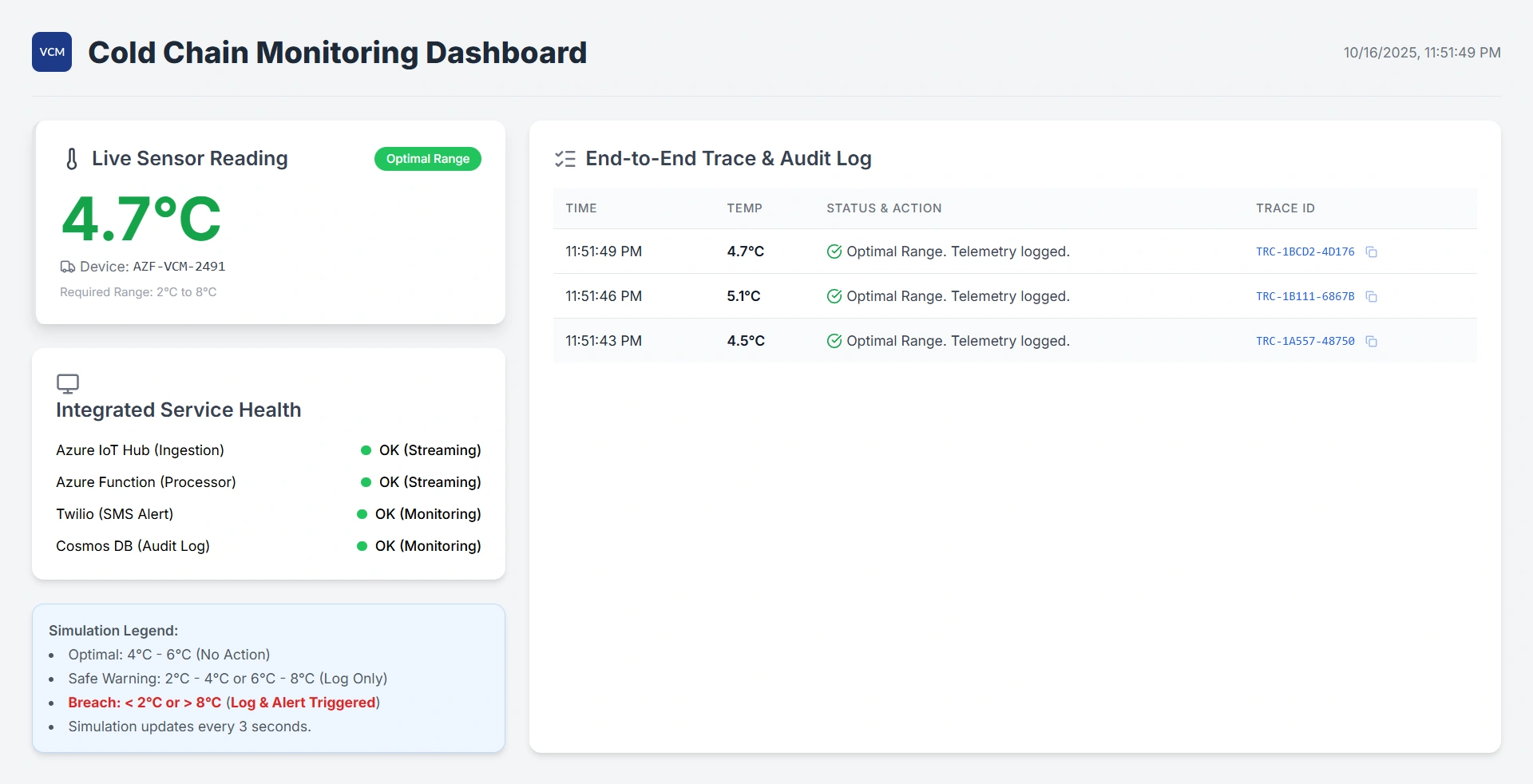
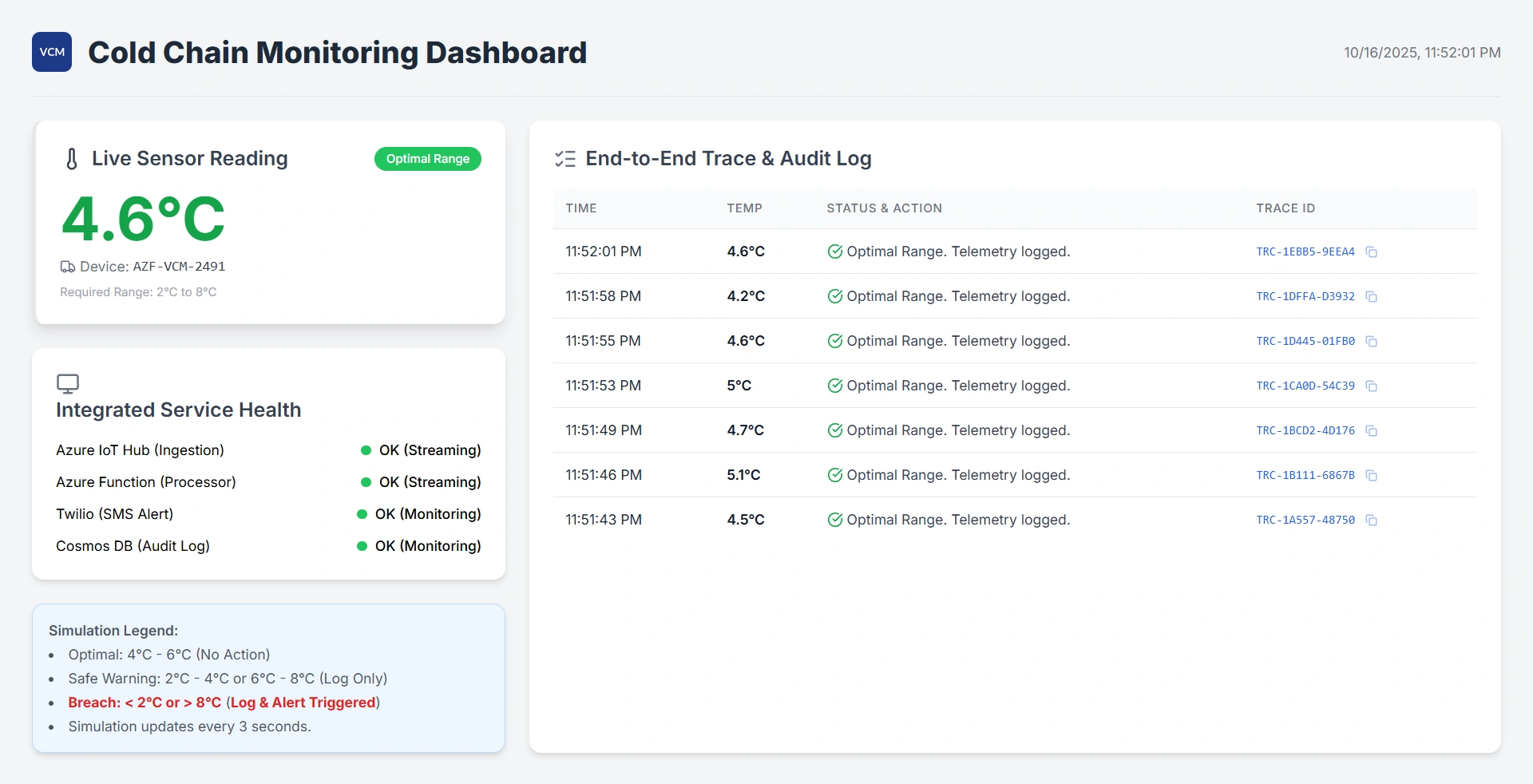
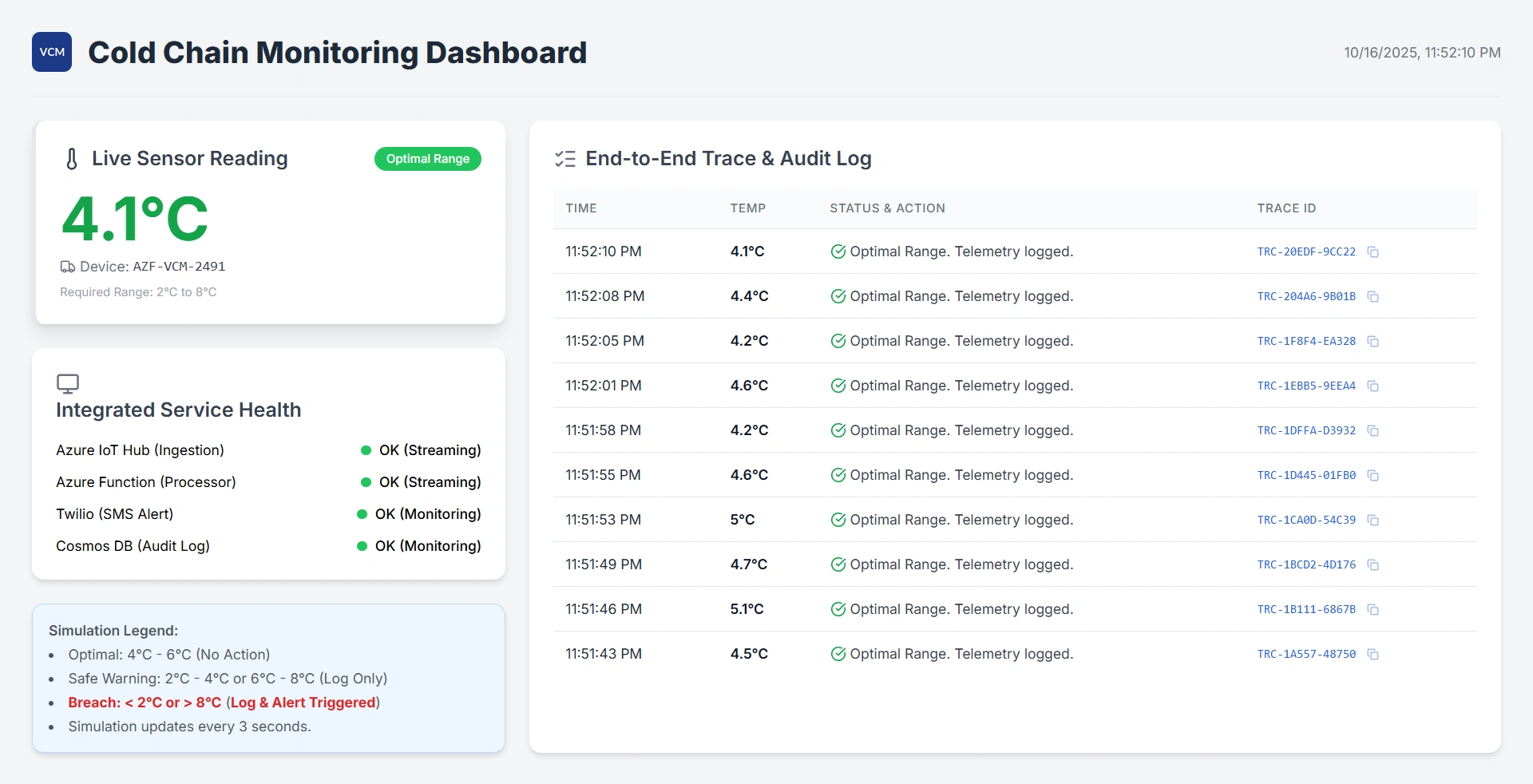
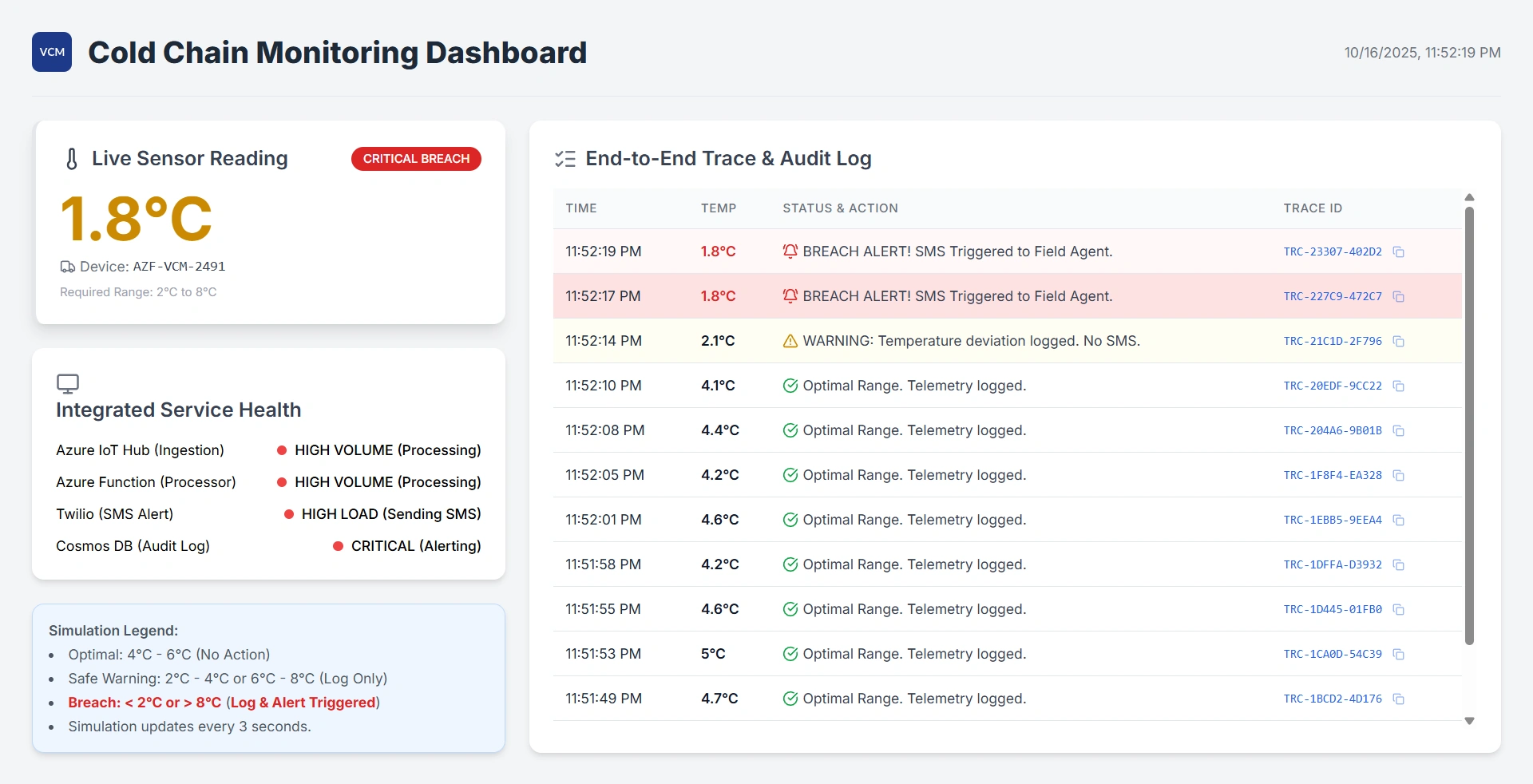
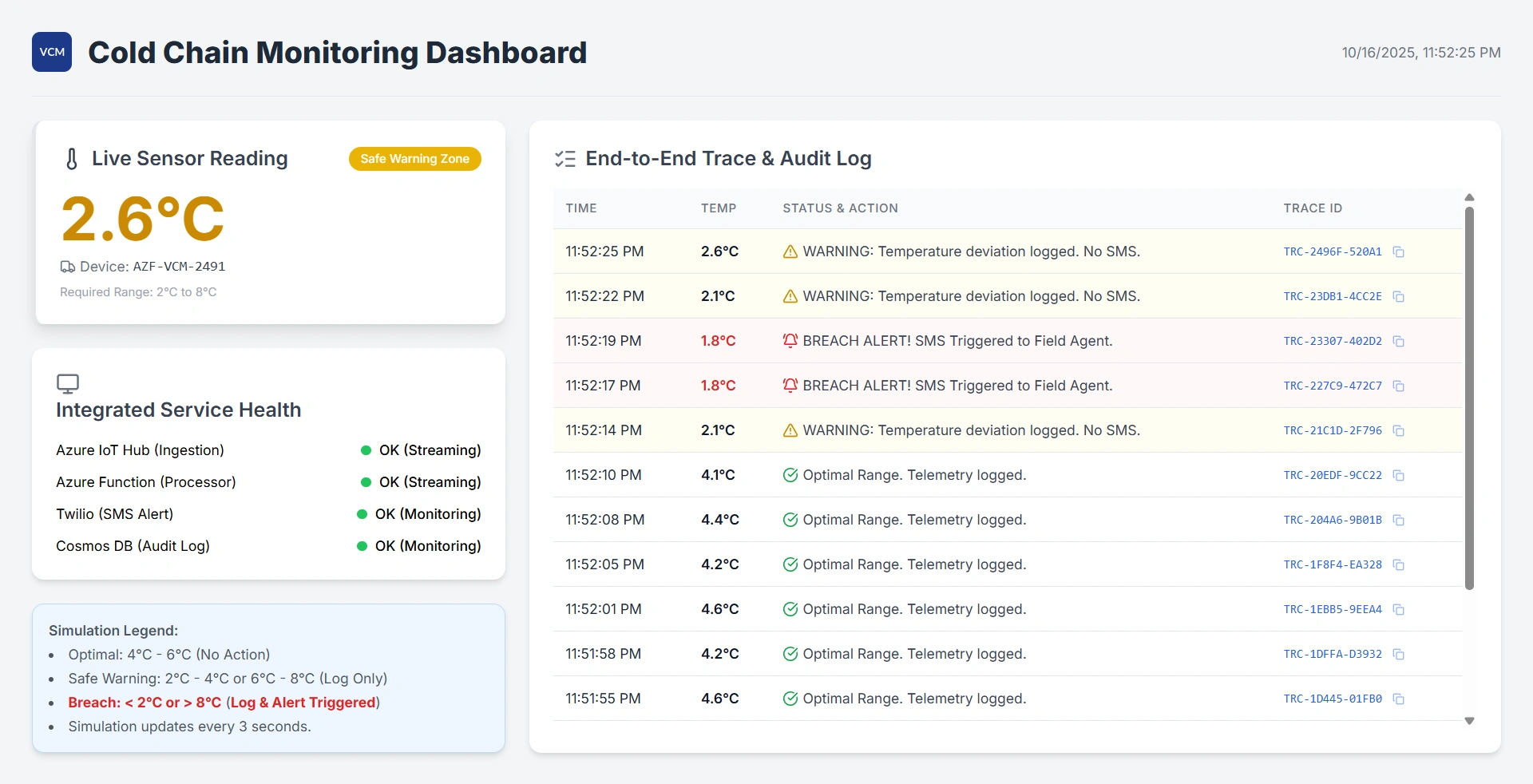
End-to-End Observability in Action
When a cold chain alert fires:
Application Insights shows the full execution timeline
Custom logs reveal the exact temperature and device
Distributed tracing links the IoT message → Function → SMS API call
If it fails, exception telemetry includes stack traces and input payloads
All without a single SSH session or manual log scrape.
Enterprise Best Practices for Reliability
Always use structured logging—never print() or Console.WriteLine().
Log business context (e.g., shipment_id, clinic_name) as custom properties.
Enable Application Insights sampling in high-volume scenarios to control costs.
Never log PII or secrets—sanitize inputs before logging.
Test logging paths in CI/CD using synthetic events.
Conclusion
In enterprise serverless systems, observability is your safety net. Azure Functions gives you world-class monitoring and debugging out of the box—but only if you use them intentionally. Whether you’re safeguarding vaccines, financial transactions, or autonomous vehicle telemetry, remember: if you can’t observe it, you can’t trust it. Build with logs. Debug fearlessly. Deploy with confidence.


Join the conversation! Your thoughts help the community grow.