

Introduction
Delve provides feasibility for users to view their profile information and their items in one place.
Access Delve Site
- Login to your Office 365 site.
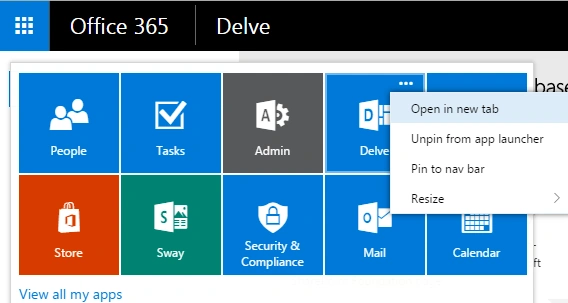
- Click the tile present on the left top corner, you can find the set of apps. Find and navigate to the Delve site.
Search
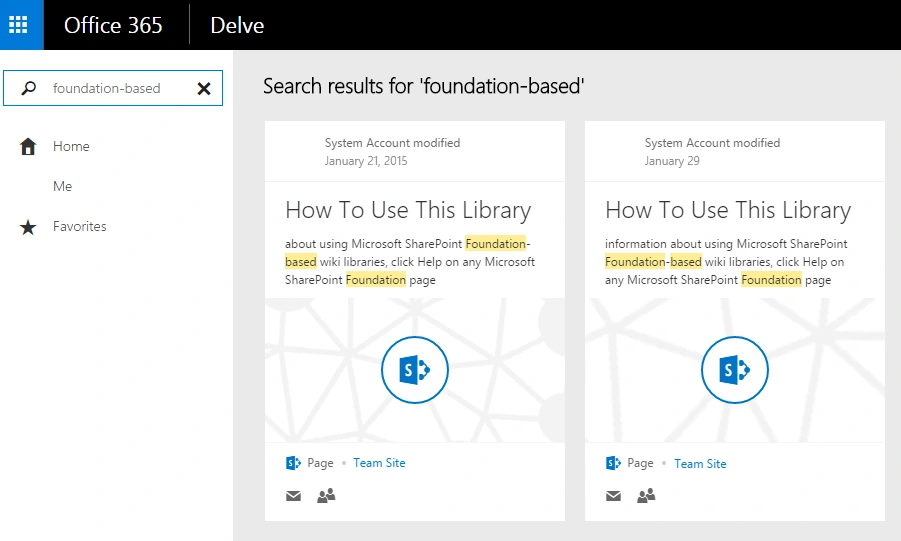
From the search box, you can search for the documents or the related items. The items are related to the keyword that will be listed on the home page. The items are pulled from the SharePoint site. The items can be the documents, Emails or other user profiles etc.
Profile
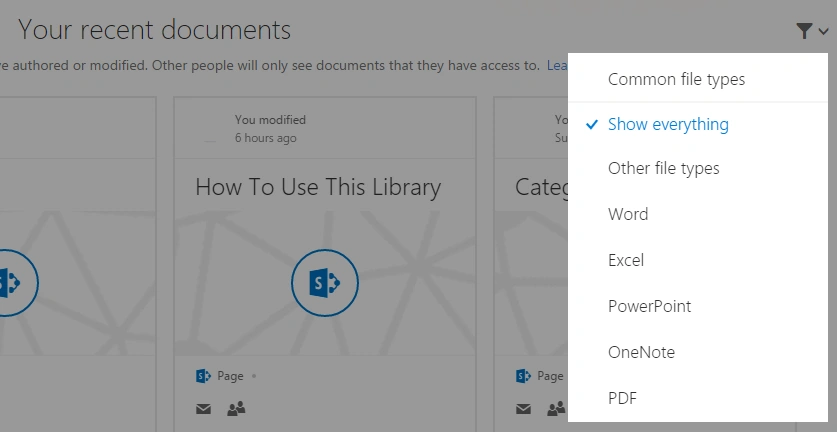
Click “Me” on the left navigation pane and it will show the user profile information on the right side section. You can click edit profile to change your information. The edit page is similar to SharePoint my site user edit page. You can also find your recent documents section under your profile. This section lists down all your recently created or modified documents on the site. On clicking the "See all" option at the right top of the section, you can find all the documents. The documents are sorted and are based on the last modified time value (descending order). You can still filter out the items that are based on the file types.
Documents
- For any document, you can mark a document as a favorite document.
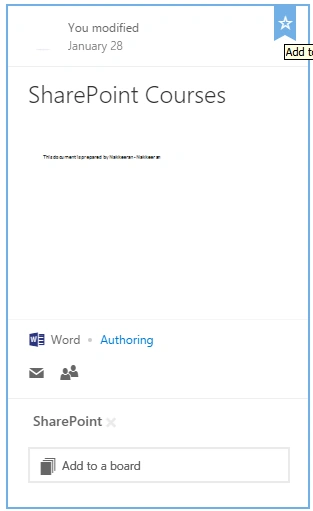
- You can add the document to a board.
- You can mail the document by using client apps.
- You can view the permissions for the document.
- You can find the total views for the document.
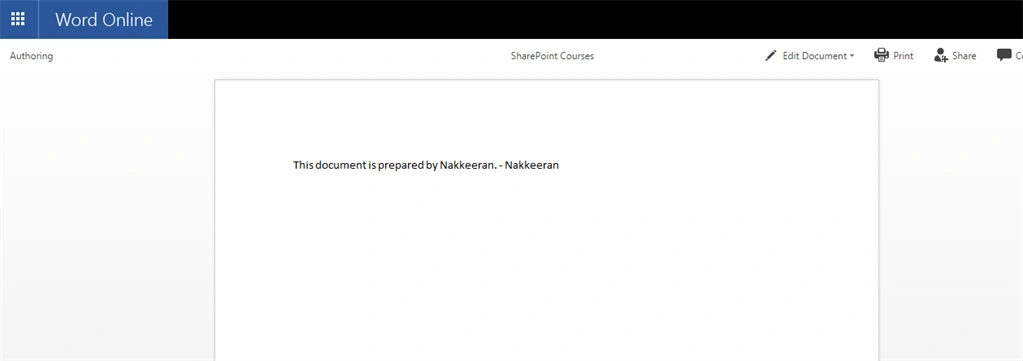
- You can view the document over the Browser, if you click the document preview. Office Web apps feature is used to view it on the Browser. You can edit the document by using edit in the Browser option and then saving it from file tab.
Board
The way of categorizing the items on the site.
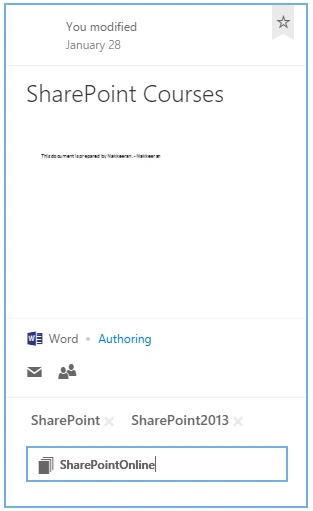
- You can add any keyword or board (“SharePoint”) to the document.
- Once saved, you can find your boards on the left side panel of Delve.
- Also, from the favorite section, you can find the boards that you have added on the site. On the click of any board (“SharePoint”), you can find out all the documents categorized with corresponding keyword.
- You can mail your board as a link or remove the board totally. The board or a keyword will be removed from all the documents, categorized as “SharePoint”.
Favorites
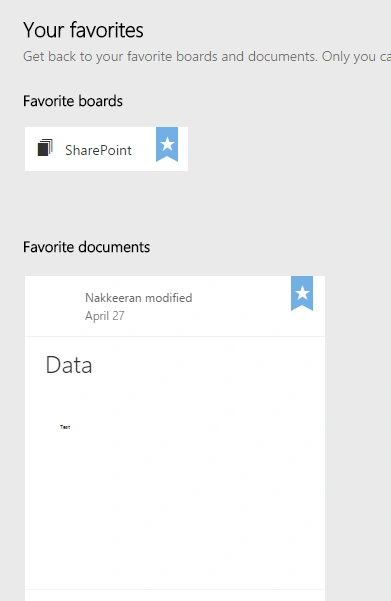
Favorites section will list down all your boards or the items that you have marked as favorite. You can still remove any favorite board or document from the favorites list.
People
People section will list down a few users from the site. You can navigate to their profile to see their personal information or their documents.
Note
Throughout the process, you can see the page name or URL (“http://siteurl/_layouts/15/me.aspx”) will not change, except for editing profile or for any other external action but the query string will keep on changing, based on the actions.
Summary
Thus, you learned about the various components and their functionalities present on Delve under Office 365.
Srikanth AgollaPosted Jun 10, 2016, 8:23 AM
Good One
Vignesh ManiPosted Jun 9, 2016, 4:58 AM
Nice
RajaPosted Jun 9, 2016, 4:29 AM
Nice Share...
Santhakumar MunuswamyPosted Jun 8, 2016, 11:53 PM
Thank you for nice share
Sonu ChaudharyPosted Jun 8, 2016, 2:47 PM
good one ..
Kuppurasu NagarajPosted Jun 8, 2016, 12:19 PM
Nice Sharing...