

Just like the App Store, Play Store and the Windows Marketplace we have the Office 365 store. This store is currently available in SharePoint and Outlook.
The same as all other stores, it has paid and free apps, most of them help us to perform our daily activities. You can find this app on your Outlook and SharePoint as in the following screen: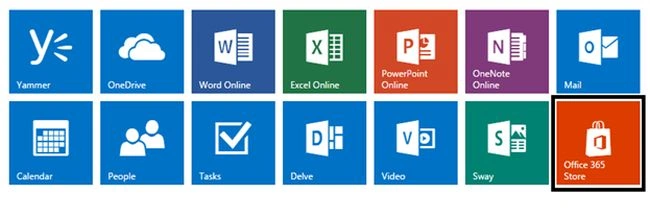
On clicking it, you fill find yourself in the Office 365 Store.
Welcome to the store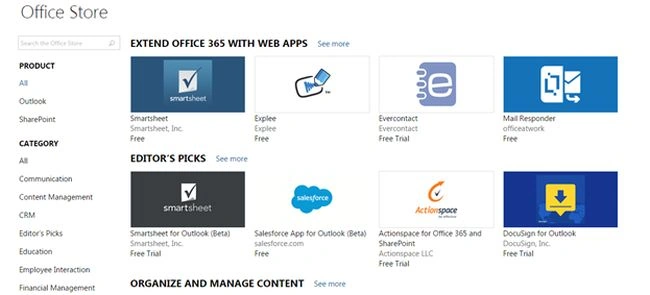
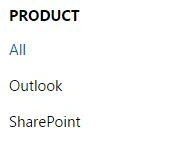
You can find your apps based on the product as under the following:
- All
- Outlook
- SharePoint
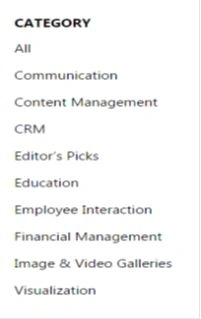
Secondly, the apps are based on the following categories:
- Communication
- Content Management
- CRM
- Editor's Picks
- Education
- Employee Interaction
- Financial Management
Now how will you use them?
As for my example, suppose I need a Google search app:
- I will select it from the store.
- I will open it.
- When you open it you will have an option marked in Green as “Add”.
- You can click on it and simply add that app. Just a click away.
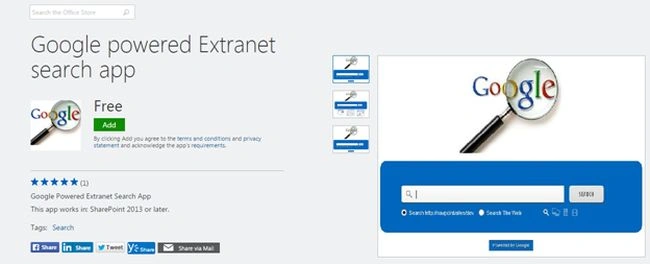
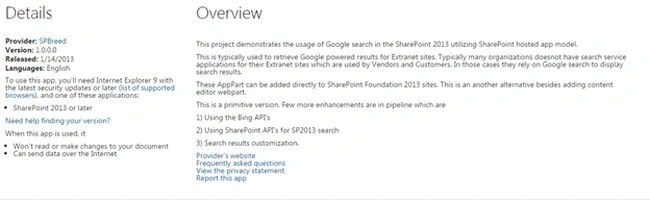
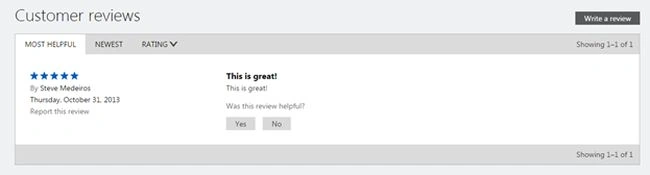
The apps give you all information, as in product details, overviews and customer reviews. Thereby you can have all the information even before adding the app.
This new feature was necessary for allowing us to use the global apps using the Microsoft's product and also for enhancing the product features using these add-ons. So an amazing store using Microsoft helping us again in our daily activities.
Keep learning!
Santhakumar MunuswamyPosted Jul 13, 2015, 2:57 PM
Nice article! Thanks for sharing
Nilesh JadavPosted Jul 13, 2015, 7:01 AM
Good Article sir
Neeraj KumarPosted Jul 13, 2015, 4:01 AM
Nice Article
Sibeesh VenuPosted Jul 13, 2015, 3:29 AM
Nice share
Nilesh JadavPosted Jul 13, 2015, 3:00 AM
Good one sir
Gopi ChandPosted Jul 13, 2015, 2:34 AM
nice
RakeshPosted Jul 13, 2015, 2:05 AM
Good sir