

Introduction
In this article, I will describe the official announcement of the availability of the Dropbox app for Windows 8. In Windows 8, Dropbox is now available and the wait is finally over. From the app homepage: With the Dropbox app for Windows 8, we can easily browse all our files, view our pictures, and watch our videos with a tap.
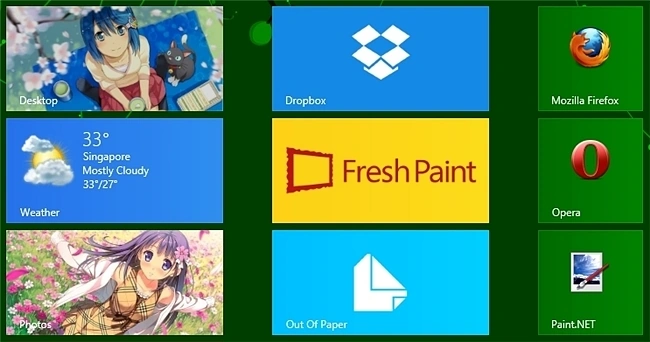
Some Special Features Of Dropbox
- Open, edit and save files from other Windows Store apps.
- Browse and preview all of our files and photos on Dropbox.
- Find your files with the Search Charm.
- Share any photo, file or folder with the Share Charm.
We can install the Dropbox App by conducting a search in the Windows App Store or by visiting the homepage.
When we open the app the first time we must enter unique email id and password for visiting the web site.
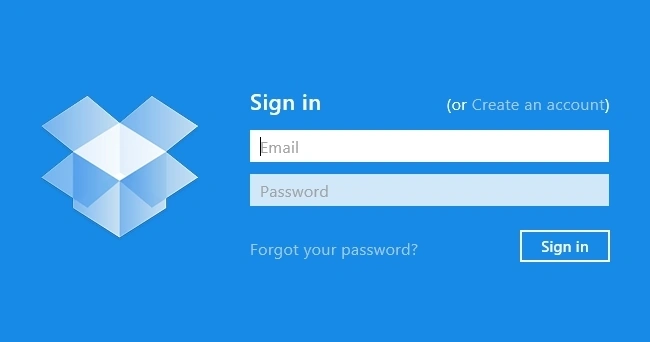
As we can see, the interface has a minimalist look overall.
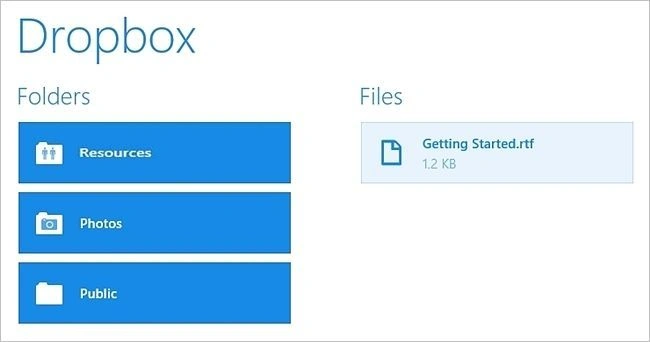
For our example here we chose to browse through the photos in our Dropbox account.

Keep in mind that this first iteration of the Dropbox App is still limited in the number of features and capabilities available at the moment.
Summary
In this article, we learned about Dropbox App for Windows 8.
Aman SinghalPosted Jan 17, 2013, 4:56 AM
Thanks Manish...
Manish SharmaPosted Jan 17, 2013, 4:54 AM
Nice article to learn Dropbox App for Windows 8. Go ahead..