

Overview
We have our data scattered across the on-premises network (e.g. SharePoint on-premises, file shares) or even on to other cloud stores. The new migration capabilities within Microsoft 365 allows you to migrate the content from various sources to Microsoft 365.
In this article, we will explore the migration capabilities to migrate your content from SharePoint on-premises sources to Microsoft 365.
SharePoint Migration Tool (SPMT)
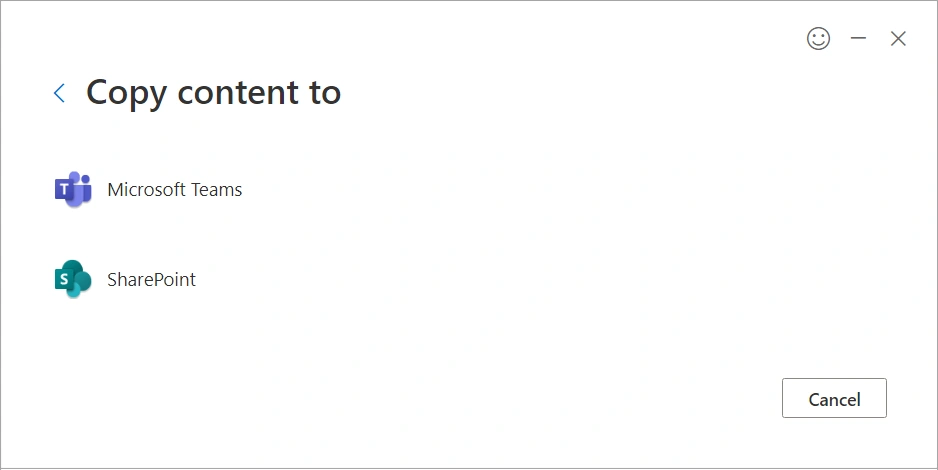
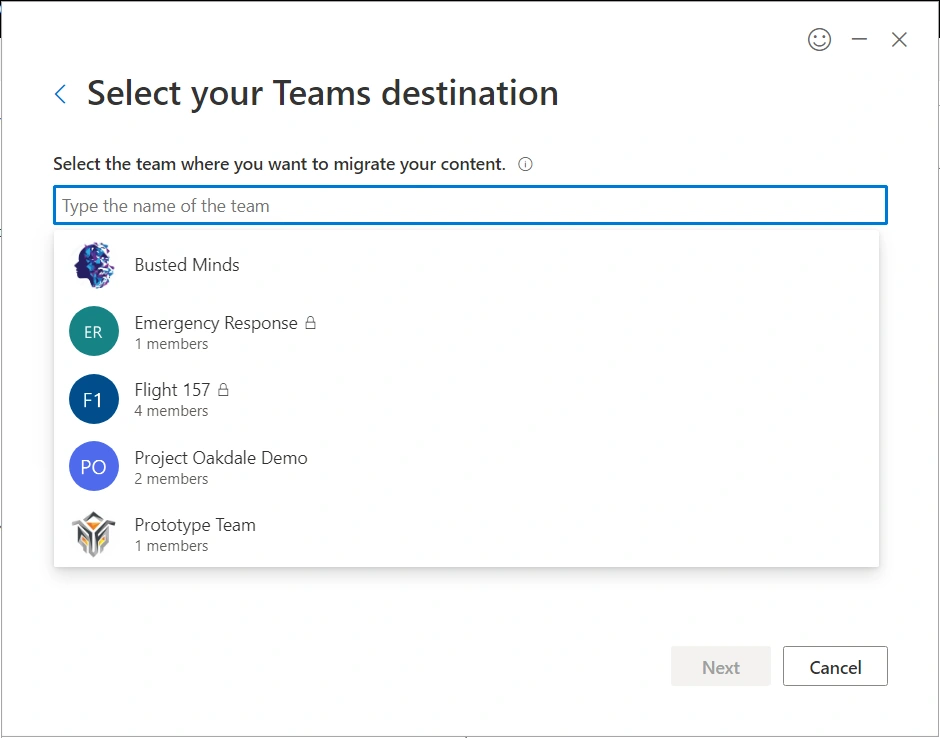
When we plan to move to the cloud, there are two things to take care of - data and code. The SharePoint Migration Tool (SPMT) allows us to easily migrate our content to Microsoft 365 including SharePoint, OneDrive, and Microsoft Teams.
The migration from various SharePoint on-premises sources includes:
- SharePoint Server 2010
- SharePoint Server 2013
- SharePoint Server 2016
Set up SharePoint Migration Tool (SPMT)
Follow the below steps to set up the SharePoint migration tool:
1. Open SharePoint admin center (https://[tenant]-admin.sharepoint.com/)
2. From the left menu, click Migration.
3. Under Other migration solutions, we have SharePoint Migration Tool (SPMT).
4. Click Download SharePoint Migration Tool. It will download an exe named spmtsetup.exe
5. Double-click the executable to start the installation.
6. The installation will prompt you to log in to the M365 tenant.
7. Once installed, the SPMT should be ready for migration.
Start the migration
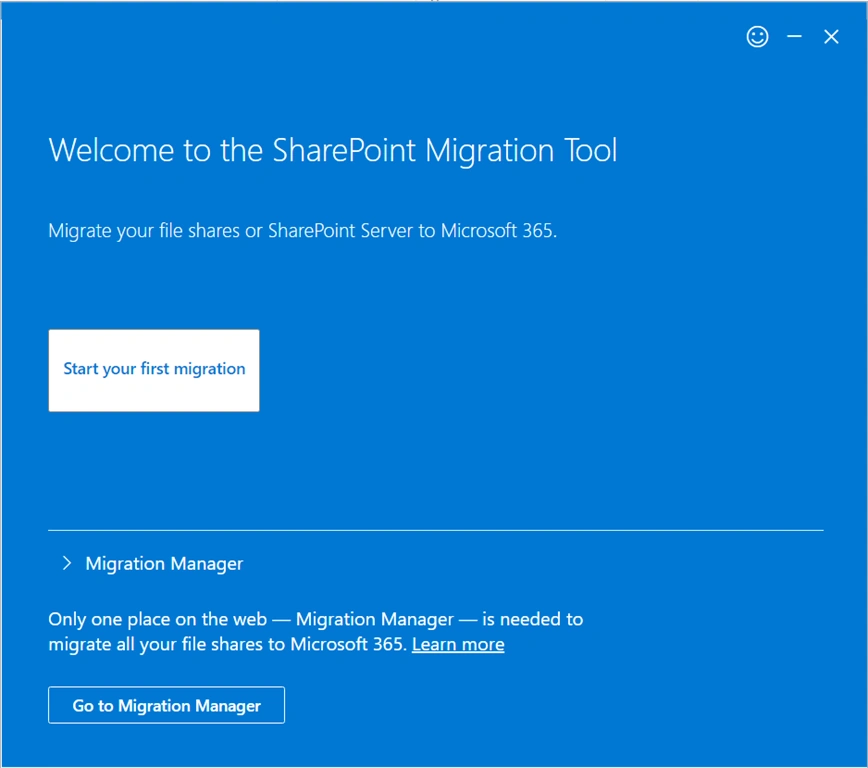
Now that we have SPMT ready, let us go ahead and start the migration!
Select the migration source
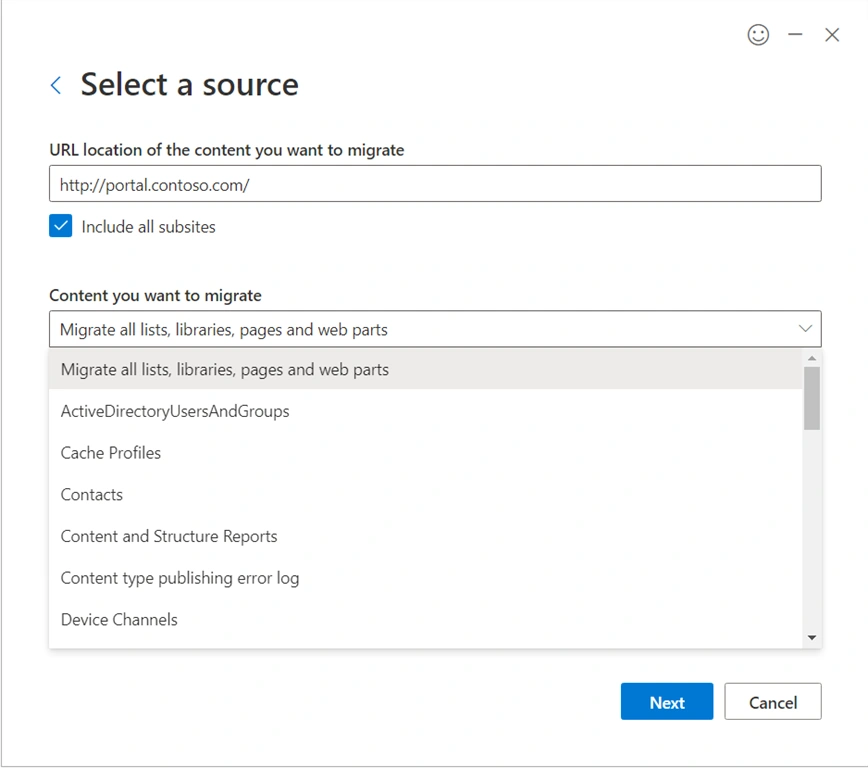
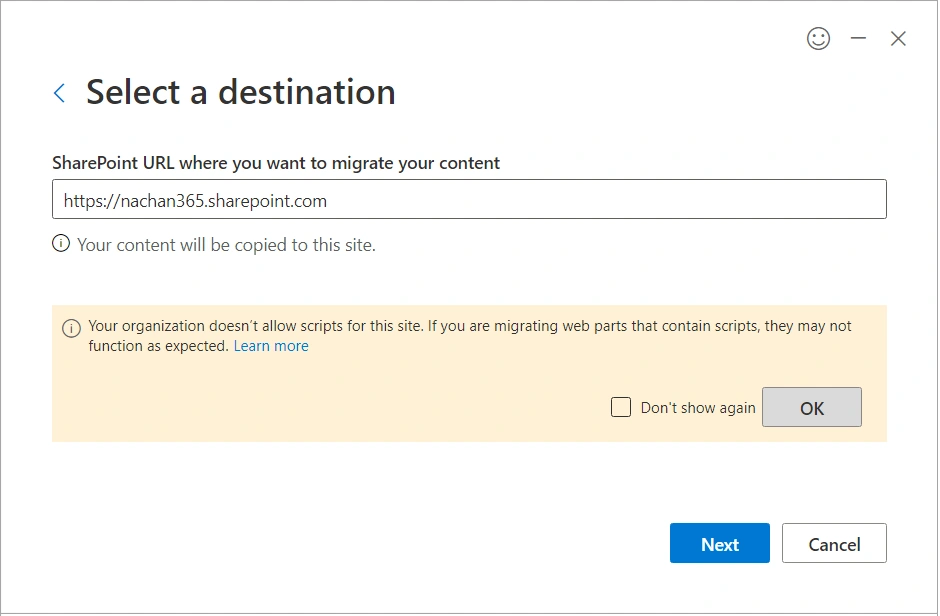
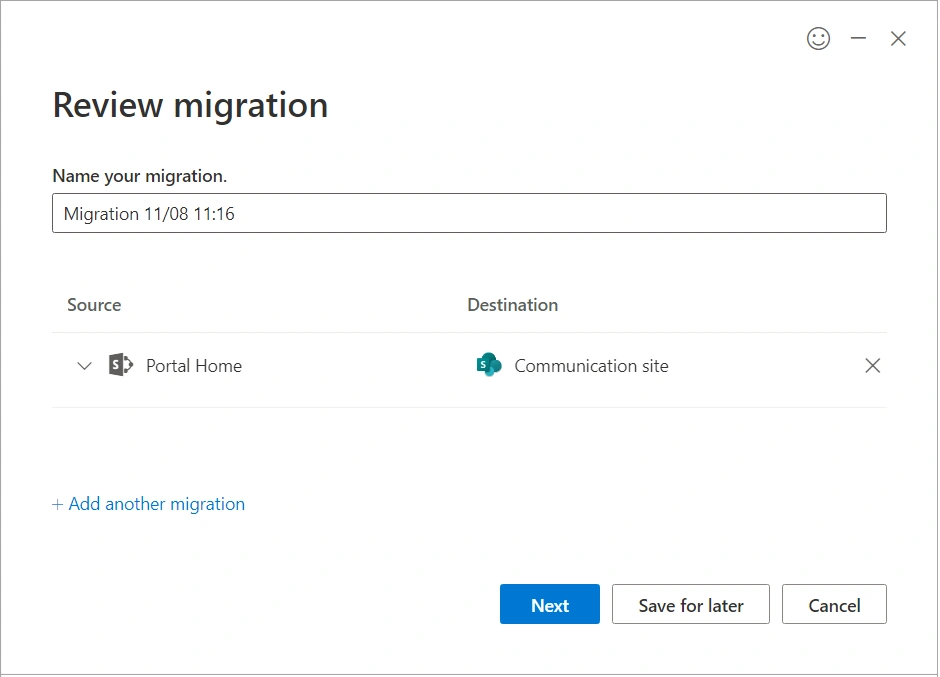
Click Start your first migration. From here, we can select the content to migrate from (source type).
The source options we have are SharePoint Server (including SharePoint 2010, 2013, or 2016) and File share (including content on a local computer and network file share). The bulk migration option allows us to specify a list of all sources and destinations to migrate the content.
Manoj DwivediPosted Jun 21, 2025, 7:20 AM
Great article! This is a clear and well-structured overview of the SharePoint Migration Tool (SPMT) for SPO migrations. The step-by-step breakdown and mention of limitations are especially helpful for IT admins and consultants planning their migration strategy. For larger or cross-tenant migrations, I’d also recommend checking out CloudBik — we specialize in Microsoft 365 tenant-to-tenant migrations, including SharePoint Online, with a focus on preserving structure, metadata, permissions, and version history. It complements tools like SPMT when you're dealing with more complex enterprise scenarios. Thanks again for sharing this valuable guide!