

Introduction
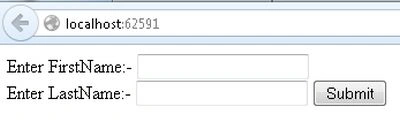
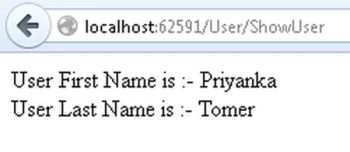
This article describes how to send Form Data to the Controller class. In this article we create a HTML form by a view and pass the value to the controller. The same value will be displayed by another view.
Procedure for creating the application.
Step 1
Create a Web API application as in the following:
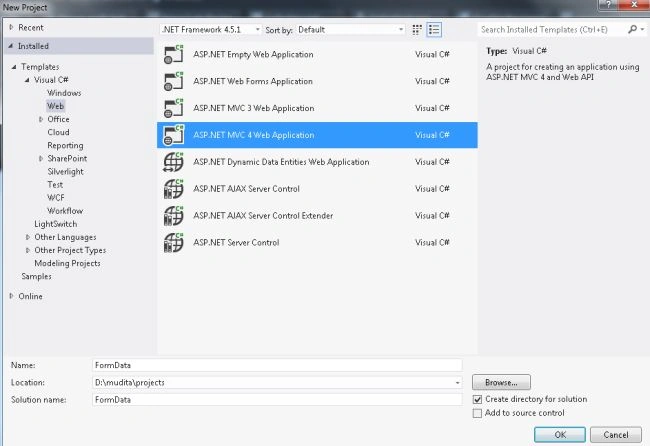
- Start Visual Studio 2012.
- From the start window select "Installed" -> "Visual C#" -> "Web".
- Select "ASP.NET MVC4 Web Application" and click on the "OK" button.
- From the "MVC4 Project" window select "Web API".
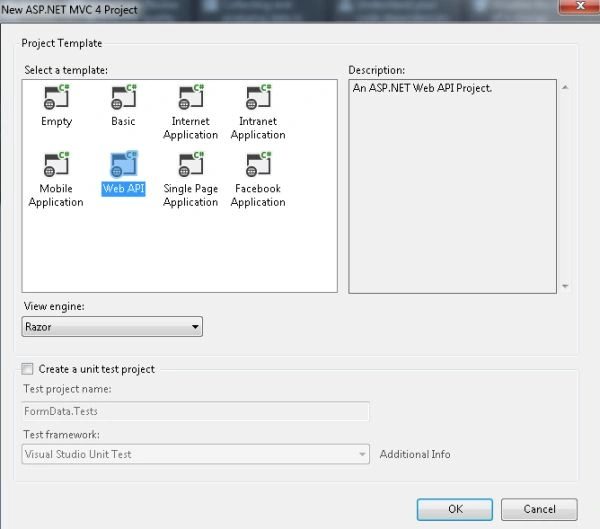
- Click on the "OK" button.
Step 2
Create a class in the model folder:
- In the "Solution Explorer".
- Right-click on the Model folder.
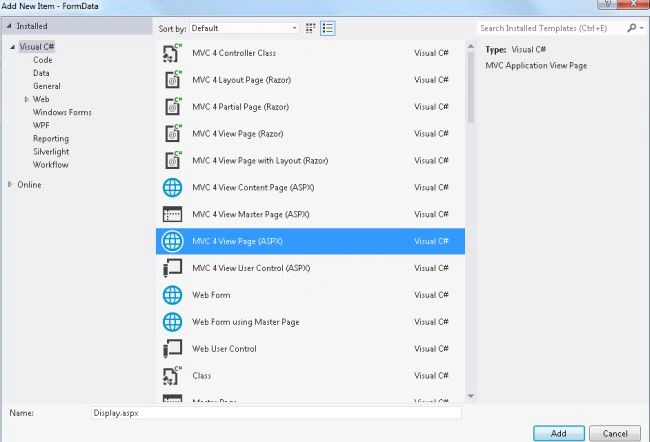
- Select "Add" -> "Class".
- Select "Installed" -> "Visual C#" and select class.
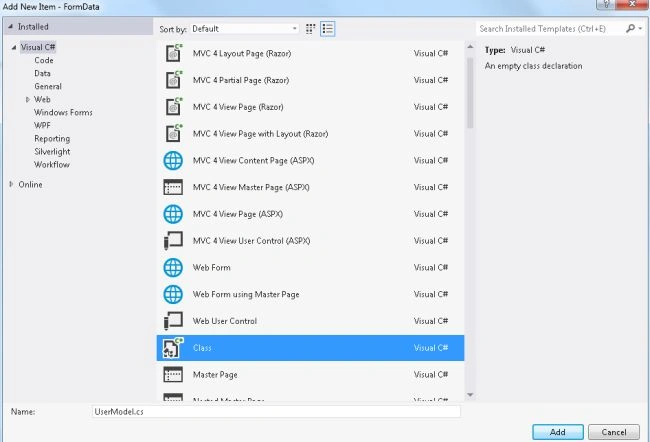
- Click on the "Add" button.
Add the following code:
- using System;
- using System.Collections.Generic;
- using System.Linq;
- using System.Web;
- namespace FormData.Models
- {
- public class UserModel
- {
- public string FirstName { get; set; }
- public string LastName { get; set; }
- }
- }
Step 3
Create a controller.
- In the "Solution Explorer".
- Right-click on the Controller folder.
- Select "Add" -> "Controller" and change the name.
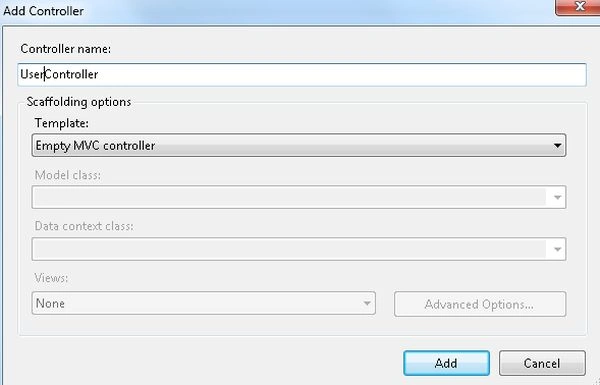
- Click on the "OK" button.
Add the following Code:
- using System;
- using System.Collections.Generic;
- using System.Linq;
- using System.Web;
- using System.Web.Mvc;
- using FormData.Models;
- namespace FormData.Controllers
- {
- public class UserController : Controller
- {
- //
- // GET: /User/
- public ActionResult DisplayForm()
- {
- return View("Display");
- }
- [HttpPost]
- public ActionResult ShowUser()
- {
- String FirstName = Convert.ToString(Request["FirstName"]);
- String LastName = Convert.ToString(Request["LastName"]);
- UserModel user = new UserModel();
- user.FirstName = FirstName;
- user.LastName = LastName;
- ViewData["UserModel"] = user;
- return View("DisplayUser");
- }
- }
- }
Join the conversation! Your thoughts help the community grow.