

Introduction
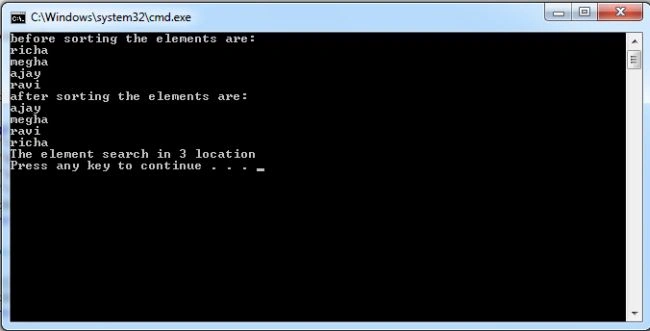
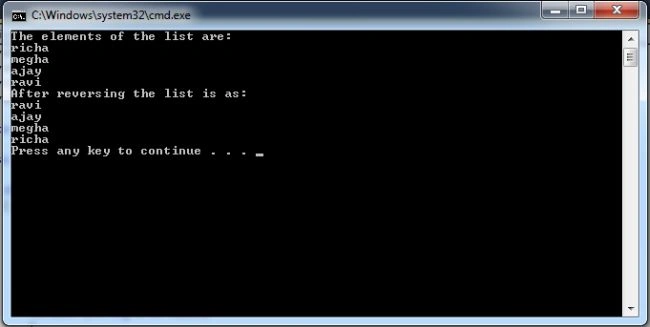
Sometimes it is necessary to print a list in an ascending or decreasing order. So for this I use the sort() method for printing the list's elements in an ascending order, the Reverse() method for descending order and the BinarySearch() method for searching for an element in a list.
Sort
The Sort operation is performed to sort the elements of the list in ascending order. For example:
namespace ConsoleApplication7
{
class Program
{
static void Main(string[] args)
{
List<int> rollnumber = new List<int>();
rollnumber.Add(12);
rollnumber.Add(20);
rollnumber.Add(11);
rollnumber.Add(40);
rollnumber.Add(43);
Console.WriteLine("before sorting the elements are:");
foreach (int a in rollnumber)
{
Console.WriteLine(a);
}
rollnumber.Sort();//sorting
Console.WriteLine("after sorting the elements are:");
foreach (int b in rollnumber)
{
Console.WriteLine(b);
}
}
}
}
Output is
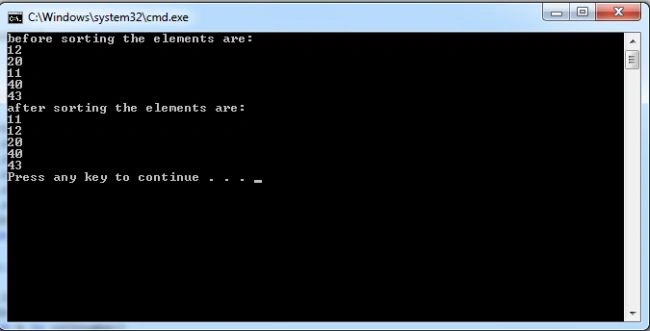
In this example I sort the numbers. You can also sort the list with a string type of data; for this the sorting is performed on the basis of the first letter of the string. If the first letter of the string matches then compare the second letter; for example:
namespace ConsoleApplication7
{
class Program
{
static void Main(string[] args)
{
List<string> names = new List<string>();
names.Add("richa");
names.Add("megha");
names.Add("ajay");
names.Add("ravi");
Console.WriteLine("before sorting the elements are:");
foreach (string a in names)
{
Console.WriteLine(a);
}
names.Sort();//sorting
Console.WriteLine("after sorting the elements are:");
foreach (string b in names)
{
Console.WriteLine(b);
}
}
}
}
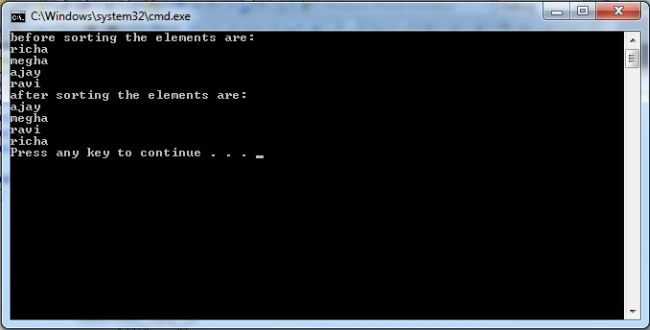
Join the conversation! Your thoughts help the community grow.