

Introduction
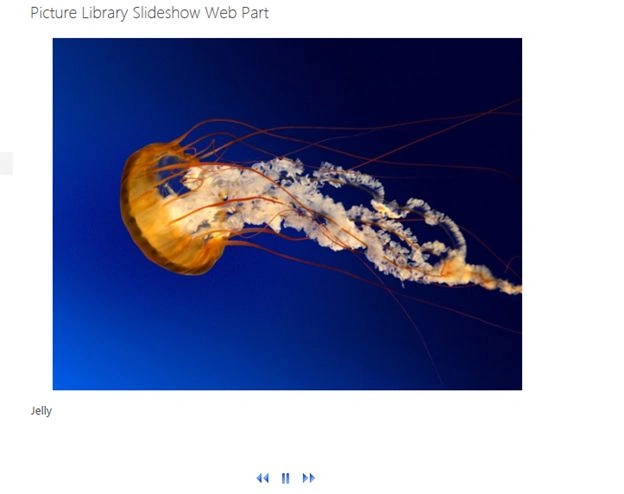
In this article, I will provide you with the procedure required to show images from a Picture Library with a Slideshow Effect. This is one of the OOTB web parts available in both SharePoint Versions 2010 and 2013.
Step 1
Create a Page from under the section settings -> Add a Page.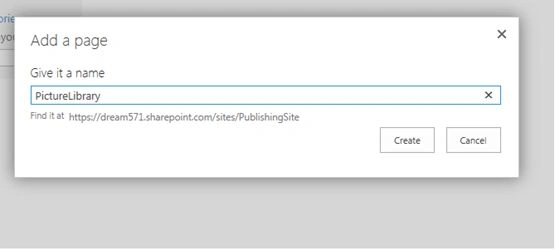
Step 2
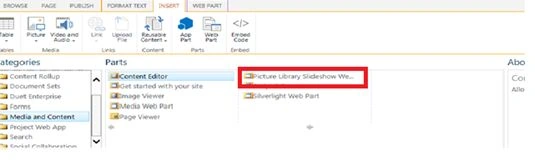
- Edit the Page and Navigate to the Insert Tab.
- In the Page Content Section, click on Add a web part.
- Select Media and Content Categories and Choose Picture Library Slideshow Web part.
Step 3
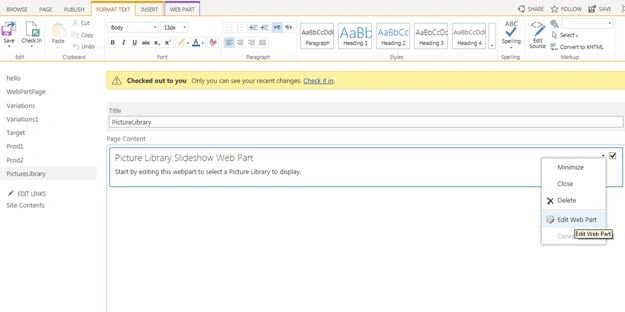
1. Edit the Web part.
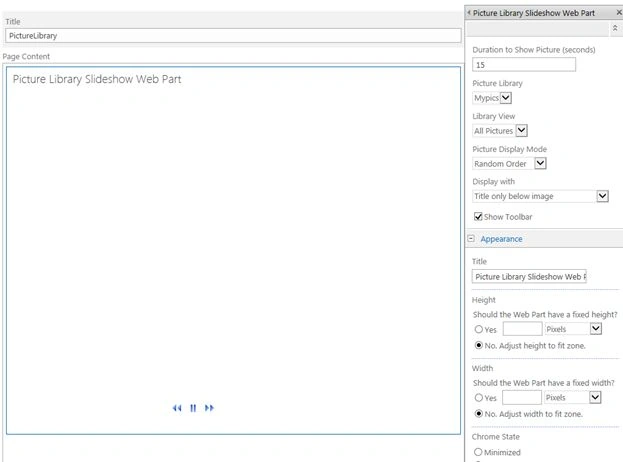
2. Set the following properties.
- Duration to show as 15 seconds.
- Library View as All Pictures.
- Picture Display Mode as Random Mode.
- Picture Library as name of picture library.
3. Click "Apply" and Save.
Step 4
- Check in the changes.
- Publish the page.

Join the conversation! Your thoughts help the community grow.