

Pivot control is a tab control; we can load different collection of control or pages into the single control based on the groups.
Steps to create Pivot control
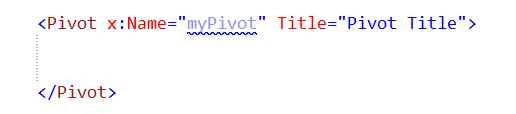
- Add the Pivot class & assign the Title name and display overall name.
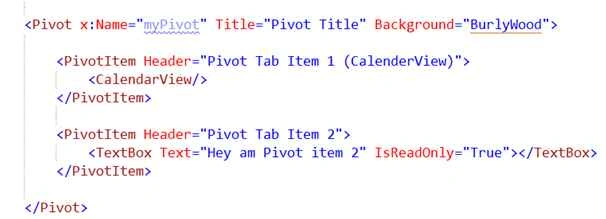
- Add the Pivot Item (Two-tab Page).
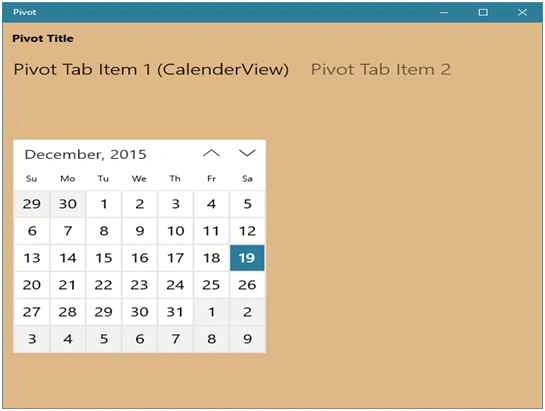
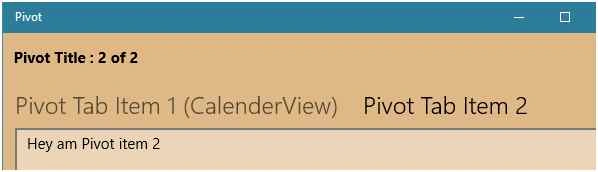
Firstly, item load the Calendar view and secondly, item load the textbox.
Output
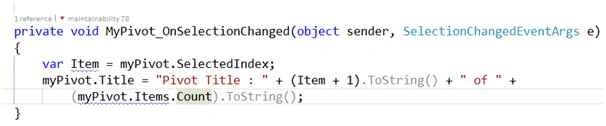
- Handling the pivot selection item changes.

Selection change implementation.
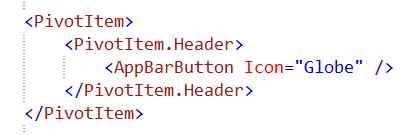
- Overwrite the Pivot Item header to change the Header item, like default it display the text only we can change this behavior.
- All the Pivot Items added into the centre of the control so that based on screen resolution all items may or may not visible to the user (need scroll to view the item name).
In some situation some items should be visible to the user, to handle this overwrite the Pivot left or right header template.
Add left & right of the Pivot header.
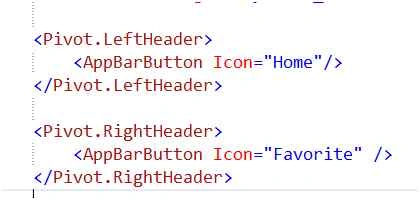
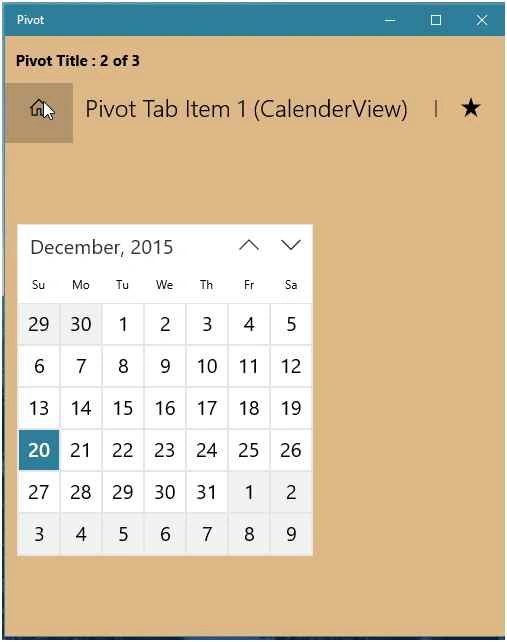
Left side: Home button
Right side: Favorite button
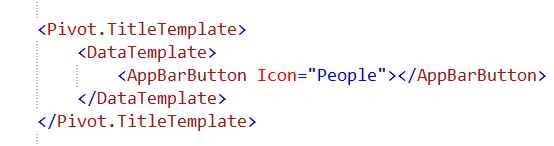
- Instead of Title text, we can overwrite the Title template to add different control.

Asfend YarPosted Feb 27, 2016, 8:11 AM
nice