

Here in this article we will see our Poll functionality in SharePoint 2013 as an app that will make you use it somewhere since it is really helpful.
Let's go for it and see what it has for us using the following.
- Go to the Site Contents of the site and click on Add an App.

- Go to the SharePoint Store.
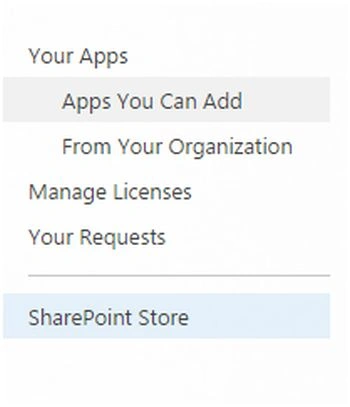
- Search for the Shreyan Poll App and install it.
- You will be redirected to the Site Contents where you will find the following app installed.
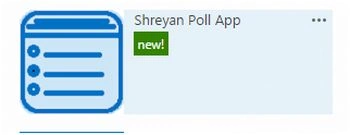
- Click on it, you will find the message below.
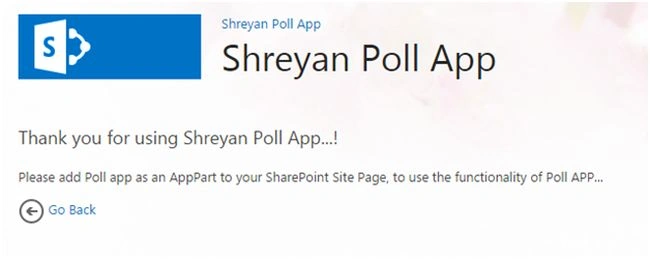
- Let's install the app.
- Create a Test Page or go to the page you want to add this app to.

- Click on Edit on the top navigation.
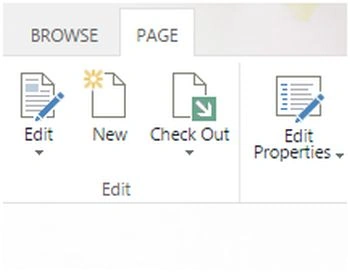
- Click on the empty panel and Insert a web part.
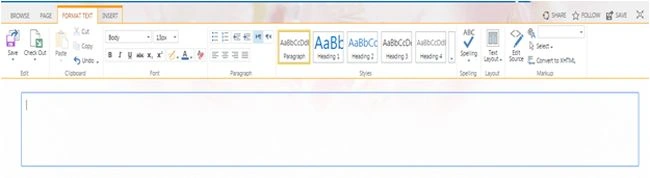
- Click on Shreyan Poll App and add it to the page.
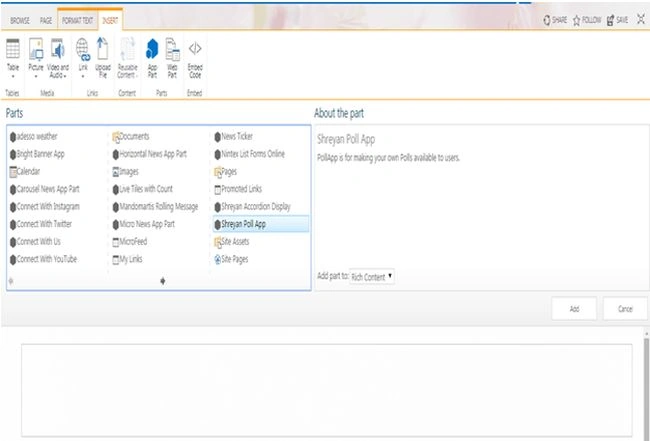
- The app will be installed.
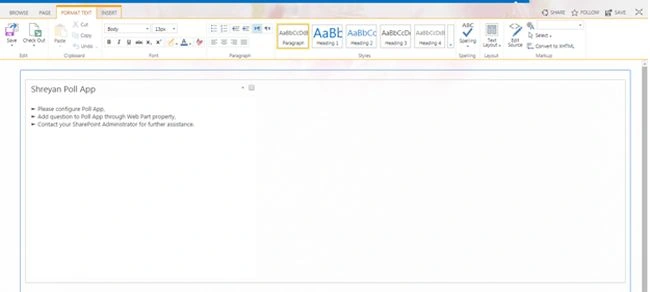
- It will ask you to either:
- Configure the Poll App
- Add a question to the Poll App through the Web Part property
- Contact your System Administrator
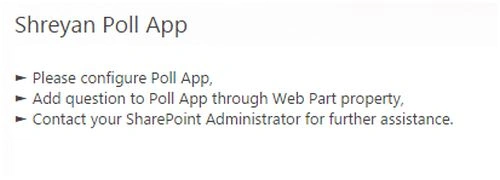
- Let us configure and add a question.
- Click on the field's drop down and edit the web part.
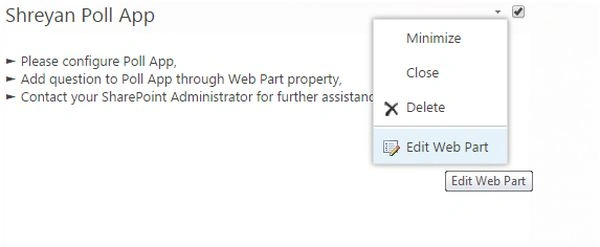
- When you edit the web part you will see the following configuration page.
- Here you can select a question if you want to have a poll on that but as we can see we have no questions available, we will need to create a new one. Click on Add a New Question.
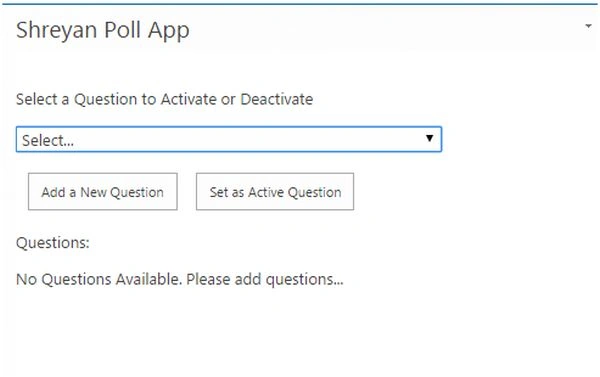
- Type in the question..
- You can provide the graph module visible to other users if you want to show them how many people have attended the poll and what their views are.
- You can give them n number of options as the answers.
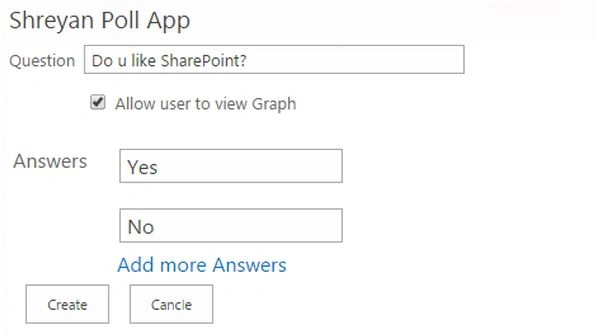
- Click on Create, you will return to the previous dialog box.
- Here from the app's drop down select the question and make it active by setting to to the Active Question link.
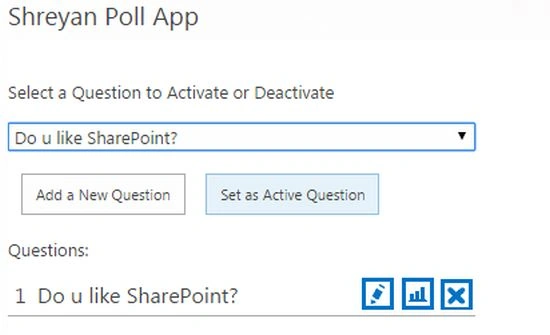
- Click on Save Page.
- Go to the page, you will find the Poll as in the following.
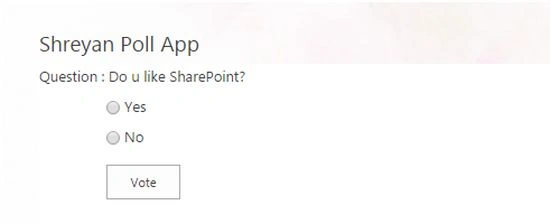
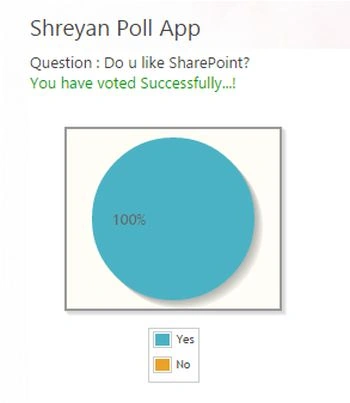
- So when a user sees the page and he selects the option and click on Vote, they will see the graph below published.
A Polling Booth through SharePoint 2013. Keep Learning.
Cheers.
Gowtham RajamanickamPosted Apr 27, 2015, 1:25 PM
[email protected]
Gowtham RajamanickamPosted Apr 27, 2015, 1:24 PM
any document share to me plz
Gowtham RajamanickamPosted Apr 27, 2015, 1:24 PM
can you tell me how to do?
Gowtham RajamanickamPosted Apr 25, 2015, 4:35 AM
i have an one doubt manpreet!! if anything i want to edit from this app..like need to change the color of graph...or i want to export the out put report ?
Gowtham RajamanickamPosted Apr 25, 2015, 3:43 AM
can you please provide me source code....