

Today, In this article I will discuss Power BI app which is now available for mobile devices.
With the Power BI mobile apps, stay connected to your data from anywhere, anytime. Try viewing and interacting with your Power BI dashboards on your mobile device — be it iOS (iPad or iPhone), Apple Watch, Android phone, or Windows 10 device. The Microsoft Power BI app provides live mobile access to your important business information. With the Power BI app you can easily view and interact with your dashboards and reports. Use the Power BI app to connect to your data, discover insights easily with data alerts and share them with your colleagues, in few minutes.
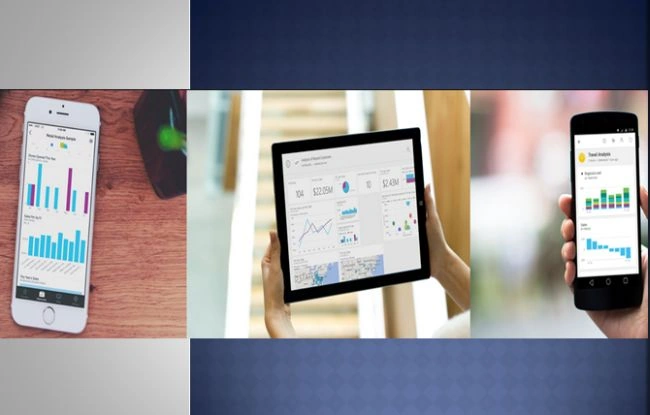
Features of Power BI mobile app
Here are a few important features of Power BI mobile app:
- Access data anywhere anytime.
- Connect with your existing data source with in few minutes.
- Share and collaborate live reports, dashboards and business data with your team very quickly over the mobile devices.
- Better data visualization.
Power BI mobile app is now available on:
- The iPhone app (Power BI for iOS)
- The iPad app (Power BI for iOS)
- The Power BI app for Android phones
- The Power BI mobile app for Windows 10 devices
- Enterprise support for Power BI mobile apps
Here I will describe installation of Power BI app for android phone.
The Android app for Microsoft Power BI brings Power BI to your pocket, with up-to-date, touch-enabled mobile access to your business information. You can interact and view your company dashboards anywhere. With the help of Power BI mobile app we can explore our data and share with colleagues.
Here are the steps of Power BI app installation for android phone.
Step 1- Get the app from Google Play store very easily. Simply search out and type name Microsoft Power BI.
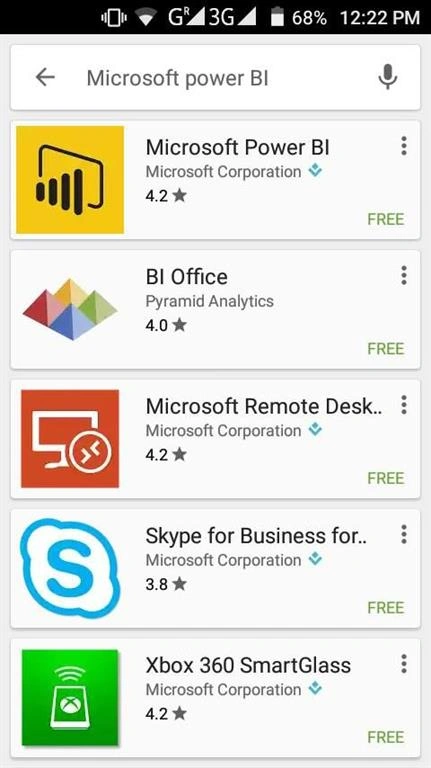
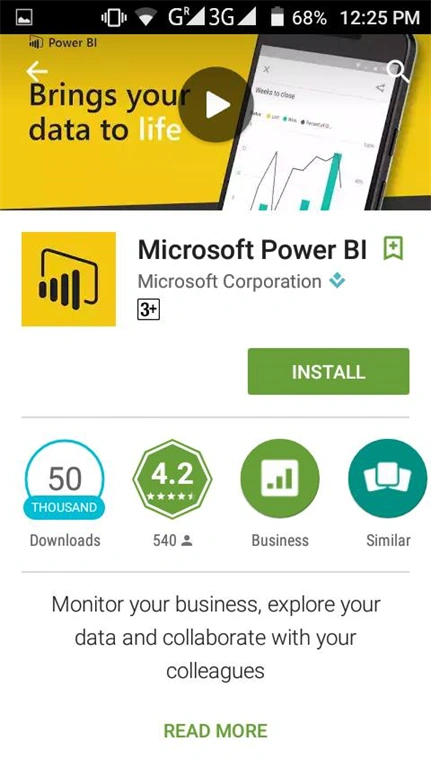
Step 2- After that, you will find the app and install it.
After installation you will see this type of icon on your android phone.
For more information, visit this website Power BI mobile app.
Note
Power BI can run on a number of different Android phones. Your phone needs to be running the Android 4.4 operating system, or advanced version. To check the operating system of your phone, go to Settings, About Phone, then Android version and check it.
Shamim UddinPosted Sep 7, 2016, 10:09 PM
Good one.. well Explained
Akash VarshneyPosted Jun 15, 2016, 10:55 PM
Does it only support in Android ? what about Windows and IOS ? Its a Microsoft product. so it should support windows . ( i dont have windows phone :) )
RajaPosted Jun 10, 2016, 2:25 AM
Good one...
Sonu ChaudharyPosted Jun 6, 2016, 9:55 AM
good one...
Thiruppathi RPosted Jun 3, 2016, 7:36 AM
Wow great things..
Vignesh ManiPosted May 30, 2016, 5:01 PM
Good one