

Problem Context
While dealing with windows application setups which will be normally installed in Program Files folder, will be facing user rights issue (read only problem) on the database files inside application folder.
This problem is due to the user folder permissions change in Windows Vista and Windows 7. So the application which was working fine earlier in Windows XP seems to create problems in the above operating systems. The problem will be visible even though the installer uses administrative rights while installing the application.
Example
If your application is installed in c:\Program Files\Winapp and the log file inside it will be facing access rights issue while updated using the application.
Following is the error message while trying to write to an existing text file from the Program Files folder. The same file writing succeeded while executed through Visual Studio.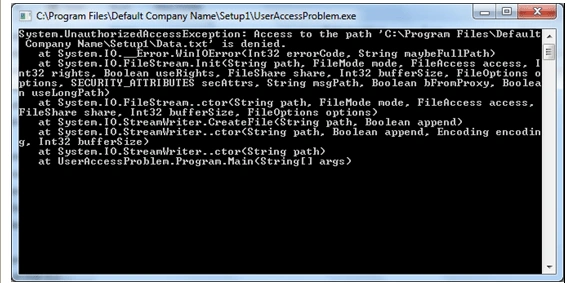
Solution
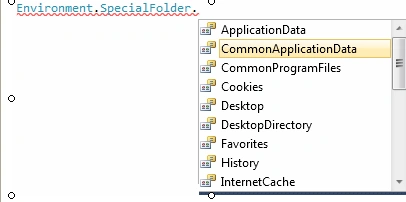
There are many of solutions for the above problem. One of the solution is to use the special folders for storing user updated files.
Example
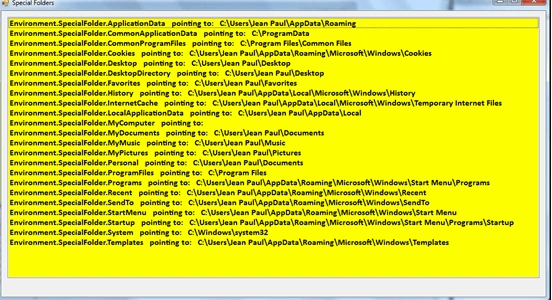
We can use the %ProgramData% folder for storing the files.
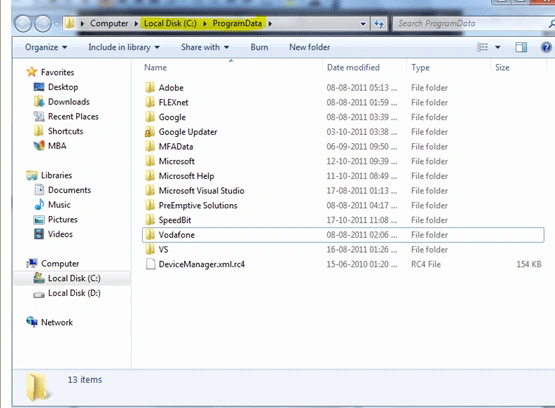
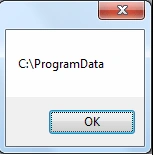
The %ProgramData% points to c:\ProgramData (if windows drive is cJ
You can try executing it in the Run Window in Windows 7 OS.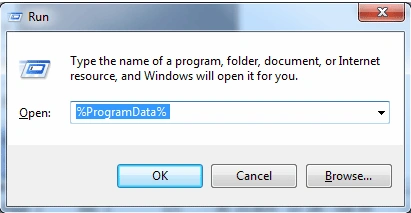
Join the conversation! Your thoughts help the community grow.