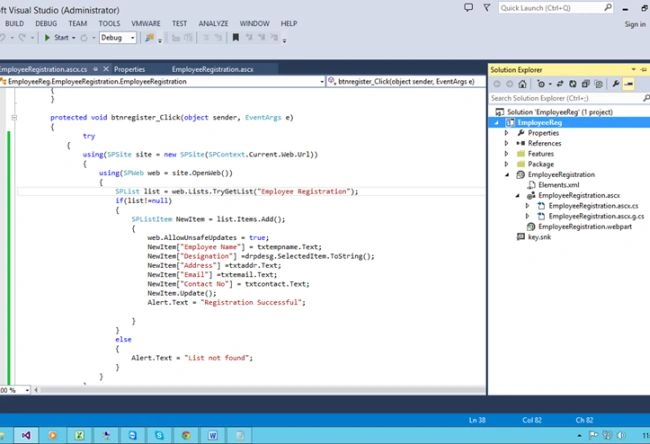
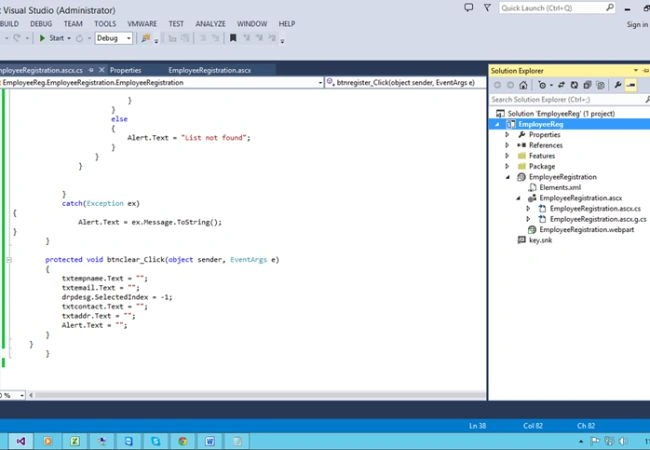
 Full Code
- using Microsoft.SharePoint;
- using System;
- using System.ComponentModel;
- using System.Web.UI.WebControls.WebParts;
-
- namespace EmployeeReg.EmployeeRegistration
- {
- [ToolboxItemAttribute(false)]
- public partial class EmployeeRegistration : WebPart
- {
-
-
-
-
-
- public EmployeeRegistration()
- {
- }
-
- protected override void OnInit(EventArgs e)
- {
- base.OnInit(e);
- InitializeControl();
- }
-
- protected void Page_Load(object sender, EventArgs e)
- {
- }
-
- protected void btnregister_Click(object sender, EventArgs e)
- {
- try
- {
- using(SPSite site = new SPSite(SPContext.Current.Web.Url))
- {
- using(SPWeb web = site.OpenWeb())
- {
- SPList list = web.Lists.TryGetList("Employee Registration");
- if(list!=null)
- {
- SPListItem NewItem = list.Items.Add();
- {
- web.AllowUnsafeUpdates = true;
- NewItem["Employee Name"] = txtempname.Text;
- NewItem["Designation"] =drpdesg.SelectedItem.ToString();
- NewItem["Address"] =txtaddr.Text;
- NewItem["Email"] =txtemail.Text;
- NewItem["Contact No"] = txtcontact.Text;
- NewItem.Update();
- Alert.Text = "Registration Successful";
-
- }
- }
- else
- {
- Alert.Text = "List not found";
- }
- }
- }
-
-
- }
- catch(Exception ex)
- {
- Alert.Text = ex.Message.ToString();
- }
- }
-
- protected void btnclear_Click(object sender, EventArgs e)
- {
- txtempname.Text = "";
- txtemail.Text = "";
- drpdesg.SelectedIndex = -1;
- txtcontact.Text = "";
- txtaddr.Text = "";
- Alert.Text = "";
- }
- }
- }
Now build the project and then
Deploy solution.
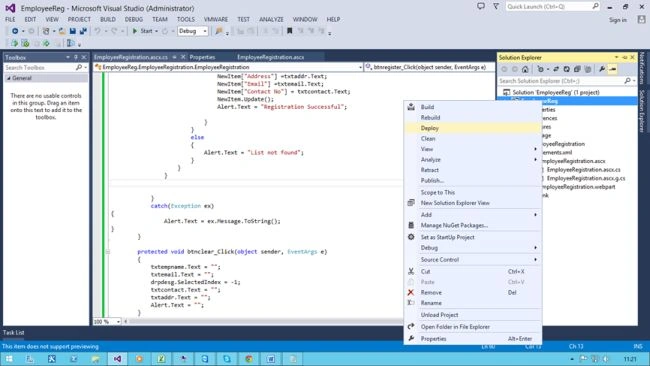
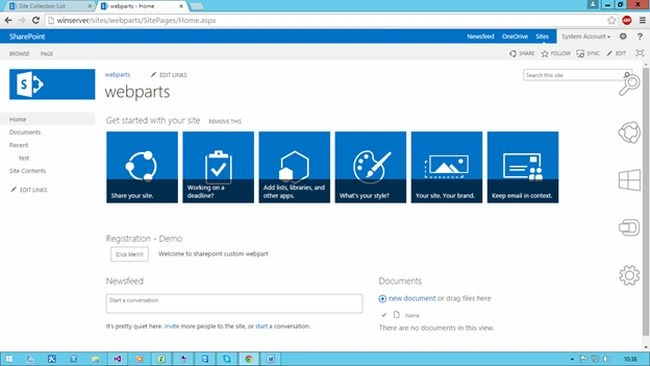
Go to the site and edit the page, then add a Webpart from the
custom tab.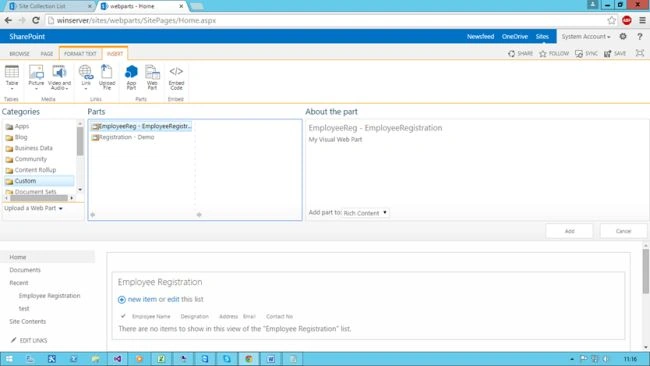
Now
Register with some details.
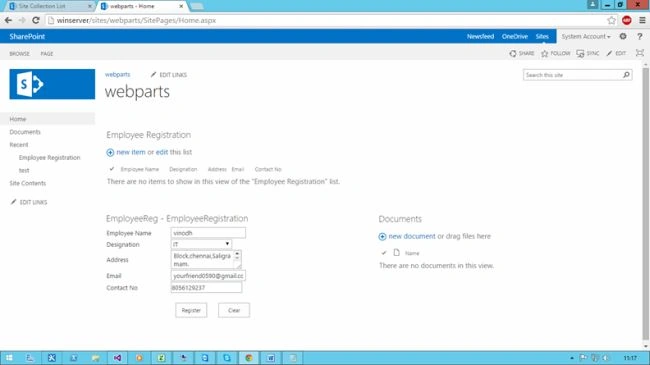
The data has been added into the list.
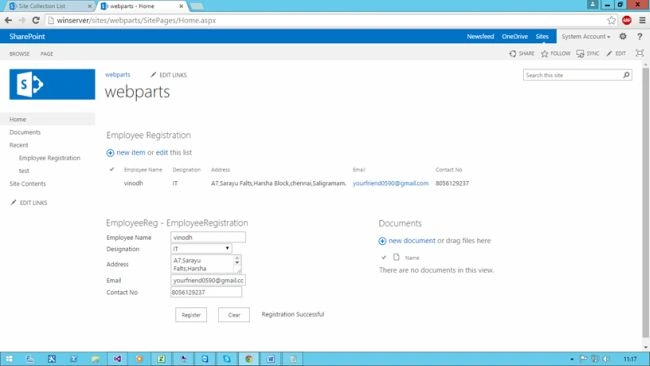
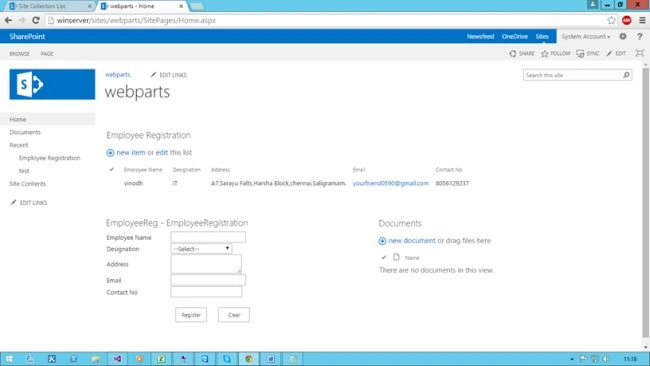
Now click Clear.
All the fields are cleared successfully.
I hope this will help SharePoint beginners to start developing custom webparts.


Leela KumarPosted May 15, 2019, 6:28 AM
I have VS2010 development tool in my PC and have to develop the SharePoint related development, but it is not allowing the add SharePoint template and through the error message “A SharePoint Server not install on this computer”.My question is Without SharePoint server, Can I develop the SharePoint related development in VS 2010.
SARAT GOUDAPosted Nov 22, 2017, 5:31 AM
How can bind comment in splistusing pnp.js
Santhakumar MunuswamyPosted Jul 16, 2015, 3:40 PM
Good Article! Thanks for sharing
Vinodh NarayananPosted Jul 16, 2015, 6:57 AM
Thank you guys
Nilesh JadavPosted Jul 16, 2015, 6:53 AM
good article
Sibeesh VenuPosted Jul 16, 2015, 6:34 AM
Good one.