

Prerequisite- Correctly installed and configured SharePoint Server 2013.
Note: My current SharePoint Farm is having Single-tier architecture which means everything is installed on a single Server.
Here is the process of installing and configuring the Project Server 2013.
- Download Evaluation Package from Here.
- Mount the Image on the server where you want to install Project Server 2013.
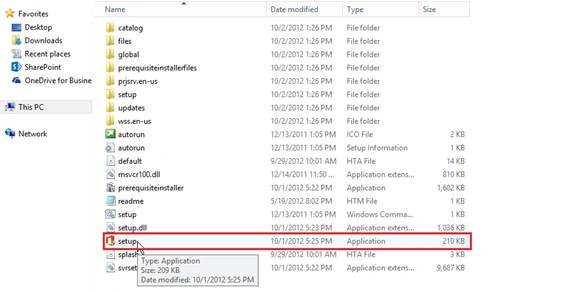
- Click on Setup File.
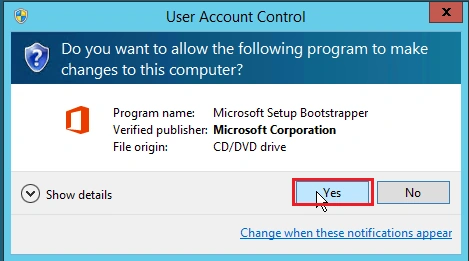
- Enter KEY.
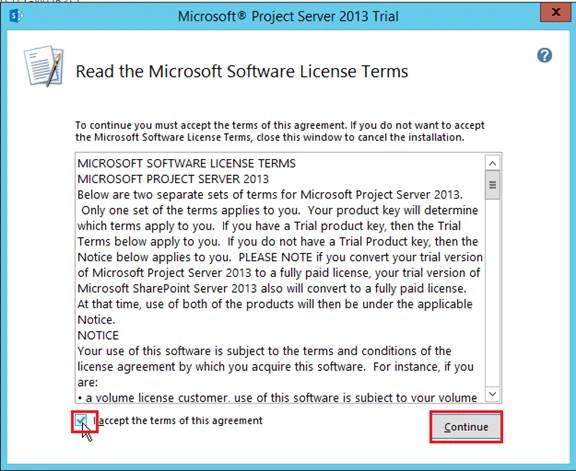
- Accept Term & Condition and click Continue.
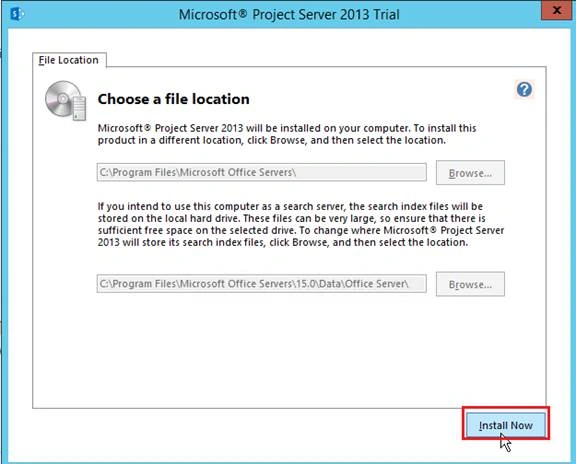
- Click Install Now, Installation will begin.
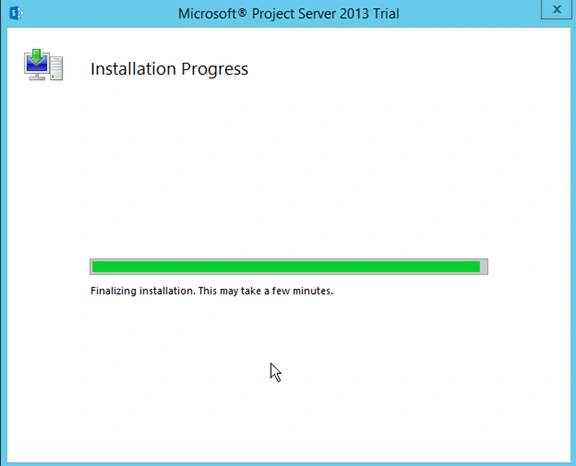
- After Installation, Run Configuration Wizard window will open. Uncheck Run the SharePoint Products Configuration Wizard now and close the wizard.
- Install Project Server 2013 on every Web server and Application Server if you have more than one Application and Web server.
- After installing Project Server on every application server and web server which is part of the SharePoint Farm, Run Configuration Wizard on each server.
Note - Don’t Run Configuration Wizard simultaneously but one by one.
Run Product Configuration Wizard as Administrator.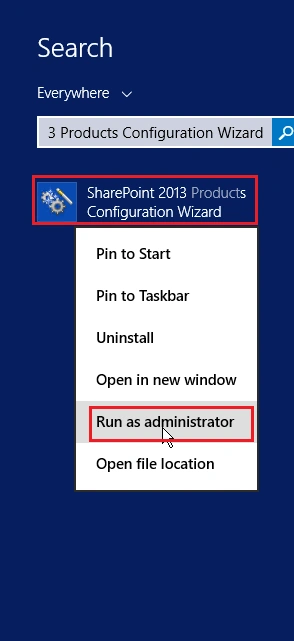
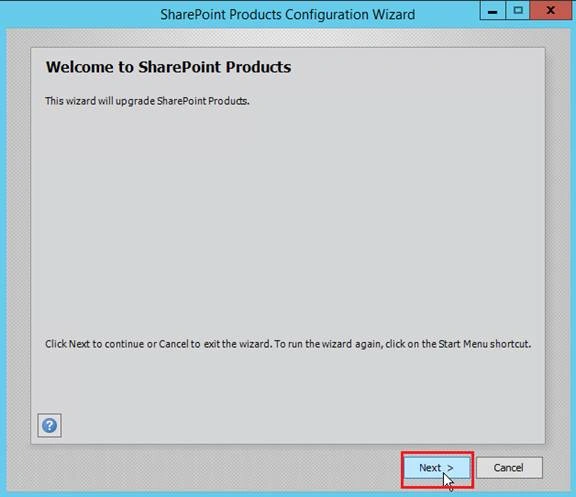
- SharePoint Product Configuration Wizard window open Click Next,
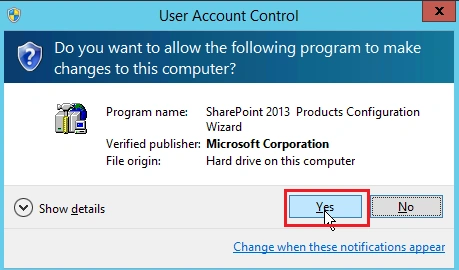
- SharePoint Product Configuration Wizard window throws warning message Just Click Yes.
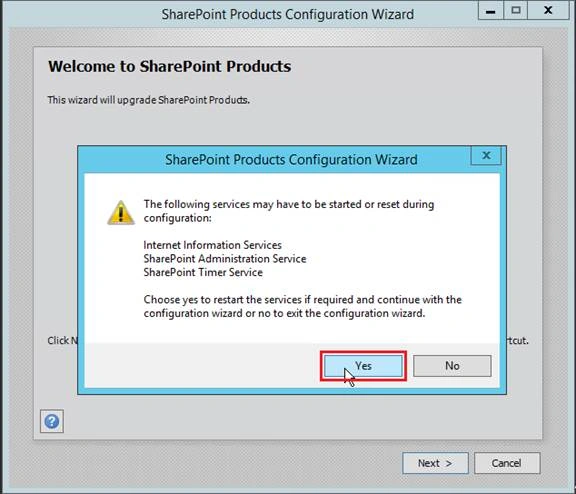
- In next window let it remain as the default setting and click next.
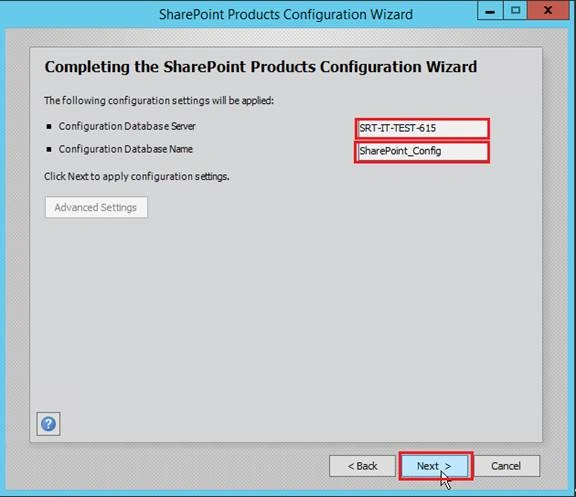
- SharePoint will be configured, have patience and watch carefully what’s going to happen in 1-10 steps. Once Configure is Successful a window appears; click finish.
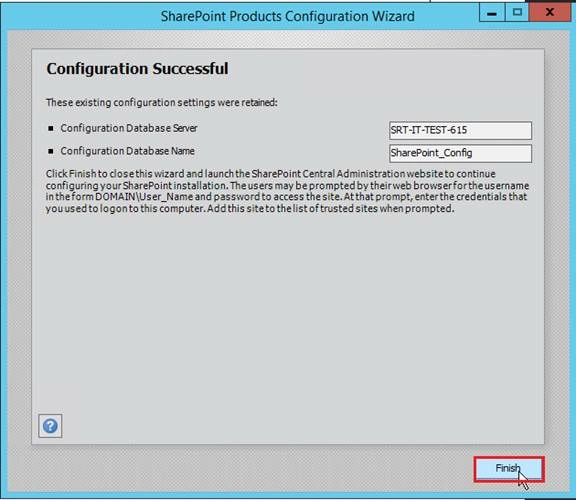
Now SharePoint Central Administration page will open.
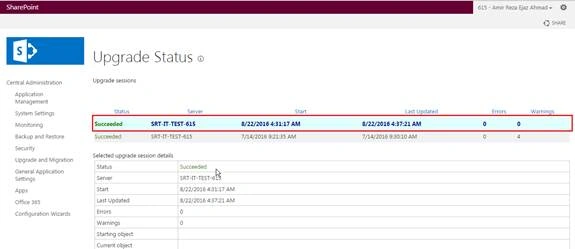
- Now let’s check if Project Server is installed successfully or not,
Go to -- > Central Administration -- > Upgrade and Migration -- >Click Check product and patch installation status.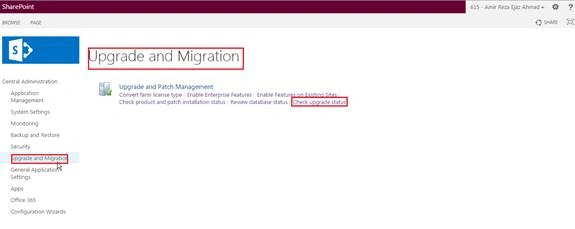

Tarun DPosted Sep 7, 2016, 12:46 AM
Thanks for sharing..
Prasanna MuraliPosted Sep 6, 2016, 1:26 PM
Nice post..