

Here I have explained everything. Whenever we encounter a problem related to Search in SharePoint Online or after searching an item it does not return a result then we must use the following procedure.
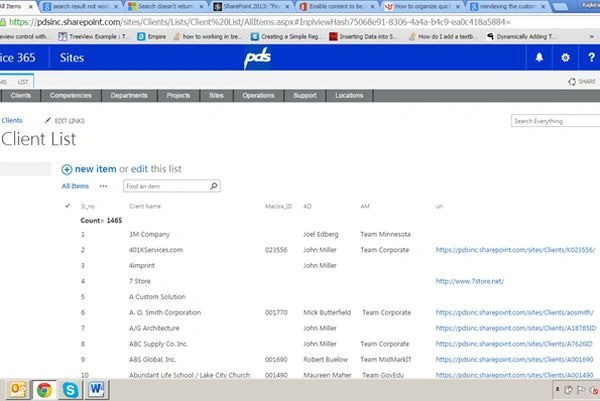
- Go to your List in SharePoint where you must search items.
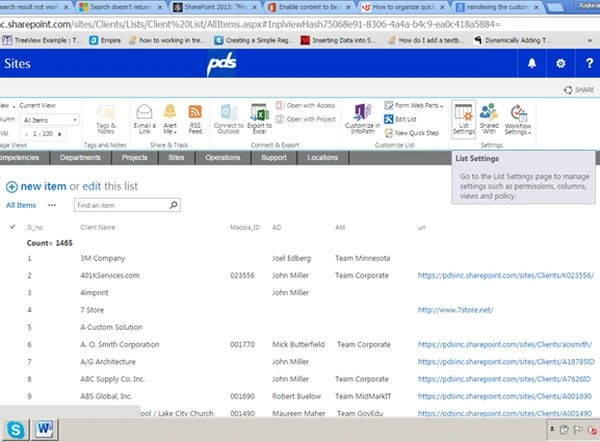
- Then go to your List Settings.
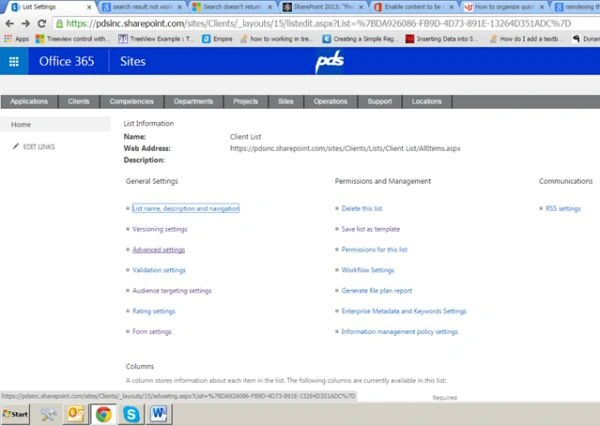
- Then click on Advanced Settings.
- Then click on re-index list.
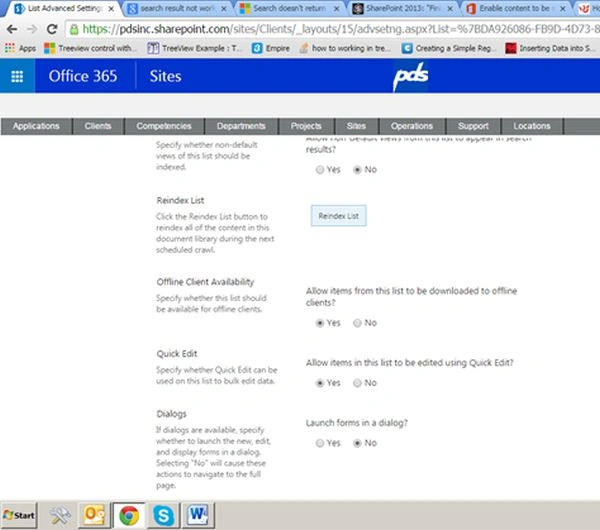
- Then click on re-index list.
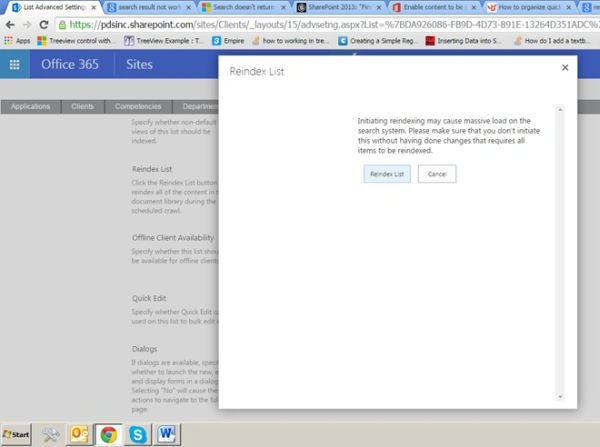
- Then click the OK button.
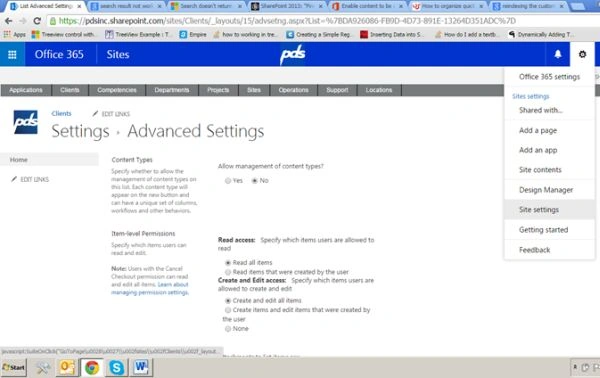
- Then go to your top-level site collection and click Site Settings.
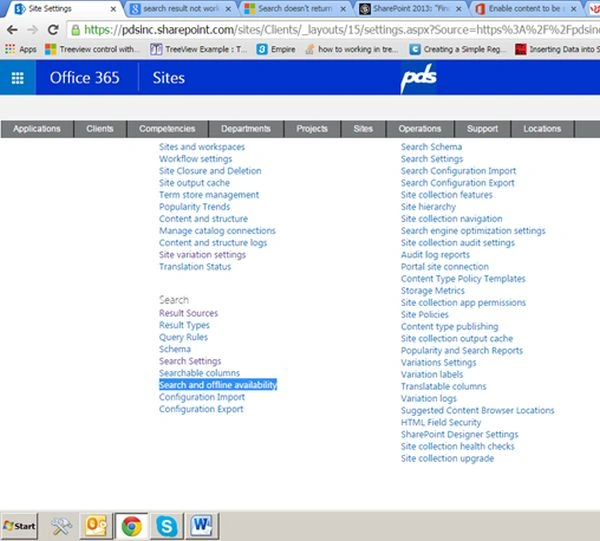
- Then click on Search and offline availability under the Search Link.
- Then click on re-index site.
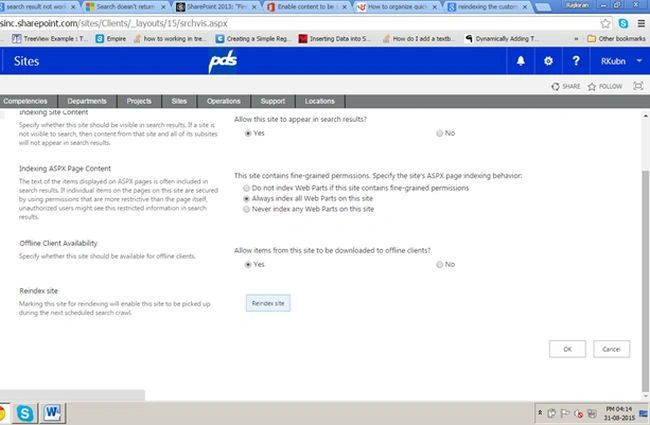
- Then click the OK button.
- Then it will take 6-8 hours to propagate the changes.
Shobana JPosted Jul 12, 2016, 3:17 AM
Nice one.Keep sharing
Vaikesh K PPosted Sep 3, 2015, 2:05 AM
Nice share :)
Santhakumar MunuswamyPosted Sep 1, 2015, 3:36 PM
Thanks for nice article:)
Rajeesh MenothPosted Sep 1, 2015, 9:54 AM
Nice Share
Vinodh NarayananPosted Sep 1, 2015, 9:29 AM
good one
Sibeesh VenuPosted Sep 1, 2015, 7:27 AM
Nice Share
Jacob RobinsonPosted Sep 1, 2015, 12:23 AM
Nice One..
Karthikeyan KPosted Aug 31, 2015, 11:16 PM
Good one sir...Thanks for share
Pankaj Kumar ChoudharyPosted Aug 31, 2015, 7:52 PM
Nice Explain Sir...........
Mohammed IbrahimPosted Aug 31, 2015, 6:51 PM
nice