

There are several Single Page Application frameworks available in the market, each has its own advantages and uses in different scenarios.
Asp.Net Core supports single page application frameworks like Angular and React and default templates are available which make life easier.
I am going to show some basics of REACT, its lightweight framework founded by Facebook to solve their architectural issues.
React is a component based framework, and we can manage our code in components. React relies on properties and state, we can create a component, pass properties in the form of attributes to the component, maintain its state and perform operations.
Properties
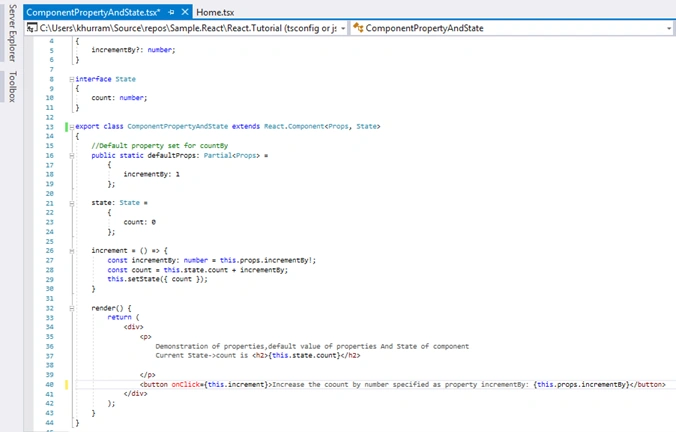
Mostly properties are used to take input from the tags/component declaration from UI and then we can perform some operations. Like we have a component which increments the current value by a static number, this static number can be defined in the form of properties, we can access it in our component, and we will see that in an example later.
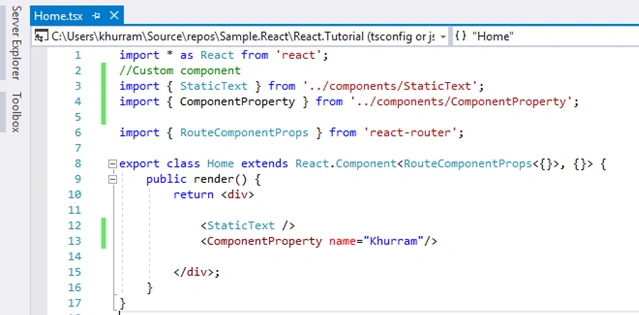
A really simple example is that we can have a component which takes a property like Name and says 'hello', an in: Hello {name}. This name is a property and it comes from <Hello name=”My Name”/> and the result will be Hello My Name rendered.
State
Its name indicates its responsibility. State management techniques are in almost all web frameworks/languages and it's a technique to hold/maintain the state of some object. Object can be a variable.
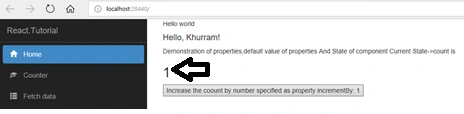
We will use state in our component which will maintain state of current variable and we will increment it by a number defined by properties. For example, initially if the number is 0 and we increment it by 1 then state holds that number and when we increment it again it will become 2.
Note
When state of component gets changed the render () method is fired.
Summarized
React is a component based modeling framework that watches/observes the state of component and we can take advantage of this to perform several types of operations as per our requirements.
Practice
- Create a project of ASP.Net Core and choose React template provided in Visual Studio 2017. I named it React.Tutorial.
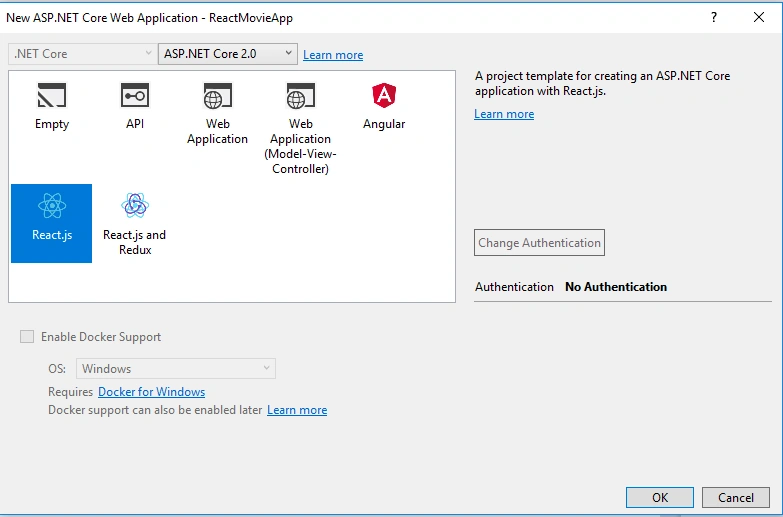
- Restore the packages and build the project.
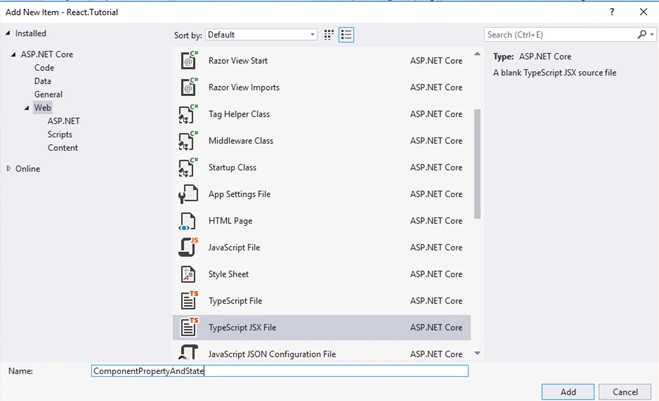
- Add a new Typescript jsx file
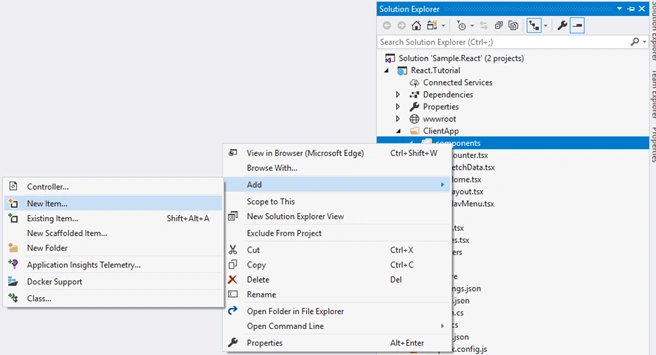
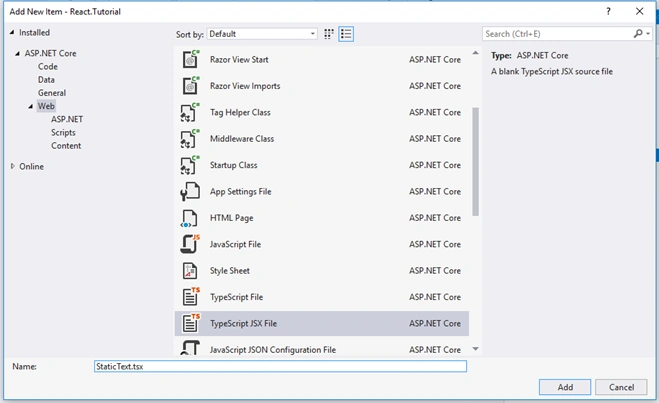
StaticText.tsx file is typescript jsx file
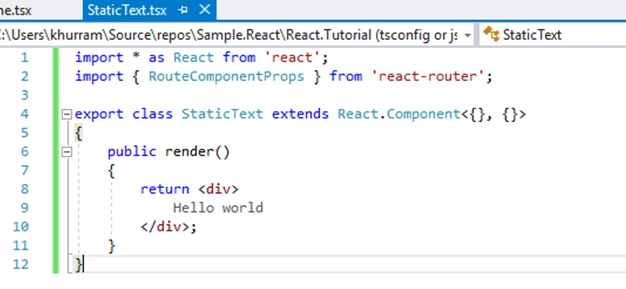
CODE
- import * as React from 'react';
- import {
- RouteComponentProps
- } from 'react-router';
- exportclassStaticTextextendsReact.Component < {}, {} > {
- public render() {
- return <div > Hello world < /div>;
- }
- }
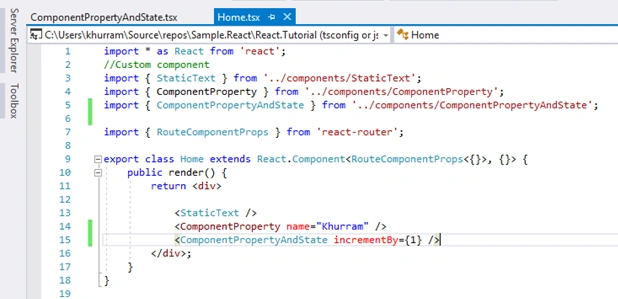
Modify Home.tsx and it should look like this
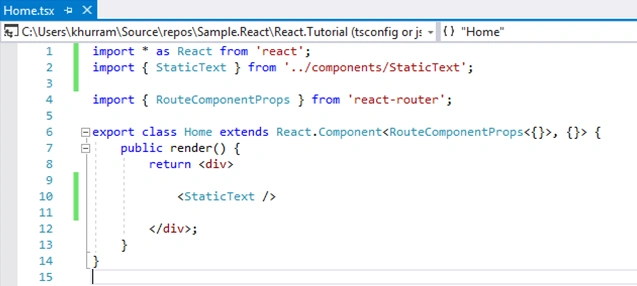
CODE
- import * as React from 'react';
- //custom component import
- import {
- StaticText
- } from '../components/StaticText';
- import {
- RouteComponentProps
- } from 'react-router';
- exportclassHomeextendsReact.Component < RouteComponentProps < {} > , {} > {
- public render() {
- return <div > < StaticText / > < /div>;
- }
- }
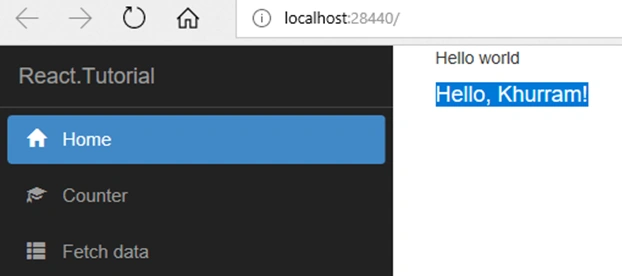
Here we declared <StaticText/> component in render() function and the result is:
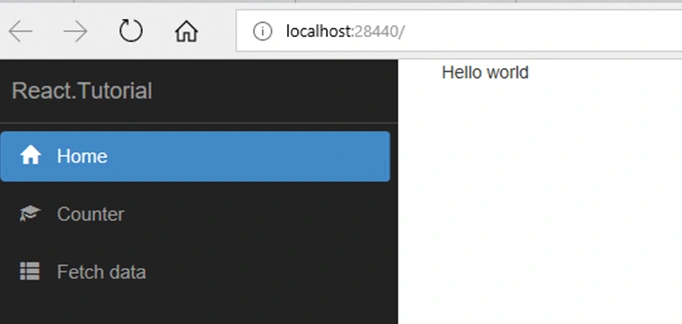
So our component gets rendered and the contents get displayed.
Property Example
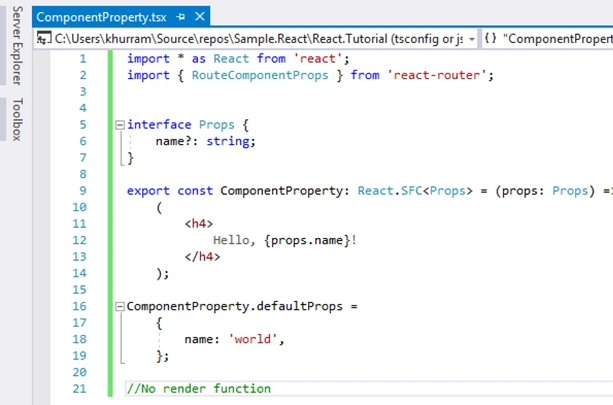
Let’s try properties of component.
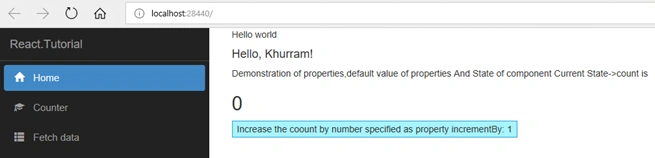
Our component will take a property as name and render it with hello word like Hello {Name}
Create a component as we did previously and name it “ComponentProperty” so its code looks like:
Deepu DileepPosted Jul 27, 2018, 12:20 AM
How can I Restore the packages and build the project
Khuram ShahzadPosted Jul 19, 2018, 11:27 PM
Thanks for your time and support.
Hadshana KamalanathanPosted Jul 19, 2018, 5:43 AM
Thanks for sharing