

What is MVC
MVC is an architecture pattern which separates logic, UI & database connection of our application. It’s divided into three broader sections, “Model”, “View” and “Controller”.
- The “View” is responsible for look and feel of our application.
- “Model” represents the real world object and provides data to the “View” (If we need data from the database then we can get it.).
- The “Controller” is responsible to take the end user request and load the appropriate “Model” and “View”.
The following diagram represents how MVC pattern works internally.
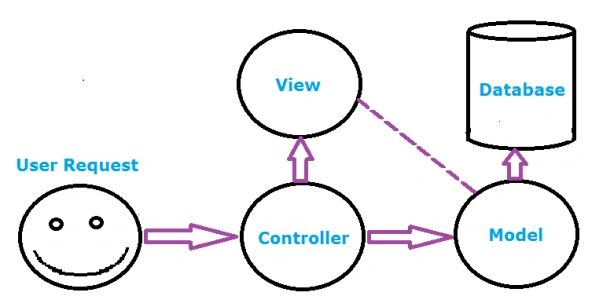
- Everytime first request comes into controller.
- Controller decides which action to be executed and that action goes to directly to View or through Model to View by taking data from database.
Real Life Example of MVC 5
Suppose there is one restaurant, in this restaurant some people are working as follows:
- Guys who are an expert cook, they works in kitchen.
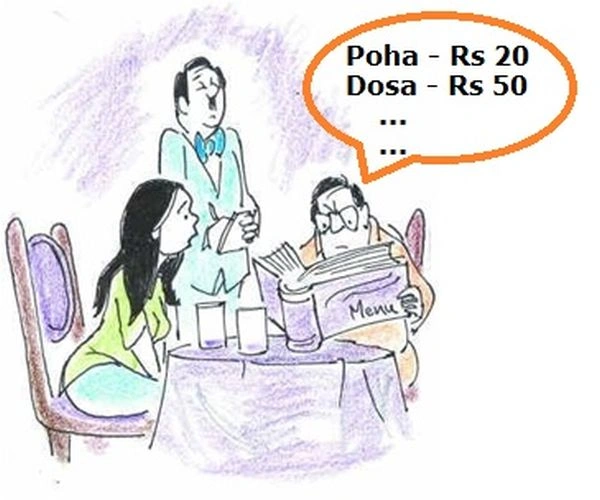
Guys (Manager) who take order from customer & write down that order on small paper with appropriate table number i.e one. - Now some customer comes into the restaurant, the guy who is going to take an order shows menu card of this restaurant to that customer.
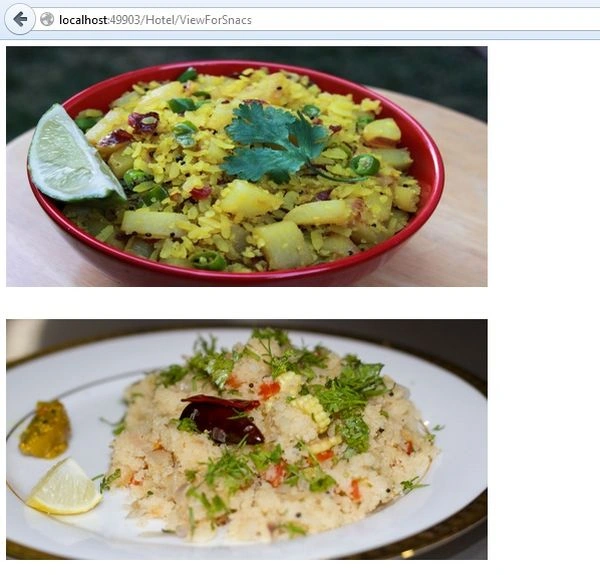
- Customer see this menu card. For example, customer see items such as Poha, Upma, Dosa etc. Now that customer would like to order Poha or dosa, then the customer can imagine how Poha or Dosa looks like.
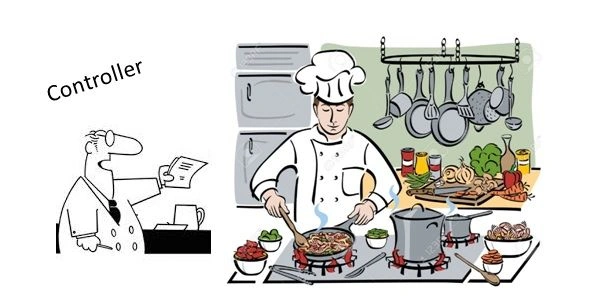
- After taking order from customer, that guy (Manager) give this small purchi to a man who is sitting outside the kitchen. This man who is sitting outside the kitchen is acting like a Controller in MVC, means every order is handled by this controller.
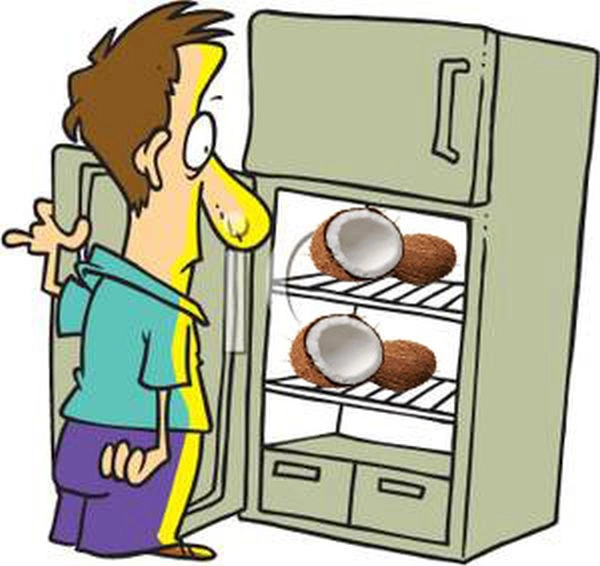
This man gives order to appropriate cook for making the order ready. - The cook will see the order & try to make the food ready. If he needs some extra items to make food like for Dosa he need to make 1 Chatani from coconuts then cook, visit the fridge & take this coconut & make chatani ready by adding water, sugar etc. In this scenario the cook is taking data from the database means cook is acting like Model in MVC.
- After some time, the order of that customer is ready. Now the man sit outside the kitchen, calls the waiter & tell him to serve this order to the customer who ordered from table number one.
- Now waiter adds some items to make better look & feel of food like he add some.
Now the order is ready to eat. This is actual View in MVC. Waiter is responsible for making decorate view.
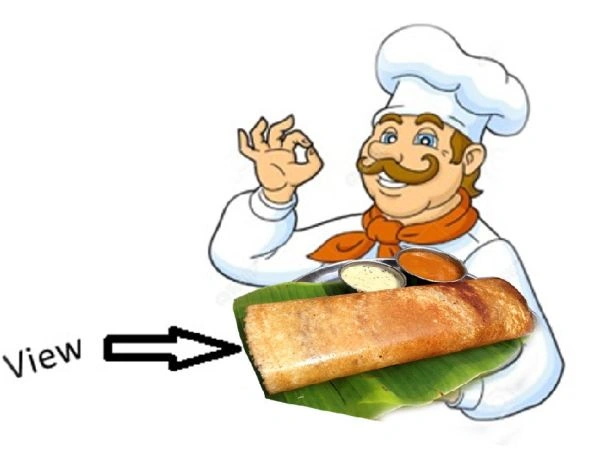
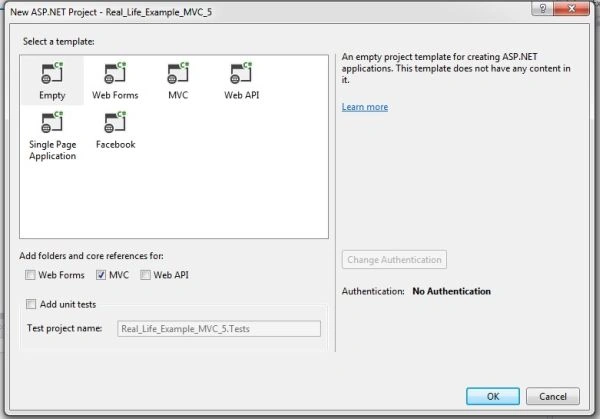
Some steps to create MVC 5 Project
Step 1: Create one project in Visual Studio 2013.
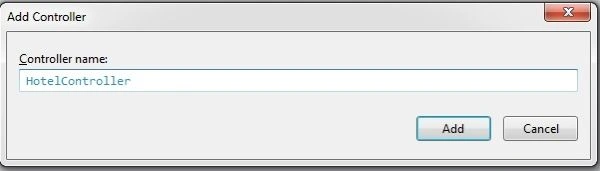
Add one controller
Step 2: Add one model to our project named MyOrder & add some properties:
- public int QtyPoha {
- get;
- set;
- }
- //public string Poha { get; set; }
- public int QtyUpma {
- get;
- set;
- }
- //public string Upma { get; set; }
- public int QtyDosa {
- get;
- set;
- }
- //public string Dosa { get; set; }
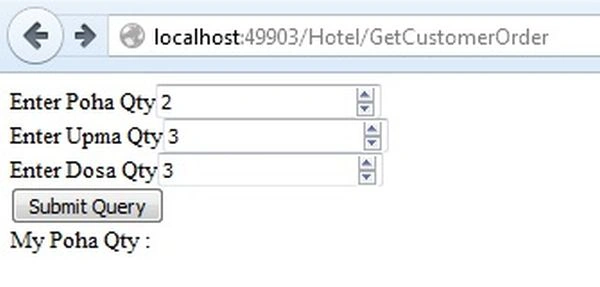
Step 3: Add one View to our project by right clicking on action method.
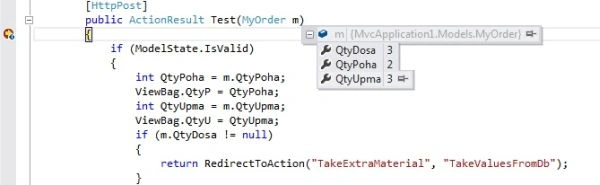
Step 4: Now add model to our view & add some input textbox for taking user input like the following:
- @model MvcApplication1.Models.MyOrder@
- {
- Layout = null;
- }
- < !DOCTYPE html >< html >< head >< meta name = "viewport"
- content = "width=device-width" / >< title > GetCustomerOrder < /title>< /head>< body >< div > @using(Html.BeginForm("Test", "Hotel", FormMethod.Post))
- {@
- Html.Label("Enter Poha Qty")@ Html.EditorFor(m => m.QtyPoha, new
- {
- style = "width: 650px"
- }) < br / > @Html.Label("Enter Upma Qty")@ Html.EditorFor(m => m.QtyUpma, new
- {
- style = "width: 650px"
- }) < br / > @Html.Label("Enter Dosa Qty")@ Html.EditorFor(m => m.QtyDosa, new
- {
- style = "width: 650px"
- }) < br / >< input type = "submit"
- id = "submit" / >< br / > @ * @Html.Label("My Poha Qty : ") * @@ViewBag.QtyP
- } < /div>< /body>< /html>
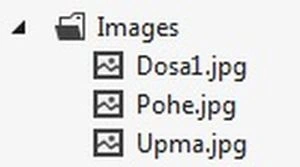
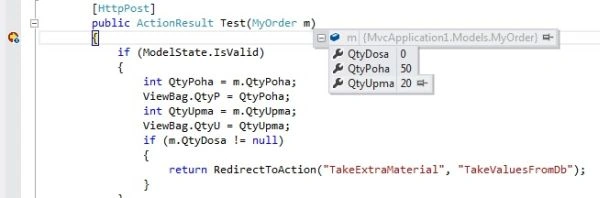
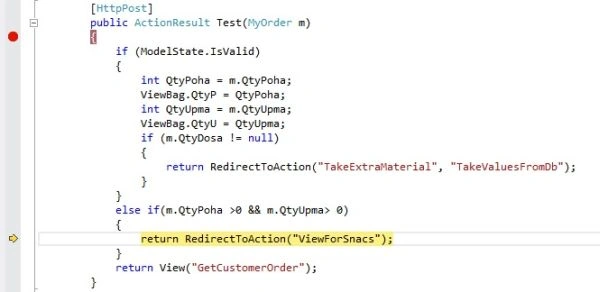
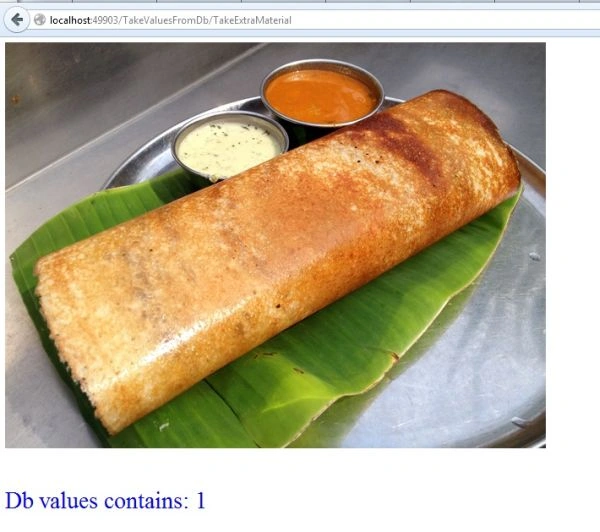
Soujanya sPosted Dec 5, 2018, 1:41 AM
Good explaination
MrnamsPosted Jun 21, 2018, 10:07 AM
Super thanks a lot for sharing
SAGAR PATILPosted Apr 23, 2018, 1:53 AM
Thanks a lot sir Awesome article
Yatendra SharmaPosted Apr 17, 2018, 11:53 PM
Awesome article brother,I really like ur Explanation
Rushi MehtaPosted Mar 26, 2018, 6:41 AM
Very nice article to understand the concept of Basic MVC structure
Pankaj SaxenaPosted Oct 24, 2017, 3:33 AM
Real time example excellent but the code and the all images not clear not telling about the view, controller and many of the things please mention all of things.
Manav PandyaPosted Dec 9, 2016, 5:35 AM
Nicely explained article sir Rupesh Kahane
Rakesh PatelPosted Feb 4, 2016, 5:57 AM
Nice post anyone can understand easily. Thanks
Rupesh KahanePosted Dec 13, 2015, 5:50 AM
sumanth d thanks for your great comment
sumanth dPosted Dec 11, 2015, 8:18 AM
Nice explanation. Hats off to u r presentation.
Rupesh KahanePosted Nov 27, 2015, 12:22 PM
Thanks for your great words Upendra Pratap Shahi
Rupesh KahanePosted Nov 27, 2015, 12:21 PM
Thx to Ankur Mistry
Rupesh KahanePosted Nov 27, 2015, 12:20 PM
Thanks Hari Shanker
Upendra Pratap ShahiPosted Nov 27, 2015, 9:08 AM
very nice...very helpful to understand MVC for biginers
Ankur MistryPosted Nov 27, 2015, 3:45 AM
good one
Hari ShankerPosted Nov 20, 2015, 5:35 AM
nice way to explain the MVC Pattern Good Example
Rupesh KahanePosted Nov 4, 2015, 4:06 PM
thanks FAROOKH MANSURI
FAROOKH MANSURIPosted Nov 4, 2015, 12:54 PM
Nice one...
Rupesh KahanePosted Nov 3, 2015, 11:59 AM
Thanks Rizwan Fancy
Rizwan FancyPosted Nov 3, 2015, 8:45 AM
Nice
Rupesh KahanePosted Nov 3, 2015, 4:28 AM
Thanks a lot BALAJI FUGATE
BALAJI FUGATEPosted Nov 3, 2015, 4:22 AM
Very Easy Explanation sir....Thanks !!
Rupesh KahanePosted Nov 3, 2015, 4:18 AM
Thanks Vipul Malhotra
Rupesh KahanePosted Nov 3, 2015, 4:17 AM
Thanks Nilesh Jadav
Vipul MalhotraPosted Nov 3, 2015, 2:40 AM
nice article
Nilesh JadavPosted Nov 3, 2015, 2:24 AM
Great ! nice one
Rupesh KahanePosted Nov 3, 2015, 1:28 AM
thanks to Harshad Pansuriya Sibeesh Venu Humayun Kabir Mamun
Humayun Kabir MamunPosted Nov 3, 2015, 12:38 AM
Nice...
Sibeesh VenuPosted Nov 3, 2015, 12:20 AM
Nice Share
Harshad PansuriyaPosted Nov 2, 2015, 11:28 PM
Nice one
Rupesh KahanePosted Nov 2, 2015, 3:47 PM
Thanks Ankur Mistry
Rupesh KahanePosted Nov 2, 2015, 3:46 PM
Thanks N Vinodh
Rupesh KahanePosted Nov 2, 2015, 3:45 PM
Thanks Manoj Kulkarni
Rupesh KahanePosted Nov 2, 2015, 3:45 PM
Thanks Debendra Dash
Ankur MistryPosted Nov 2, 2015, 2:21 PM
Wah nice...good example
Vinodh NarayananPosted Nov 2, 2015, 1:54 PM
Nice
Manoj KulkarniPosted Nov 2, 2015, 1:53 PM
Good One
Debendra DashPosted Nov 2, 2015, 1:34 PM
good explanation..
Rupesh KahanePosted Nov 2, 2015, 1:24 PM
thanks Shridhar Sharma
Rupesh KahanePosted Nov 2, 2015, 1:24 PM
thanks Sabyasachi Mishra
Shridhar SharmaPosted Nov 2, 2015, 12:58 PM
nice share
Sabyasachi MishraPosted Nov 2, 2015, 12:55 PM
Good one and nice explanation.