

Introduction
In this article we define how to create a registration form in JSP. The NetBeans IDE is used to create the Registration Form.
Registration Form in JSP
There are many ways to create a registration form in JSP, such as using a separate Java class for the JDBC connection, using a servlet for the JDBC connection, using a DAO class for the database connection, etcetera but in this I use only two JSP classes.
We need to create the following class:
- signuppage.html
- processdata.jsp
- reg.sql
1. signuppage.html
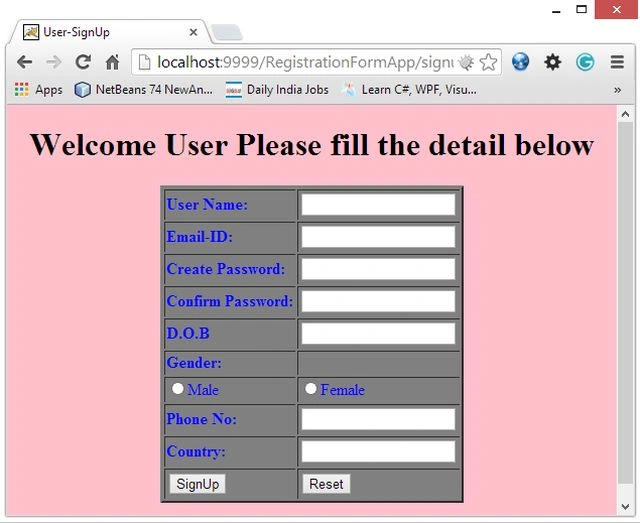
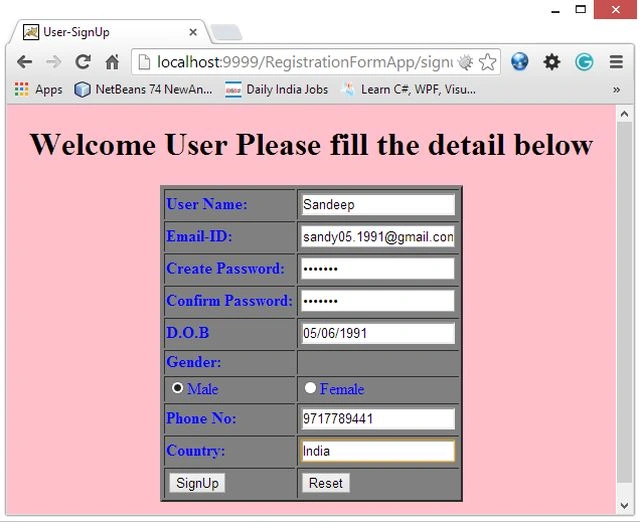
This file is used to create a form page. This form is used to get the user data from the user, after taking user information this page processes information to another page that we named "processdata.jsp".
2. processdata.jsp
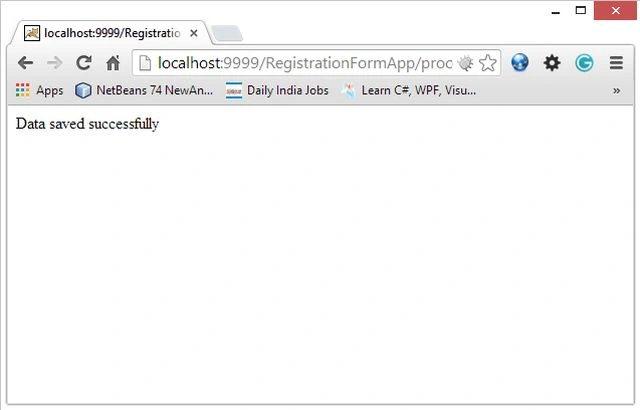
This JSP page is used to set up the database connection and save user information in our database "reg".
3. reg.sql
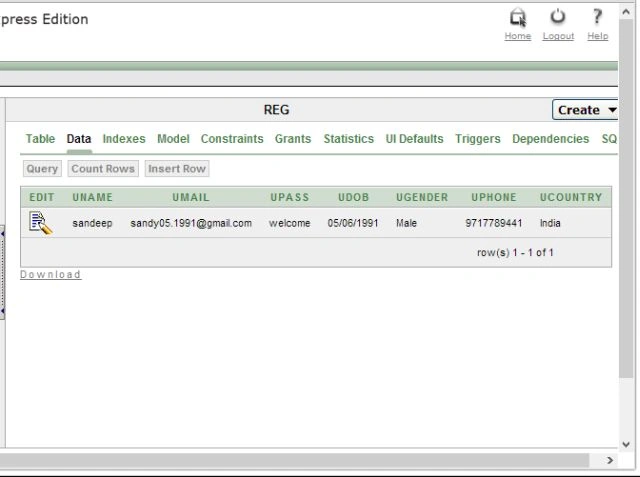
This is an Oracle database table, used to save user records in the database.
Syntax
create table reg
 (
   uname varchar2(20), umail varchar2(30), upass varchar2(20),
   udob varchar2(20), ugender varchar2(20), uphone varchar2(20),
   ucountry varchar2(20)
 );
Let's start creating Registration form in JSP
We need to follow several steps in the NetBeans IDE for creating this form.
Step 1
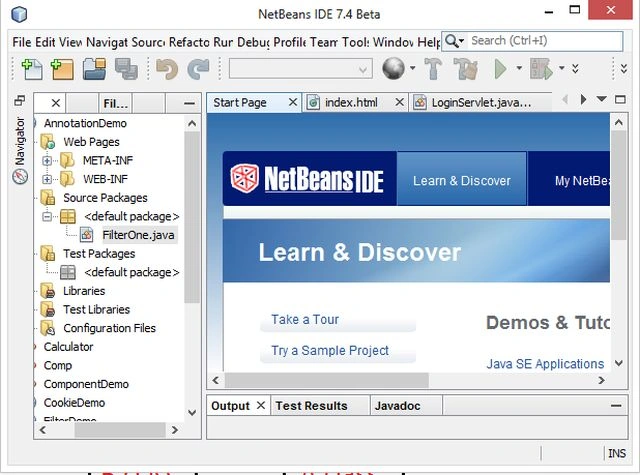
Open the NetBeans IDE.
Step 2
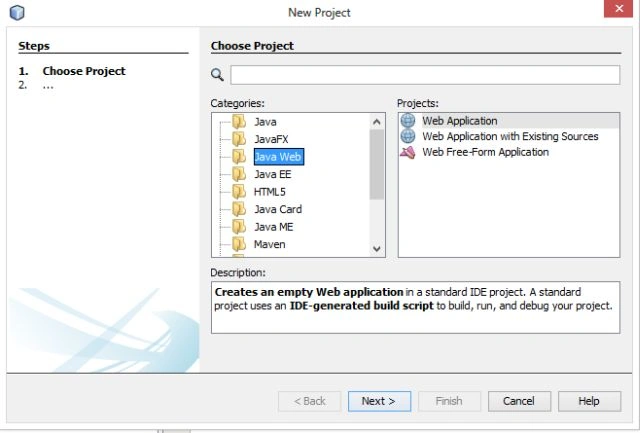
Choose "Java web" -> "Web application" as shown below.
Step 3
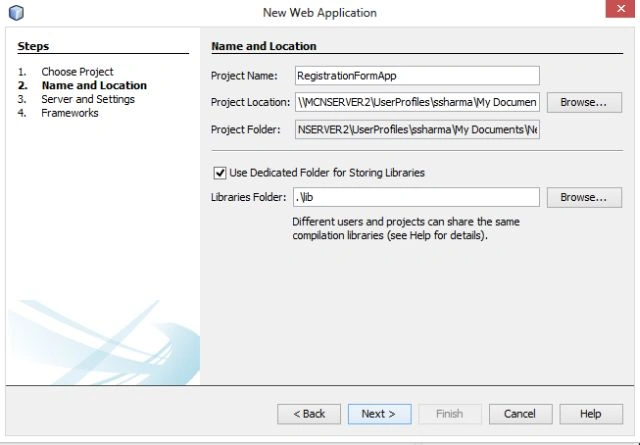
Type your project name as "RegistrationFormApp" as in the following.
Step 4
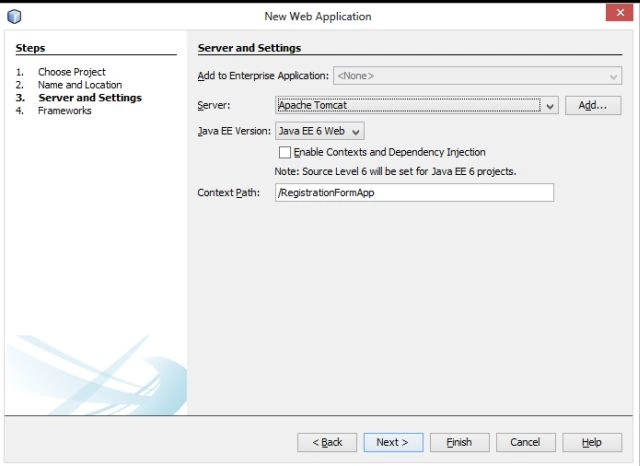
Now choose your Java version and server wizard as shown below.
Step 5
Now create a new HTML file named "signuppage.html" with the following.
signuppage.html
<!DOCTYPE html>
<html>
<head>
<title>User-SignUp</title>
<meta http-equiv="Content-Type" content="text/html; charset=UTF-8">
<meta name="viewport" content="width=device-width">
</head>
<body bgcolor="pink">
<form action="processdata.jsp">
<center>
<h1>Welcome User Please fill the detail below</h1>
<table border="2" bgcolor="grey" style="color:blue">
<tr>
<td>
<b>User Name:</b>
</td>
<td>
<input type="text" name="uname">
</td>
</tr>
<tr>
<td>
<b>Email-ID:</b>
</td>
<td>
<input type="email" name="uemail"
</td>
</tr>
<tr>
<td>
<b>Create Password:</b>
</td>
<td>
<input type="password" name="upass">
</td>
</tr>
<tr>
<td>
<b>Confirm Password:</b>
</td>
<td>
<input type="password" name="upass">
</td>
</tr>
<tr>
<td>
<b>D.O.B</b>
</td>
<td>
<input type="text" name="udob">
</td>
</tr>
<tr>
<td>
<b>Gender:</b>
</td>
<td>
</td></tr>
<tr>
<td>
<input type="radio" name="ugender" value="Male">Male
</td>
<td>
<input type="radio" name="ugender" value="Female">Female
</td>
Aswathi SuseelanPosted Nov 3, 2017, 8:03 AM
I wrote the above code in ide...but its printing " data saved successful "but its not saving in oracle