

We can Play Mp3, Mpeg, Wav, and Wma Music File with MMControl [Microsoft Multimedia Control]
It's come with Visual Studio 6. Now in this article we see how we reuse this file with Visual studio 2010 in C# 4.0
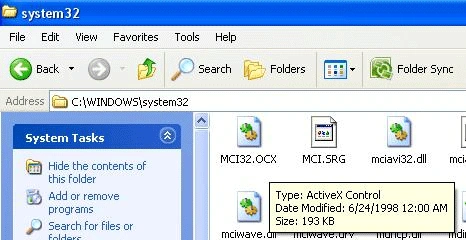
The original file is placed in C:\Windows\system32\MCI 32.OCX , First we browse it for our project.
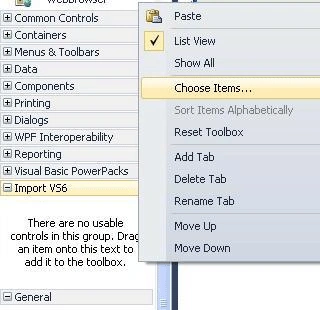
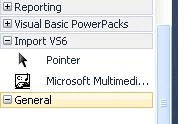
First we create a tab in toolbox in this example I create "Import VS6" tab, then Right Click on it & select chose Item.
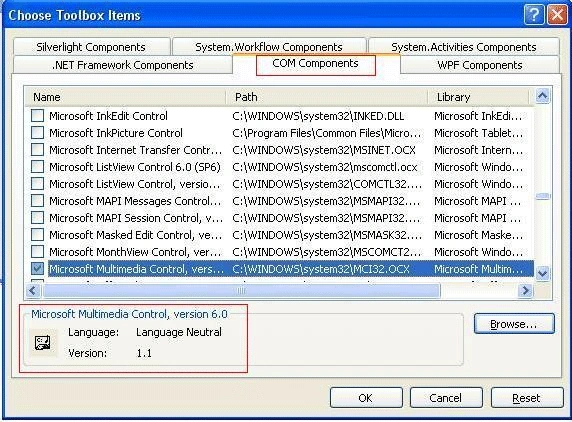
 A box will open chose COM Components & browse MCI32.ocx from
C:\Windows\system32
A box will open chose COM Components & browse MCI32.ocx from
C:\Windows\system32
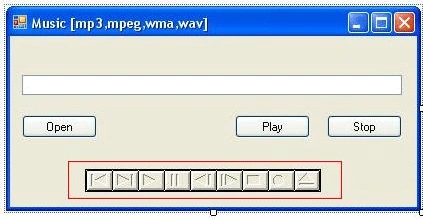
- private void button1_Click(object sender, EventArgs e)
- {
- axMMControl1.Command = "close";
- axMMControl1.FileName = textBox1.Text;
- axMMControl1.Command = "open";
- axMMControl1.Command = "play";
- }
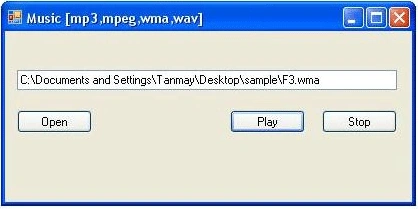
Join the conversation! Your thoughts help the community grow.