RotateTransform
rotates an element clockwise by a specified angle about the point. The
RotateTransform object in WPF represents RotateTransform. The Angle property
represents the angle in degrees to rotate clockwise. The CenterX and CenterY
properties represent the X and Y coordinates of the center point. By default, a ScaleTransform is centered at
the point (0,0), which corresponds to the upper-left corner of the rectangle.
The
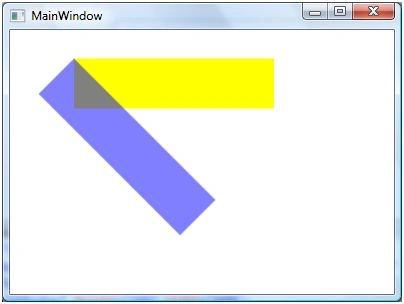
code listed in Listing creates two rectangles with same position and sizes
accept the second rectangle is rotated at 45 degrees.
The
new output of looks like Figure 2 where you can see the center point of second
rectangle is shifted from its original position.
Figure
2
The code
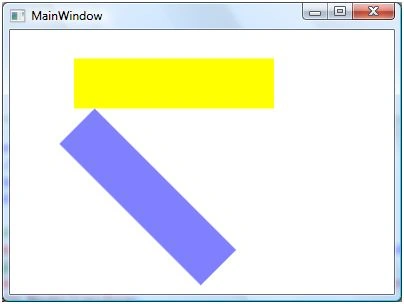
listed in Listing creates a RotateTransform object dynamically and set it as
RenderTransform property of a Rectangle. The output looks like Figure .


Sivaraman DhamodaranPosted Nov 22, 2010, 5:58 AM
Mahesh thanks for sharing.