

Step 1
Open Expression Blend 4 -> select Silverlight-Application -> select Silverlight-Application + Website -> change Name and Location accordingly -> hit OK.
Step 2
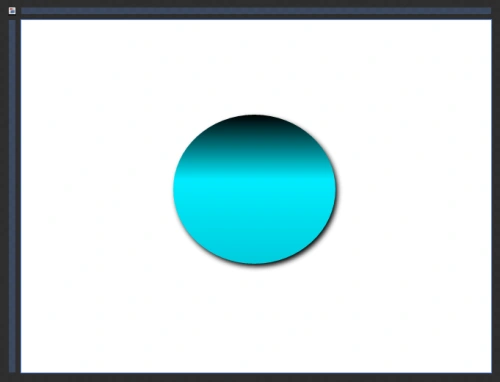
Select Assets -> select Ellipse-Shape -> draw an Ellipse -> manage the width & height, color, stroke color, Shadow Effect and stroke thickness as shown below:
Step 3
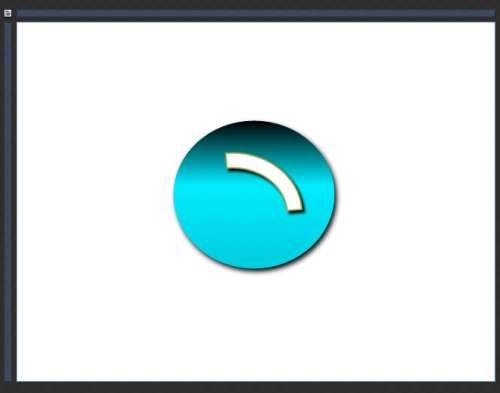
Select Assets -> Select Arc-Shape -> Draw Arc -> Manage the width & height, color, stroke color, Shadow Effect and stroke thickness as shown below:
Step 4
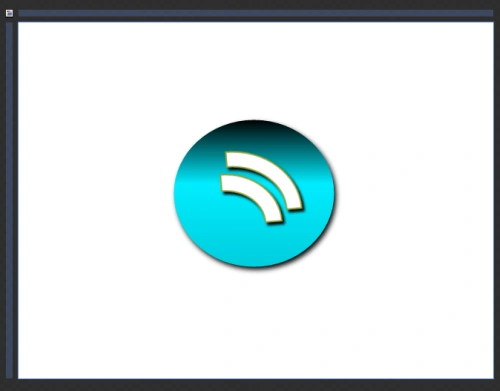
Repeat Step 3 or copy & paste the Arc-Shape from Step 3 and draw another arc shape below the previous one as shown below:
Step 5
Repeat Step 2 or copy & paste the Arc-Shape from Step 2 and draw another ellipse shape as shown below:
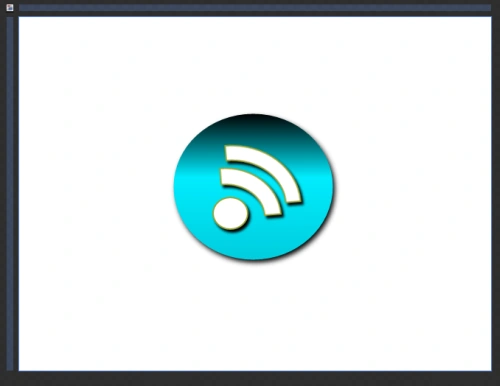
Note: We can change the color of the ellipse shape according to our choice as shown above.
Step 6
Have a look at the XAML code as shown below:
<UserControl xmlns="http://schemas.microsoft.com/winfx/2006/xaml/presentation" xmlns:x="http://schemas.microsoft.com/winfx/2006/xaml" xmlns:d="http://schemas.microsoft.com/expression/blend/2008" xmlns:mc="http://schemas.openxmlformats.org/markup-compatibility/2006" xmlns:ed="http://schemas.microsoft.com/expression/2010/drawing" mc:Ignorable="d"
x:Class="SilverlightApplication1.MainPage"
Width="640" Height="480">
<Grid x:Name="LayoutRoot" Background="White">
<Ellipse Margin="207,129,212,148" StrokeThickness="5" StrokeDashArray="0" Stroke="#FF98A339">
<Ellipse.Effect>
<DropShadowEffect BlurRadius="10"/>
</Ellipse.Effect>
<Ellipse.Fill>
<LinearGradientBrush EndPoint="0.5,1" StartPoint="0.5,0">
<GradientStop Color="Black" Offset="0"/>
<GradientStop Color="#FF00CEDE" Offset="1"/>
<GradientStop Color="#FF00EDFF" Offset="0.434"/>
</LinearGradientBrush>
</Ellipse.Fill>
</Ellipse>
<ed:Arc ArcThickness="20" ArcThicknessUnit="Pixel" EndAngle="90" Stretch="None" StartAngle="0" UseLayoutRounding="False" Margin="189,173.667,257,138" StrokeThickness="2" Fill="White" Stroke="#FF98A339" RenderTransformOrigin="0.5,0.5">
<ed:Arc.RenderTransform>
<CompositeTransform Rotation="-4.599"/>
</ed:Arc.RenderTransform>
<ed:Arc.Effect>
<DropShadowEffect/>
</ed:Arc.Effect>
</ed:Arc>
<ed:Arc ArcThickness="22" ArcThicknessUnit="Pixel" EndAngle="90" Stretch="None" StartAngle="0" UseLayoutRounding="False" Margin="198,203.667,285,138" StrokeThickness="2" Fill="White" Stroke="#FF98A339" RenderTransformOrigin="0.5,0.5">
<ed:Arc.RenderTransform>
<CompositeTransform Rotation="-4.599" TranslateX="1.233" TranslateY="0.713"/>
</ed:Arc.RenderTransform>
<ed:Arc.Effect>
<DropShadowEffect/>
</ed:Arc.Effect>
</ed:Arc>
<Ellipse Margin="262,0,0,191" StrokeThickness="2" Fill="White" Stroke="#FF98A339" Height="45" VerticalAlignment="Bottom" HorizontalAlignment="Left" Width="49">
<Ellipse.Effect>
<DropShadowEffect/>
</Ellipse.Effect>
</Ellipse>
<Image HorizontalAlignment="Left" Height="25" Margin="236,129,0,0" Source="bookmark.png" Stretch="Fill" VerticalAlignment="Top" Width="28" OpacityMask="Black" d:IsHidden="True"/>
<Image Height="25" Margin="295,129,313,0" Source="1347855135_featured.png" Stretch="Fill" VerticalAlignment="Top" OpacityMask="#C1C1C1C1" Width="28" d:IsHidden="True"/>
<Image HorizontalAlignment="Left" Height="32" Margin="188,0,0,159" Source="1347855138_featured.png" Stretch="Fill" VerticalAlignment="Bottom" Width="32" OpacityMask="Black" d:IsHidden="True"/>
<Image Margin="178,102,182,123" Source="1347852229_rss_blue.png" Stretch="Fill" d:IsHidden="True"/>
</Grid>
</UserControl>
Step 7
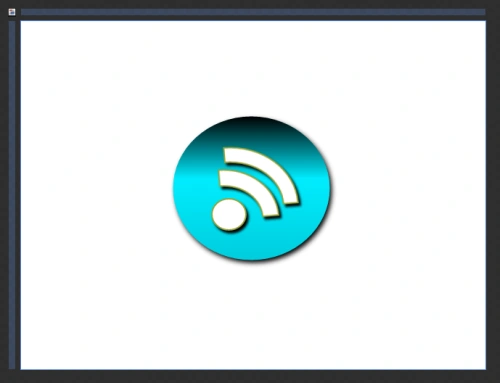
Here's the RSS Icon as shown below:
Summary
This articles helps you to create something "New" using a ellipse shape and an arc shape.
Join the conversation! Your thoughts help the community grow.