
Apache Cassandra on Windows 7
First, download the Apache Cassandra from the following URL.

Make sure that you've Java installed in your machine. If not then please install it.

Extract the tar.gz using 7-zip or any other application.

Once it is extracted as apache-cassandra-1.2.0-bin.tar, extract it again using 7-zip.
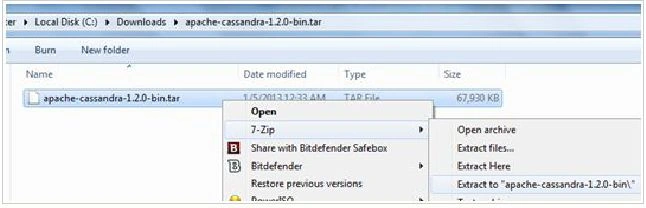
Extraction in progress.
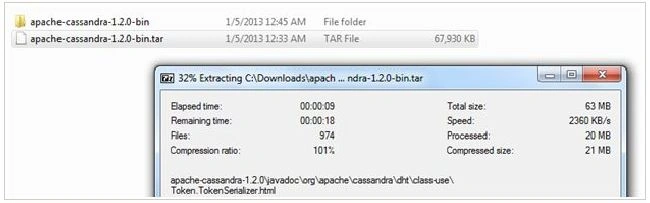
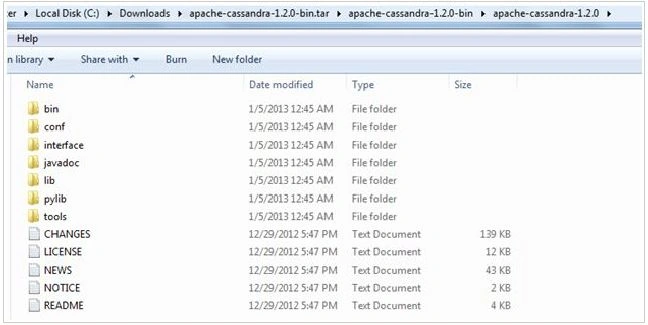
Once the extraction is completed, you will see the following folders.
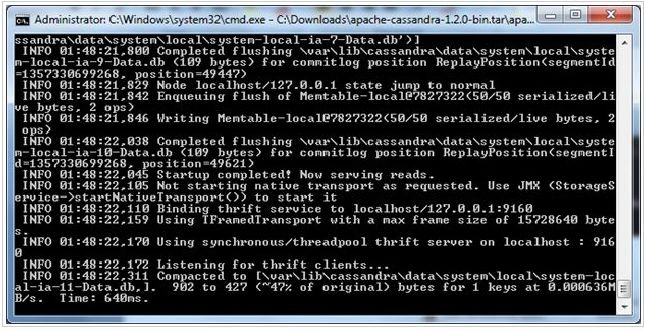
Now go to the bin directory and execute the "cassandra.bat" file using a command prompt. Always run the command window with "Run as administrator". You'll get the following screen if everything worked fine. Before running "cassandra.bat", make sure you're "JAVA_HOME" variable is created.
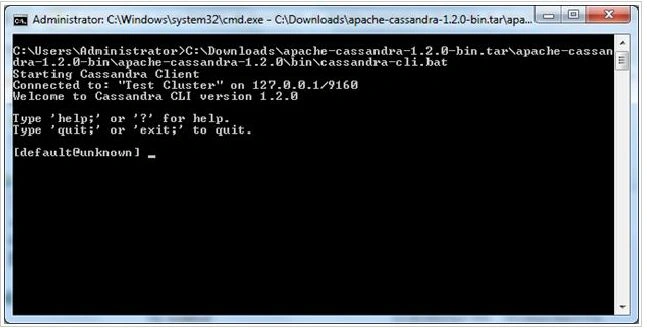
Open another command window. Execute the "cassandra-cli.bat" file. This is a command-line interface to interact with Cassandra. Once it is connected successfully with Cassandra server, you'll get the following screen.
To verify the connection, just execute the "describe cluster;" command.
Type "exit"; to get out of the Cassandra CLI console.
Join the conversation! Your thoughts help the community grow.